•
Figure 44. Exchange Cluster Environment Summary view
1 From the Foglight navigation panel, select Dashboards > Exchange > Exchange Environment.
2 From the Monitoring tab, select the Clusters tile.Figure 45. Cluster tile
1 From the Foglight navigation panel, select Dashboards > Exchange > Exchange Explorer.
2 From the Exchange Infrastructure panel, select the Clusters object container.
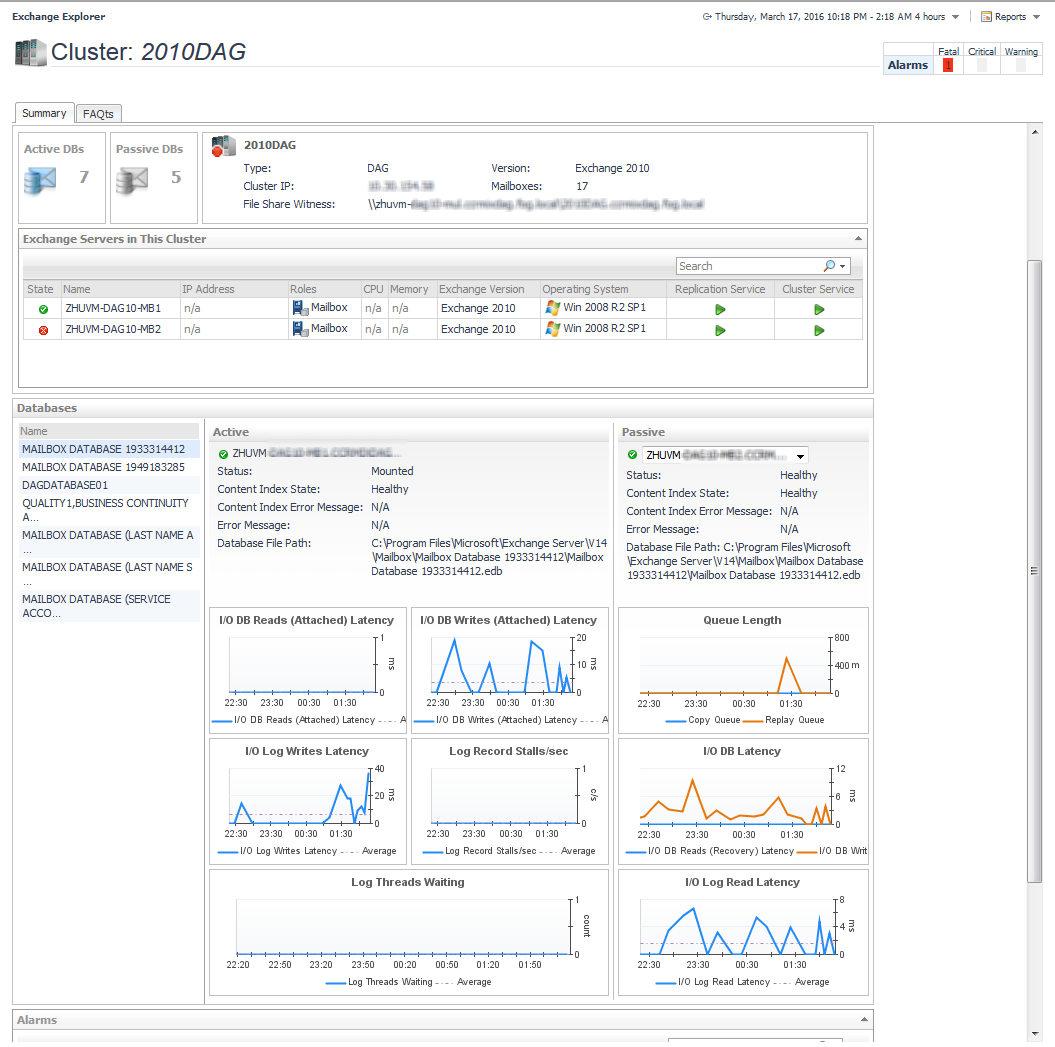
Figure 47. Exchange Cluster Explorer Summary view

1 From the Foglight navigation panel, select Dashboards > Exchange > Exchange Explorer.
3 Select the Summary navigation tab.
NOTE: You can also click the view in Explorer link on that cluster’s Exchange Cluster Environment Summary view to display this view.