|
3 |
|
4 |
On the Hyper-V Environment dashboard that appears in the display area, open the Administration tab. |

|
5 |
|
6 |
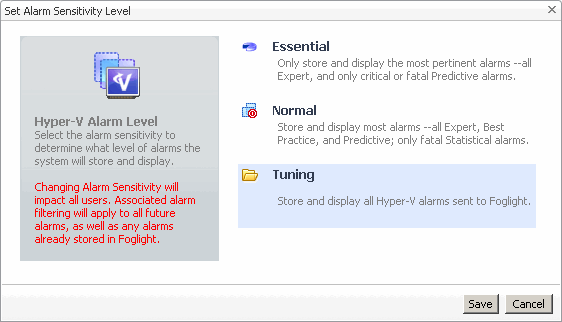
In the Set Alarm Sensitivity Level dialog box, select the desired sensitivity level: Essential, Normal, or Tuning. |
|
7 |
Click Save. |
|
• |



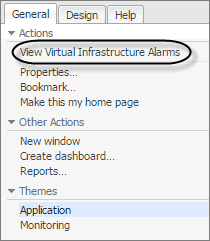
 on the left.