|
1 |
|
3 |
|
4 |
|
5 |
Click the Class Name box and type the name of the class you want to exclude. |
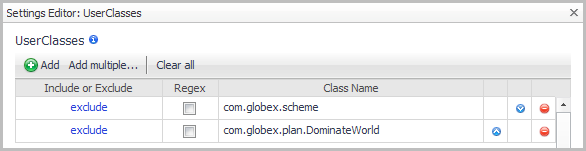
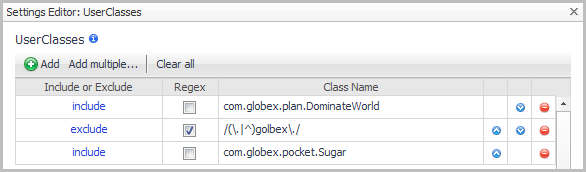
|
TIP: For more information about regular expressions, see the “Appendix: Regular Expressions” in the Monitoring Application Servers User and Reference Guide. |
|
6 |
In the Settings Editor dialog box, click OK to save your changes to the user class instrumentation. |
|
7 |
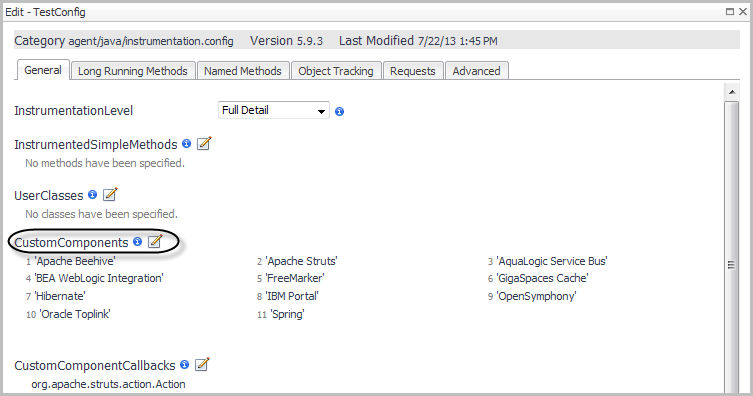
|
1 |
|
a |
Click  Add component. Add component. |
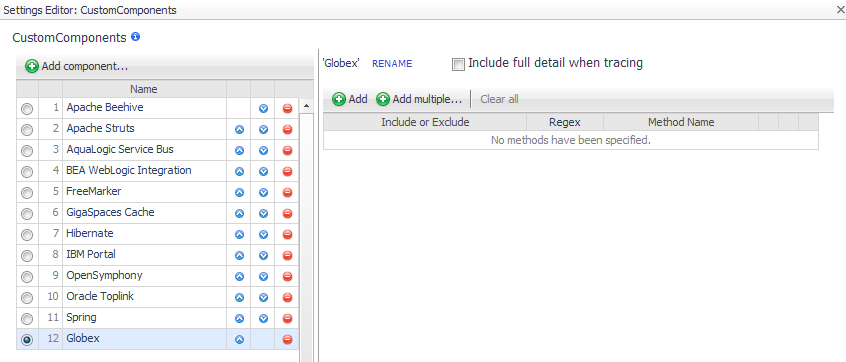 Add to add a single method at a time.
 Add multiple to open a text box where you can type a number of methods.
|
4 |
|
1 |
Edit CustomComponents. Specify the name of each component in a method list, either by entering the name or by forming a regular expression that matches the name or pattern. Enter the include element before each item in the list. For example: |
|
2 |
After editing the instrumentation.config settings, ensure it is read by restarting the instrumented application servers. |
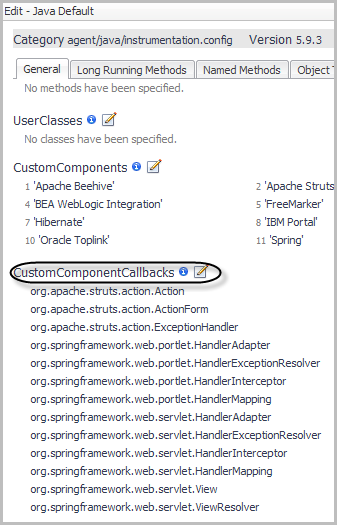
|
1 |
Add to add a single class at a time.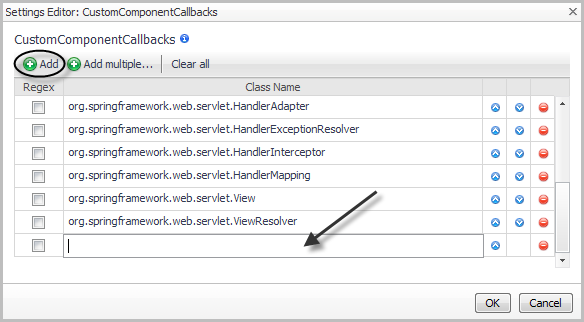 Add multiple to open a text box where you can type a number of classes.
|
4 |



 beside