 |
Real users (Foglight APM Appliances) |
 |
Real users (FxM or FxV) |
 |
Synthetics (FTR or Synthetic Monitor for Internet) |
|
2 |
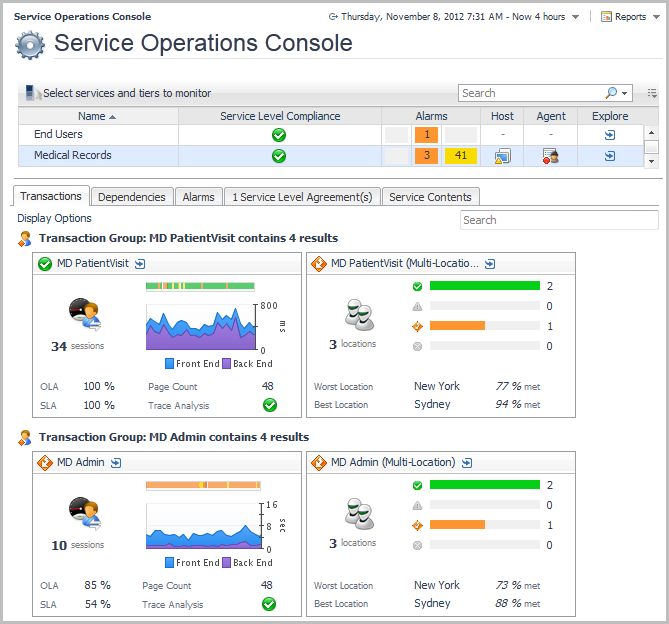
On the navigation panel, under Homes, click Service Operations Console. |
|
3 |
On the Service Operations Console, click the Transactions tab. |


|
• |
The Response Time Breakdown tab requires Foglight for Java EE Technologies version 5.8.2 or later, or Foglight for Microsoft .NET 5.9.1 or later. For more information, see Requirements for using the Response Time Explorer dashboard. |
|
• |
The SLA Violators tab requires FxM and a deployed and configured FxM Map Agent. For more information, see Prerequisites for using the Geographical Perspective dashboard. |



 .
.