|
1 |
In the navigation panel, under Dashboards, click APM > Search > Saved Sessions. |
|
2 |
Click Import. |
|
3 |
Click Choose file to import. |
|
6 |
Click Import. |
|
1 |
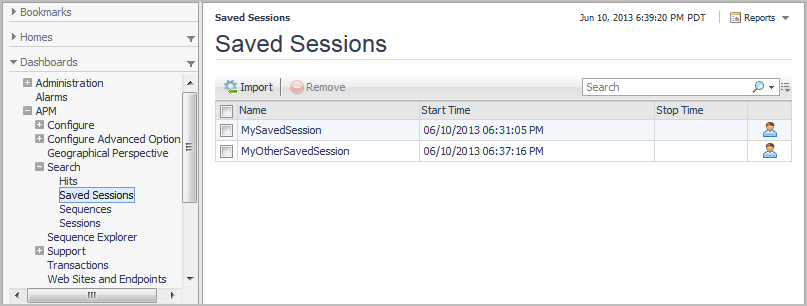
In the navigation panel, under Dashboards, click APM > Search > Saved Sessions. |
|
2 |
|
TIP: If maps do not display in your browser—for example, if you are using Microsoft® Internet Explorer® version 8 or earlier—try using a different browser. For a list of supported browsers, see the Foglight System Requirements and Platform Support Guide. |
You interact with a search results map in the much the same way as the Geographical Perspective dashboard. For more information, see Viewing Real User Activity from a Geographical Perspective.
|
2 |


|
5 |
If you want to see all search results in this dashboard, click Remove Filtering. You can return to the subset of results by clicking Restore Filtering. |
|
7 |
If you want to save a map for use in a custom dashboard, click Publish. For more information, see Publishing maps and charts to custom dashboards. |


 icon.
icon.
 .
.