|
1 |
|
2 |
Click the Response Time Breakdown tab. |
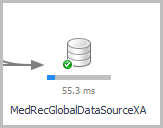
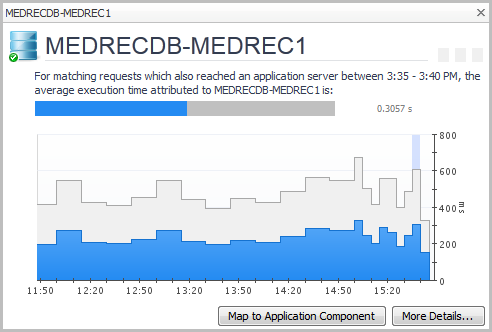
|
4 |
Click Map to Application Component. |
|
1 |
|
3 |
Click Finish. |
|
1 |
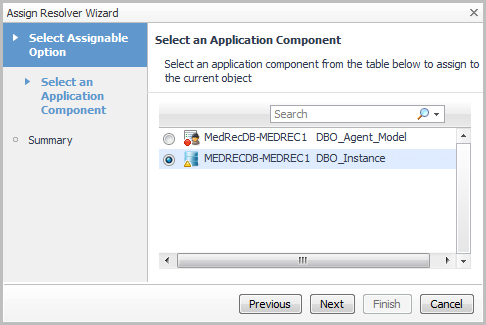
|
3 |
Click Next. |
|
4 |
Click Finish. |
|
1 |
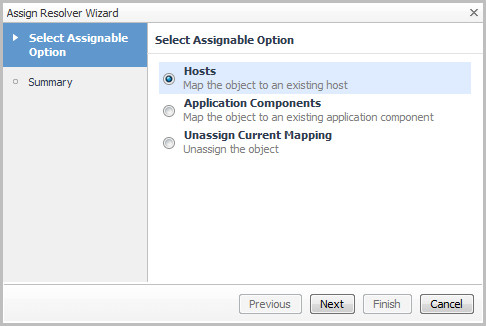
Select Unassign Current Mapping. |
|
2 |
Click Next. |
|
3 |
Click Finish. |
|
• |
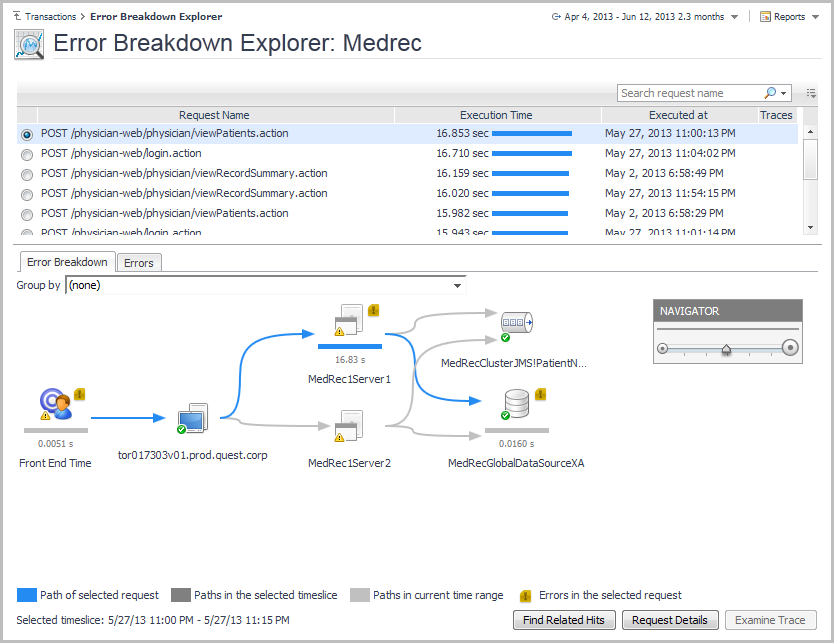
On the navigation panel, under Dashboards, click APM > Error Explorer. |
|
• |
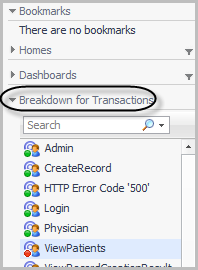
Open the navigation panel and select a transaction from the Breakdown for Transactions list. |