Applies to
ApexSQL Audit
Summary
This article provides information about ApexSQL Audit installation terms and offers a visual overview of a network topography
Description
When an installation of ApexSQL Audit is initiated, three main options can be selected for an installation: Install ApexSQL Audit (main application), Install (standalone) ApexSQL Audit Main GUIm and Install server-side components. First option will install multiple components and is a mandatory installation (brain and heart of ApexSQL Audit). It includes Central (Windows) service, auditing (Windows) service, central repository database and GUI)
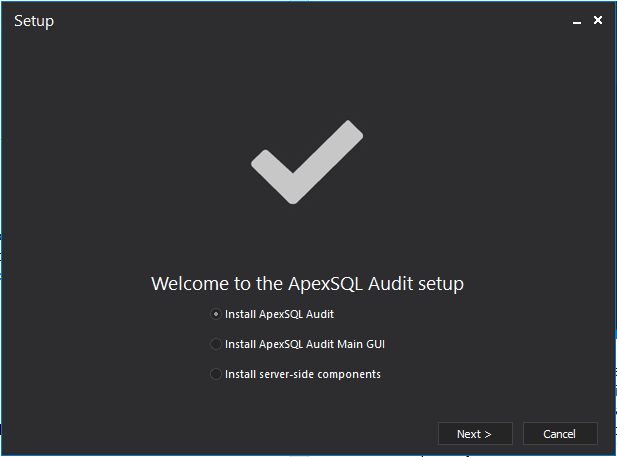
ApexSQL Audit main application
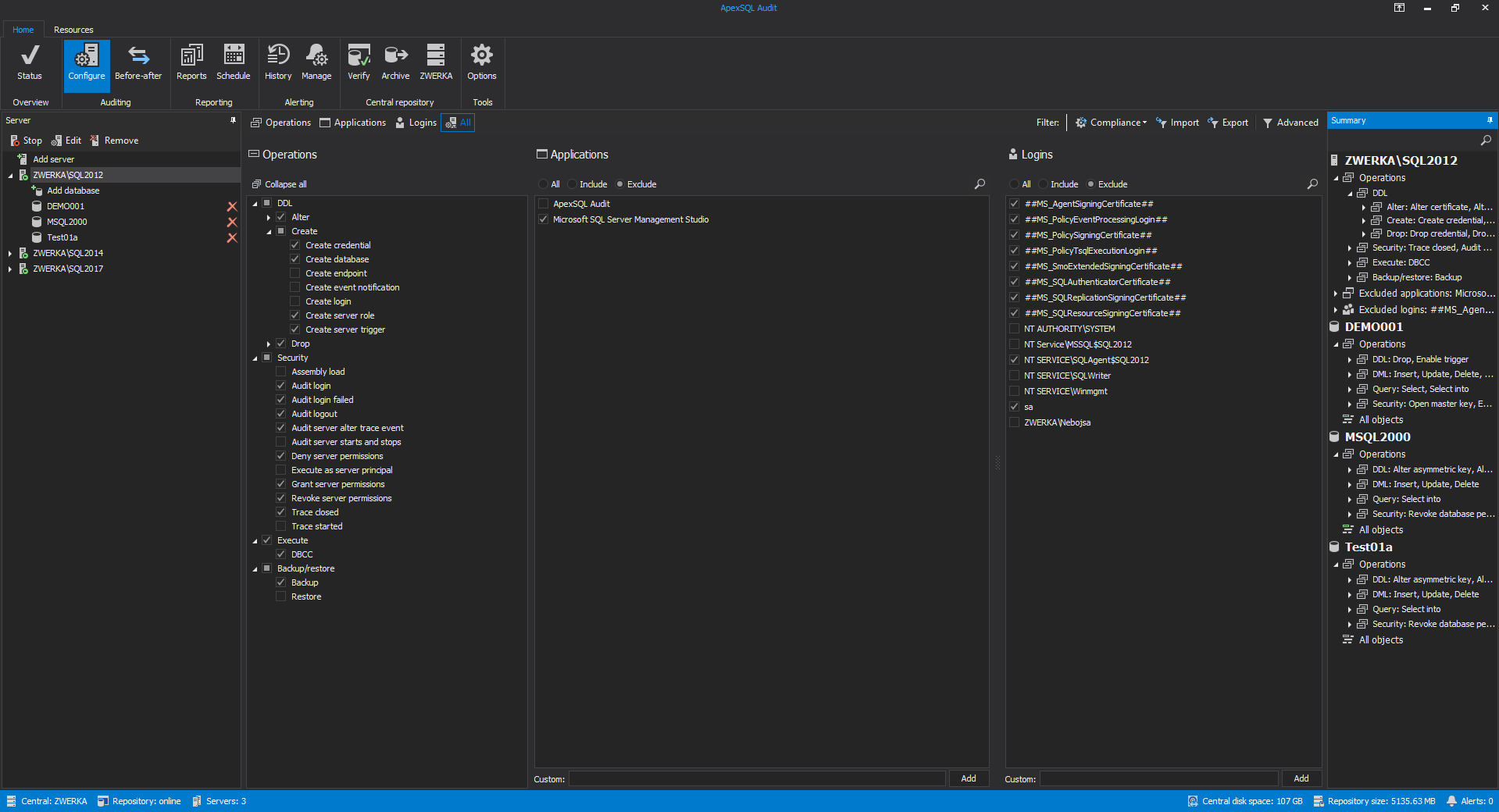
This is the core of ApexSQL Audit. It consists of four components:
User console (GUI), ApexSQL Audit service, Central repository database, Server-side components
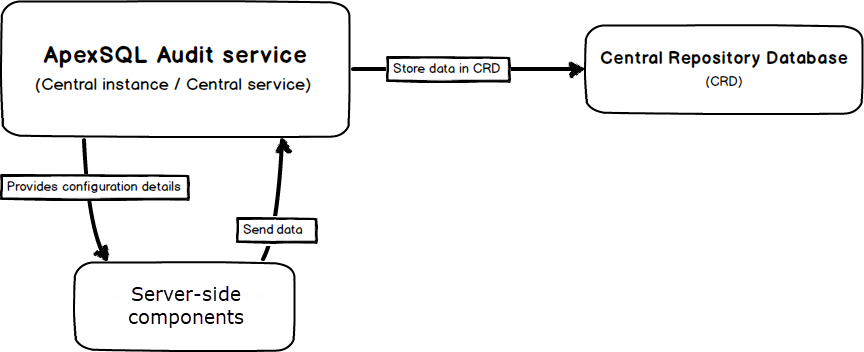
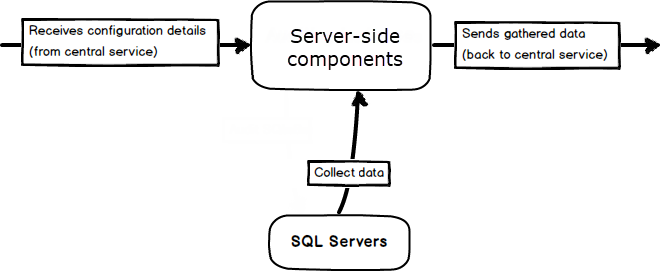
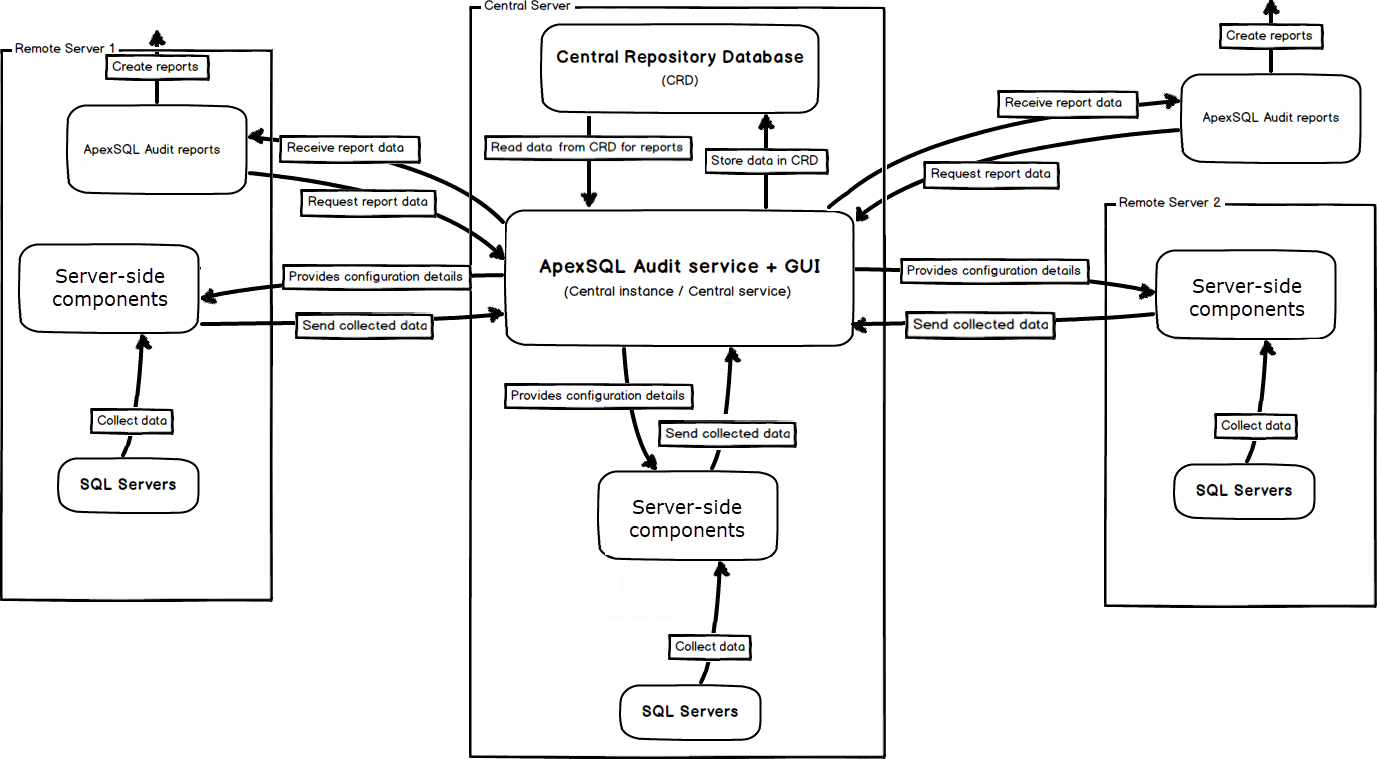
Note: Server-side components service is a part of the Main application, and enables auditing of local SQL Servers. It can also be installed as a separate component on machines that host SQL Servers that are remote to the ApexSQL Auditing central.
ApexSQL Audit (standalone) GUI
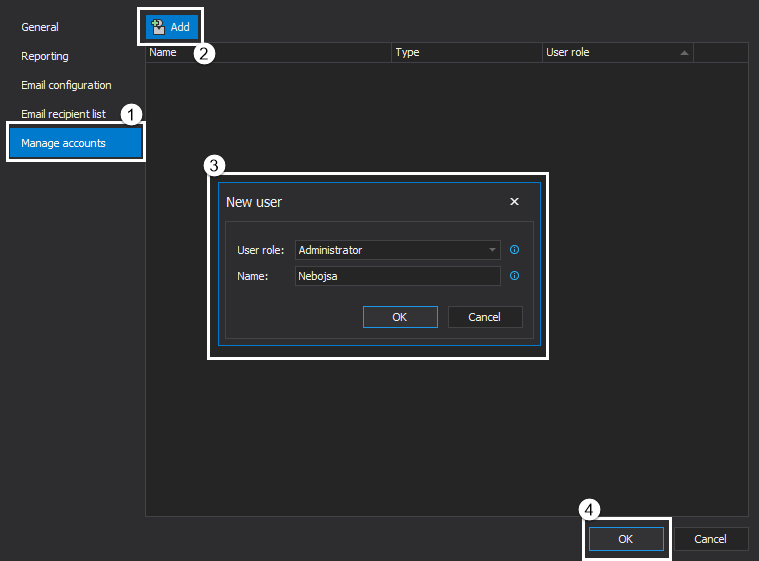
Standalone GUI is a component that allows access to run ApexSQL Audit application from any local or remote computer. It enables users to fully utilize all options existing in the ‘central’ GUI and any limitation will be dependent on the user role that is awarded to the Windows user running the standalone GUI. ApexSQL Audit user role can be created in the Application Options dialog.

Folder for temporary files
This is the folder that stores all the data collected by the ApexSQL Audit. When ApexSQL Audit central instance stores this data in a central repository database or the Auditing instance sends data to the central instance, the folder content is cleared. If the communication between central instance, auditing instance and central repository database in impossible, data will be stored in this temporary folder, in which case it may grow very large, depending on the amount of gathered data, so scheduled maintenance is recommended.
Full network topography
Here is an example of network topography with main application installed on a central server, and 2 remote servers with server-side components:

Useful link

