Submitting forms on the support site are temporary unavailable for schedule maintenance. If you need immediate assistance please contact technical support. We apologize for the inconvenience.
This view appears in the upper part of the Monitoring tab, just above the Quick-View. It displays a high-level overview of the selected virtual environment. The view has a tile for each type of object in your virtual infrastructure: Clusters, Servers, and Virtual Machines.
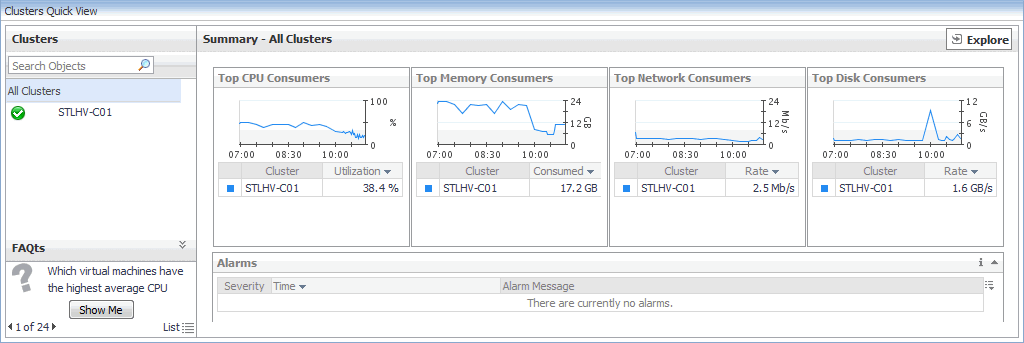
The Quick-View is a container view. It contains a combination of server or virtual machine views, depending on your selection in the pane on the left. It appears in the lower part of the Hyper-V Environment dashboard, just below the Virtual Environment view.
Alarm Message, Severity, or Time. Displays the Alarm dialog box, showing additional information about the alarm. For more information about alarms in Foglight, see the Foglight User Help.






 , and in the dwell that appears, click a tile that you want to hide.