Chatta subito con l'assistenza
Chat con il supporto

Foglight for OpenStack 5.6.15 - User Guide

Using Foglight for OpenStack Interacting with Foglight for OpenStack dashboards Reference

Alarms Overview

Figure 47. Alarms Overview

Alarms List view

Figure 48. Alarms List view
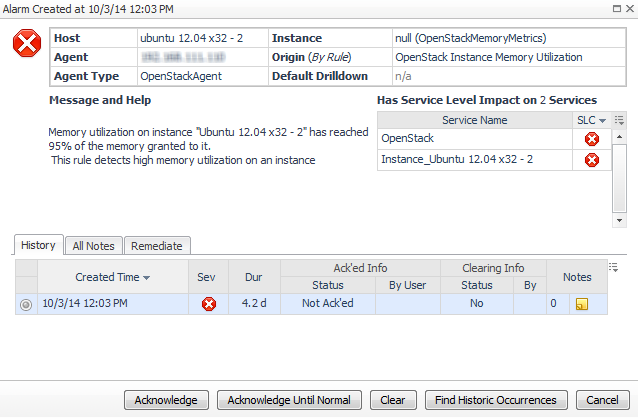
Clicking an alarm’s Severity, Rule Name, or Alarm Message displays the Alarm Created dialog box, showing additional information about the alarm.

OpenStack Explorer Dashboard View

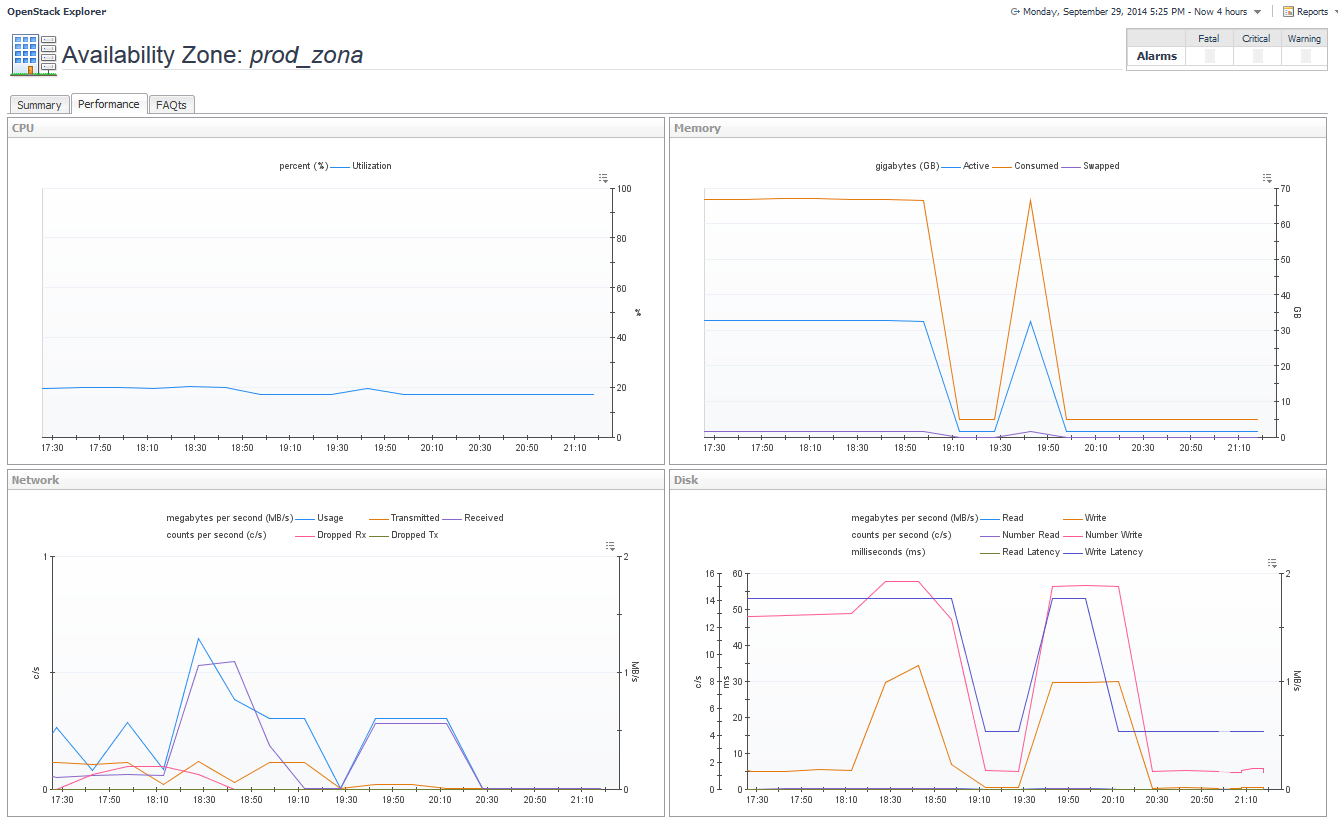
Performance tab

This tab is available in the OpenStack Explorer. To find it, open the OpenStack Explorer and on the Topology tab, that appears on the navigation panel, select any configured object of type Region, Availability Zone, Host Aggregate, Host, Instance, or Volume. In the OpenStack Explorer, open the Performance tab.
NOTE: The Performance tab for Volume contains one embedded view, Volume Usage.
Related Documents

The document was helpful.

Seleziona valutazione

I easily found the information I needed.

Seleziona valutazione