
|
1 |
|
2 |

|
1 |
|
2 |
On the Hyper-V Explorer Administration tab, in the Workflows view, select the workflow that you want to run. |
|
3 |
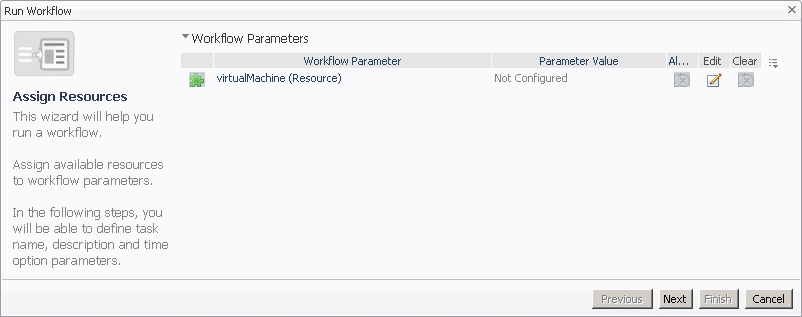
Click Run. |
|
5 |
In the Specify Task Details page that appears in the Run Workflow dialog box, specify the task name, description, and time options, then click Finish. |
|
1 |
|
2 |
On the Hyper-V Explorer Administration tab, in the Workflows view, select the workflow that you want to delete. |
|
3 |
Click Delete. |
|
1 |
|
2 |
On the Hyper-V Explorer Administration tab, in the Workflows view, select the workflow that you want to export to a file. |
|
3 |
Click Export. |
|
1 |
|
2 |
On the Hyper-V Explorer Administration tab, in the Workflows view, select the workflow that you want to import from a file. |
|
3 |
Click Import. |

|
3 |

| |||
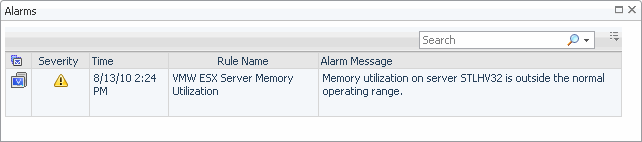
Figure 257. Alarms dialog box
 |



 on the left.