Chatta subito con l'assistenza
Chat con il supporto

Foglight for VMware Horizon View 5.6.16 - User and Reference Guide

Manage desktops in virtual environments Interact with Foglight for VMware Horizon View dashboards Reference

VMware Explorer View

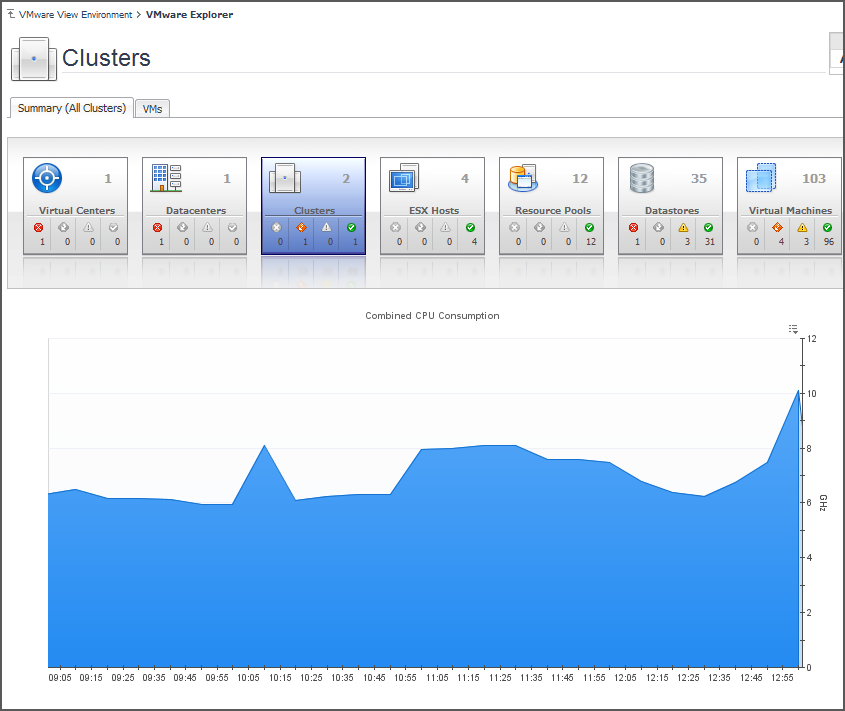
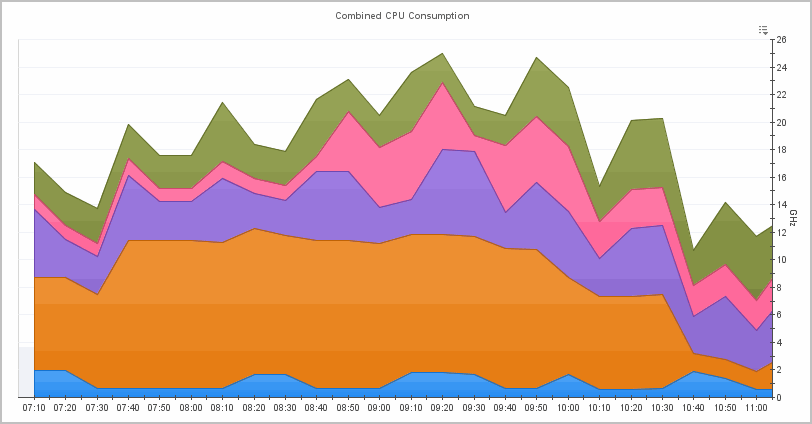
If, however, you select a collection of ESX® Hosts from the Virtual Infrastructure view and you open the Summary tab, an informative graph appears in place of a Utilizations view. Selecting a collection of objects in the Virtual Infrastructure view always shows a composite view displaying information about all object instances contained in that collection.
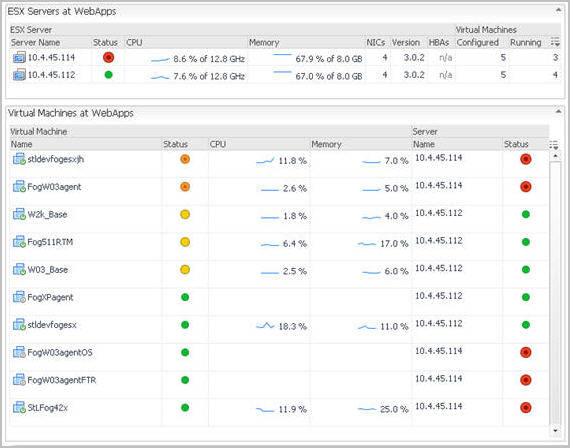
However, when you select a cluster container, the Summary tab shows a Related Objects view that lists all of the clusters in that container and provides pertinent details about each one.

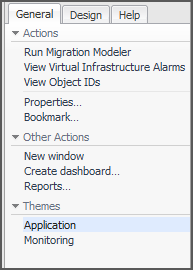
Accessing VMware® actions and tasks

For more information on the Migration Modeler, see the Managing Virtualized Environments User and Reference Guide.
To narrow down the list of objects, type a relevant text string in the search field, and click Search. You can type things like a portion of the object type name (for example, server), a portion of the object name (for example, part of the IP address), or a portion of the object ID. To clear the Search box, click Clear.
For more advanced search options, click Advanced. To narrow down the list to objects of a particular type, type the object type name in the Type box. To find the object by name, type the object name in the Name box. To find the object by ID, type the object ID in the Object ID box.

Reference

Views

Related Documents

The document was helpful.

Seleziona valutazione

I easily found the information I needed.

Seleziona valutazione