Go to Configure | Alarm Actions | New.
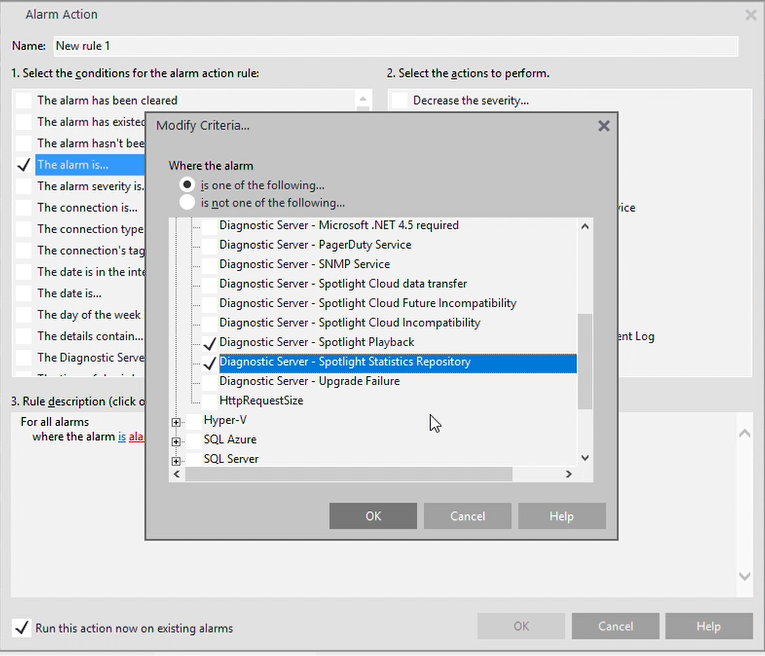
Under the option "Select the condition for the alarm action rule", select "the alarm is..." and choose Diagnostic Server | Diagnostic Server - Spotlight Playback and Diagnostic Server | Diagnostic Server - Spotlight Statistics Repository.
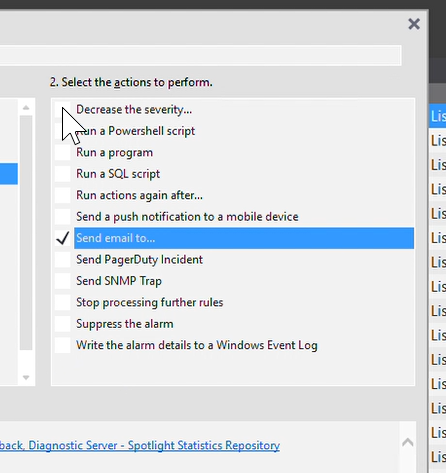
Under the option "Select the actions to perform", select "Send email to..." and complete the required information.
Spotlight will notify you by email when one of the Maintenance Plans fails.

