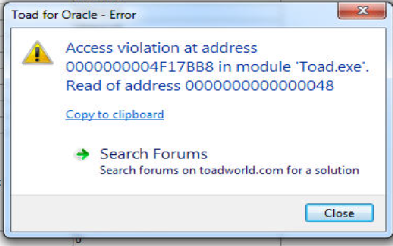
1.Change the schema browser style to TreeView
2.Go to Database | Schema Browser
3. Go to Jobs and select a job
4.click on refresh the detail panel (right side of browser)
WORKAROUND
Change browser style to a different one(this can be done with the Browser Style icon which is located Schema Browser right-hand side pane. This is the last icon placed on the toolbar.)
STATUS
Issue fixed in version 13.1. The latest version of Toad for Oracle can be downloaded here .

