Return
-
Title
How do I configure Security Explorer to view Access Manager resources -
Description
Instructions on how to configure Security Explorer to view Access Manager Groups and users’ resource
-
Cause
N/A -
Resolution
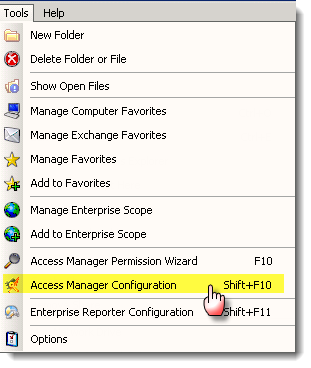
Select “Access Manager Configuration” from the Security Explorer Tools menu.
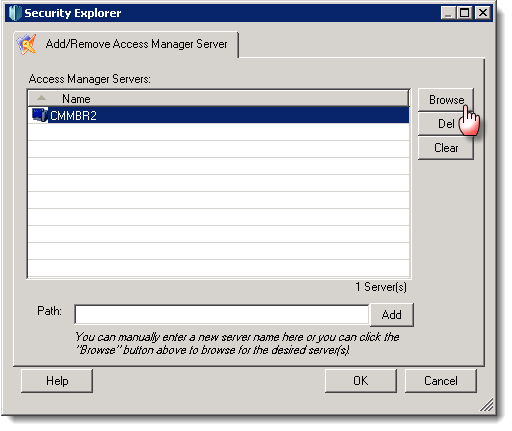
Browse for and select the Access Manager server and click "Ok".
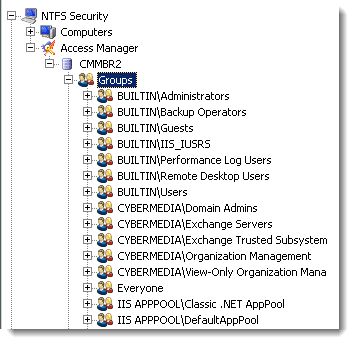
The group node should now be visible and will expand to show the available groups
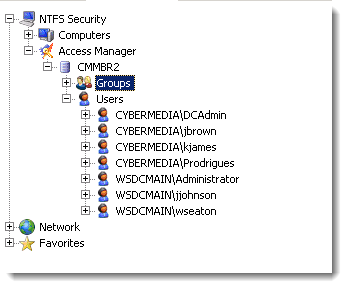
The users node should also be visible and will expand to show the available users
If no groups or users are visible make sure that the Quest Access Manager Service is running.