Submitting forms on the support site are temporary unavailable for schedule maintenance. If you need immediate assistance please contact technical support. We apologize for the inconvenience.
How to get the SQL ID and other session details not shown in Top Session Finder
설명
When Top Session Finder is run, it shows the sessions in the database that are consuming the most resources. How can you retrieve additional information about a highlighted session, e.g. Current Statement, waits locks etc?
해결 방안
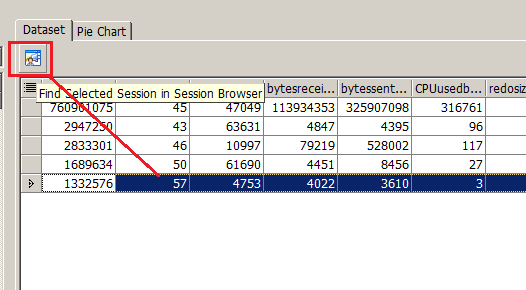
In the Top Session Finder, select the session you want to locate
Click the button above the data grid to Find Selected Session in Session Browser
Session Browser will launch and display information for the highlighted session.