
INTERNAL USE ONLY.
The following Process is in full alignment with General Data Protection Regulation 2016/679 and should be used when Sharing Customer data
Steps:
Sign in to Onedrive at https://onedrive.live.com/about/en-gb/
Select +New
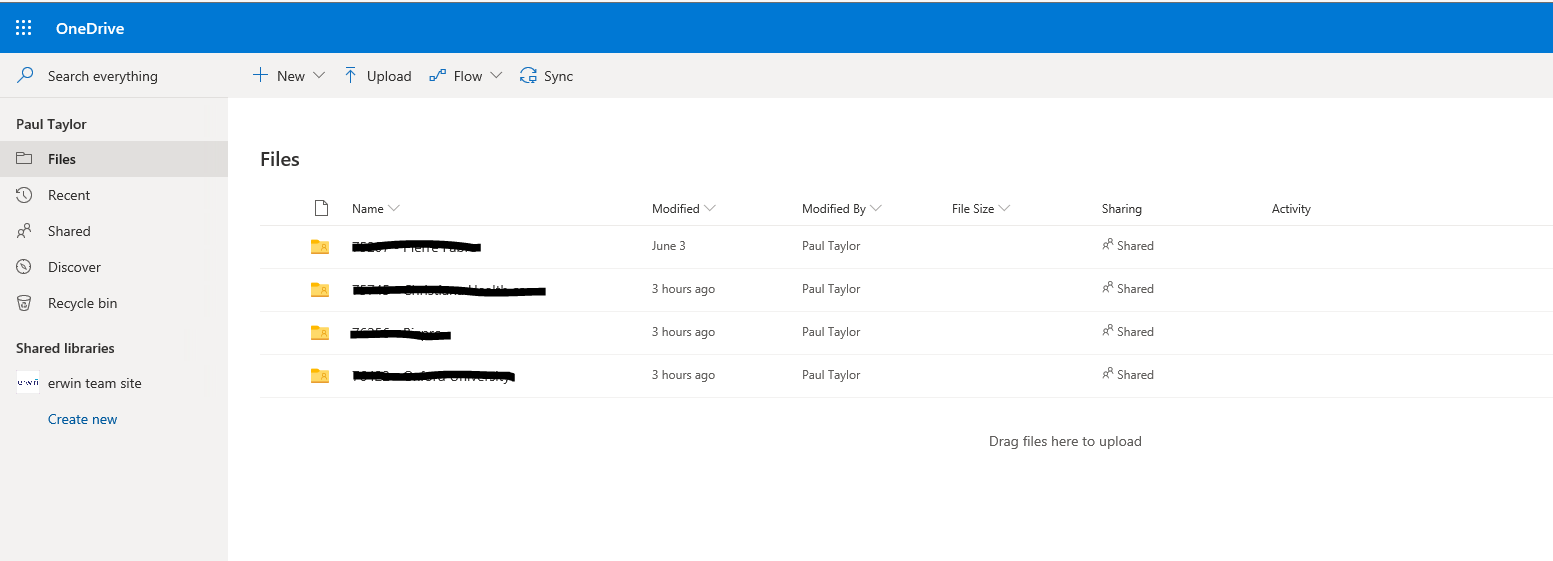
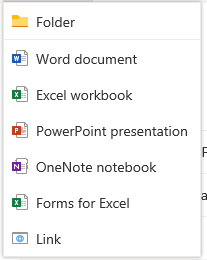
Select Folder
Name the folder with Ticket number and customer name
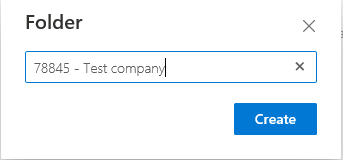
Click Create

Open the folder and drag and drop any files you want to share, you will get a notification of the files in the top right of the screen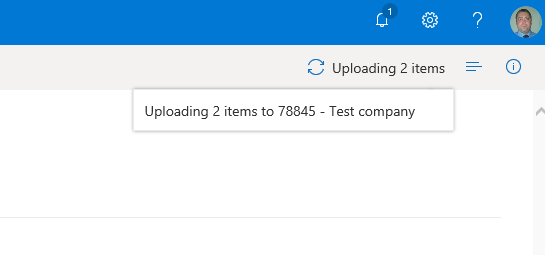

Once uploaded click the share icon on the tool bar
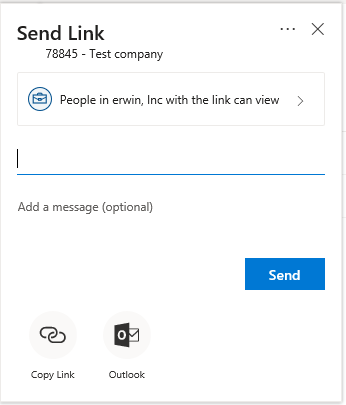
Select the drop down and choose Specific People and tick the Allow Editing box
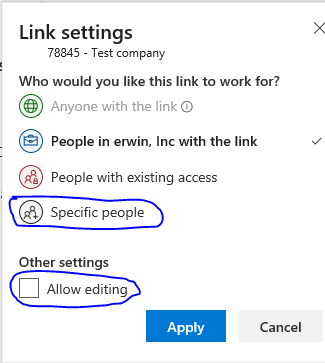
The allow editing will allow the people you share the folder with to upload additional documents like Models and log files
Click Apply then input the email address of the people you want to share with
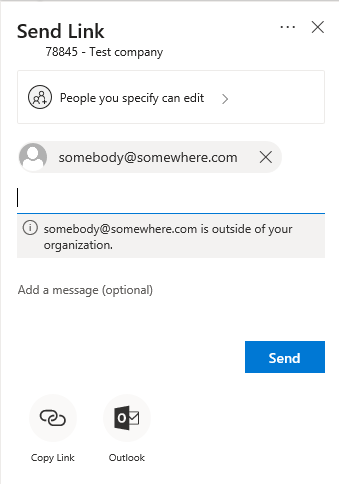
When you click send an email will be sent to the specified People and you will get a screen notification
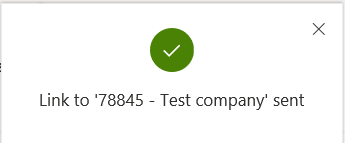
Click the X to close
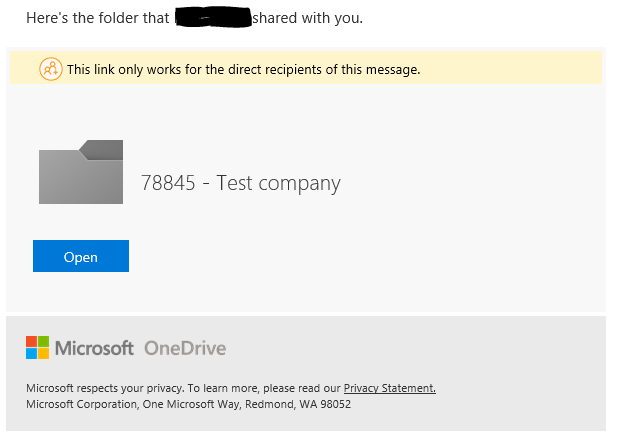
Once the ticket has been resolved and closed
Go to Files and tick the box next to the folder, this opens the available options on the tool bar
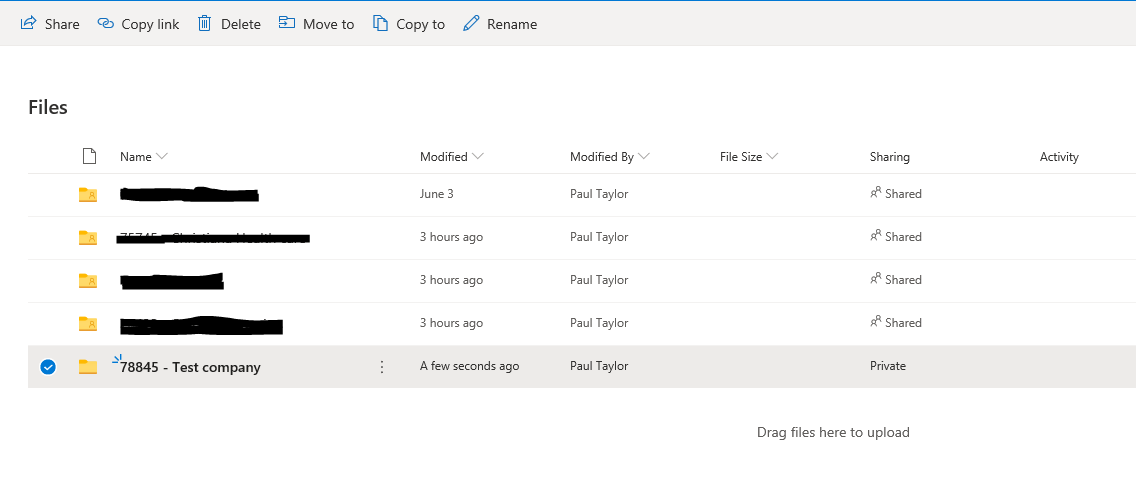
Select Delete and you get the confirmation warning
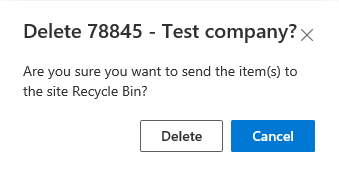
Click Delete to remove folder

