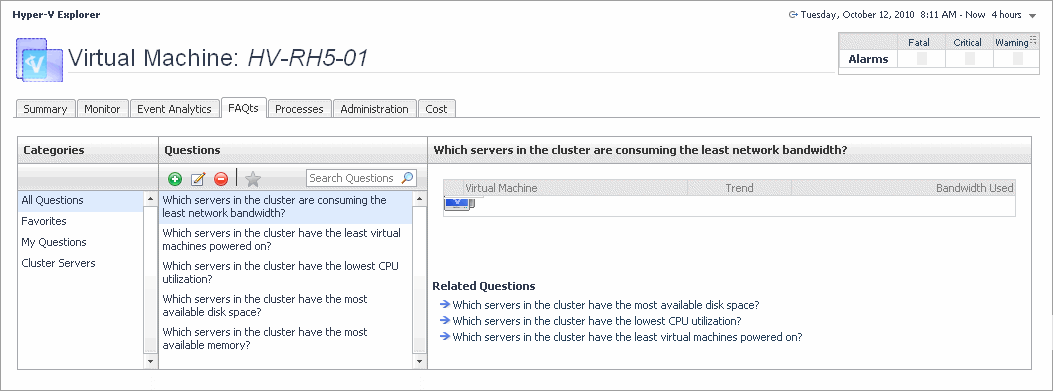
The Hyper-V Explorer’s FAQts tab shows answers to common questions related to a selected cluster, server, or a virtual machine.
where x is the number of objects of the category you provided in the
Categories view.
Specify x by entering a number. The answer is relative to the subset of the infrastructure you are viewing in the dashboard. For example, the top 5 servers are different for each individual cluster in the infrastructure.
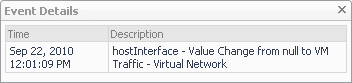
The Hyper-V Explorer Event Analytics tab contains details about the state of resource-related metrics for a server or virtual machine over a selected time period, and also shows any events that occur during that time frame.