[AG: complete]
The License Code or Codes will need to be provided by the erwin DM customer. How is this accomplished using the Nalperion licensing portal?
Answer - You would be able to obtain this data using the Customer Registration Data for Activations export
1. https://nalpeiron.com/login.html
2. Login
3. Select the "Setup your Product" icon and choose "Export"
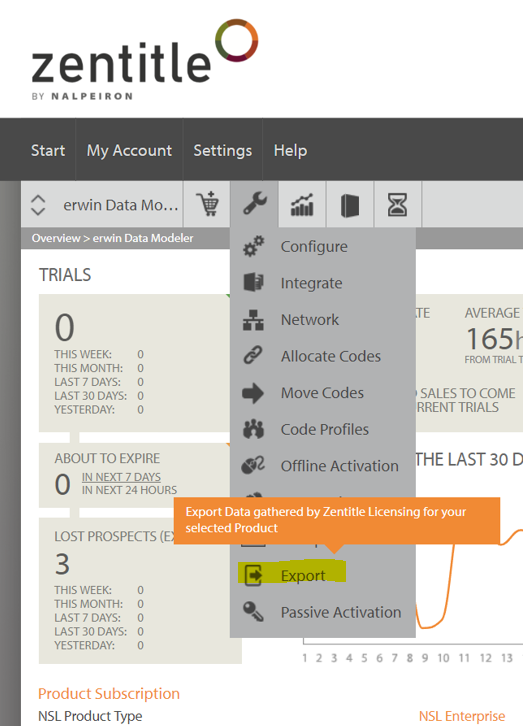
4. Specify the Date Range - ex Three months and export

5. Provide the data only for the Customer request License Code or Codes.
Note: The customer registration data will only appear on this list the first time the user logs in with the email and device ID. If another user logs in to the same device it will create a new activation. When the original user logs back in, the activation will be considered a new activation. If the user logs back in and out on the same device with the same email it will not appear on this list. That would need to be captured by the activity data report. The activity data report will not include emails only the computer/device ID.
Please see the link below for details Nalpeiron reference.
https://support.nalpeiron.com/hc/en-us/articles/360005843773-NSL-V10-Exporting-Data

