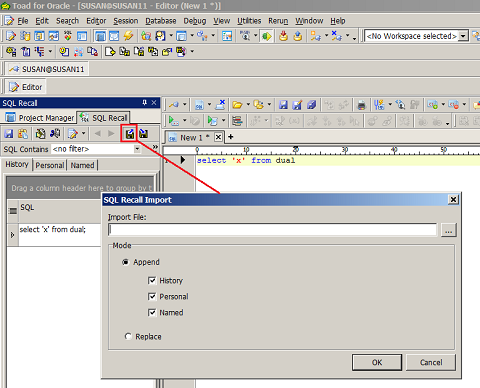
How to export and import SQL Recall - SQL History, Personal and Named queries?
You can export your saved SQL and import it back into Toad. Toad exports your history, personal, and named SQL statements from SQL Recall.
See attachment for icon location.
To Export Saved SQL
Tip: You may need to expand the SQL Recall pane to see the button.
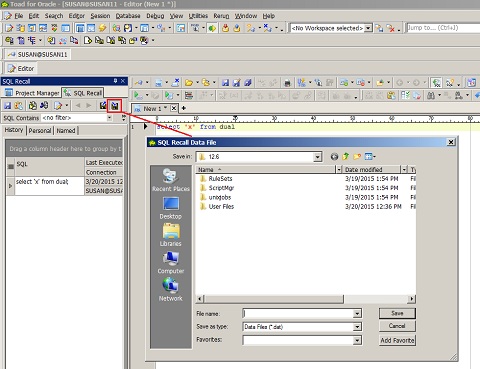
To Import Saved SQL
Tip: You may need to expand the SQL Recall pane to see the button.
2. Select the save SQL export file and click Open.
3. Select the desire mode to Append or Replace the Imported file