How to Remove Existing Licensing Information in the erwin Data Modeler 2020 Releases
说明
How to Remove Existing Licensing Information in the erwin Data Modeler 2020 Releases
解决办法
To clear out existing license information in the Data Modeler 2020 releases…
Download the attached “2020RemoveLicenseInfo.txt” for DM 2020R1/ SP1 and 2020R2RemoveLicenseInfo.txt for DM 2020R2.
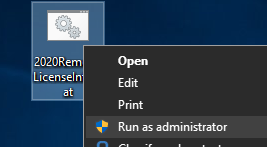
Rename the file extension from .txt to .bat: “2020RemoveLicenseInfo.bat” or "2020R2RemoveLicenseInfo.bat"
Right Click on the file and select “Run as administrator”.
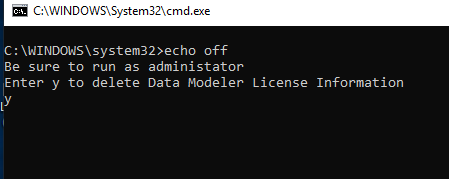
When prompted, enter ‘y’ to delete stored licensing information.
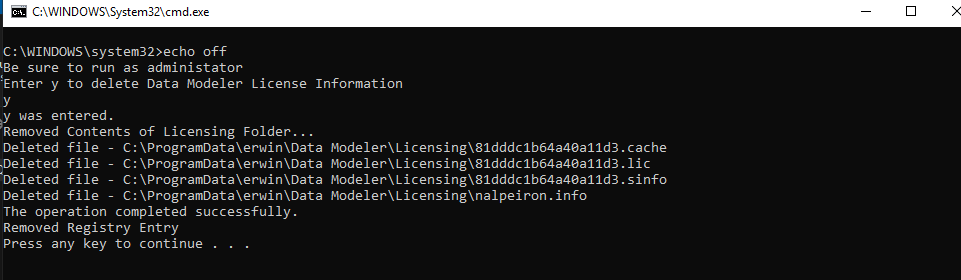
Thereafter all licensing information stored from Data Modeler 2020 is removed.
What does this script do?
Deletes the contents of C:\ProgramData\erwin\Data Modeler\Licensing
Removes the registry entries under: HKEY_CURRENT_USER\Software\erwin\Data Modeler\9.9\Nalpeiron Server in DM 2020 R1/ SP1 and HKEY_CURRENT_USER\Software\erwin\Data Modeler\9.95\Nalpeiron Server for DM 2020 R2