Submitting forms on the support site are temporary unavailable for schedule maintenance. If you need immediate assistance please contact technical support. We apologize for the inconvenience.
Selecting the All Storage node displays the overall resource utilization for all volumes in your integrated system and identifies the ones that consume the highest amount of system resources in the Summary - All Storage view on the right. Similarly, selecting a storage node shows storage-specific metrics in the Volume Summary view.
The Summary - All Storage view displays overall resource utilization information for all volumes in the selected service and identifies the elements that consume the highest amount of resources.
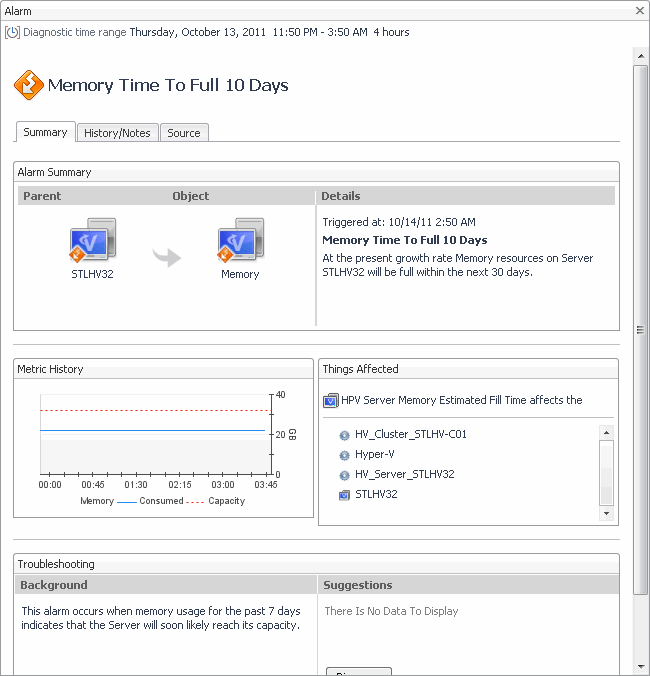
Alarm Message, Severity, or Time. Displays the Alarm dialog box, showing additional information about the alarm. For more information about alarms in Foglight, see the Foglight User Help.
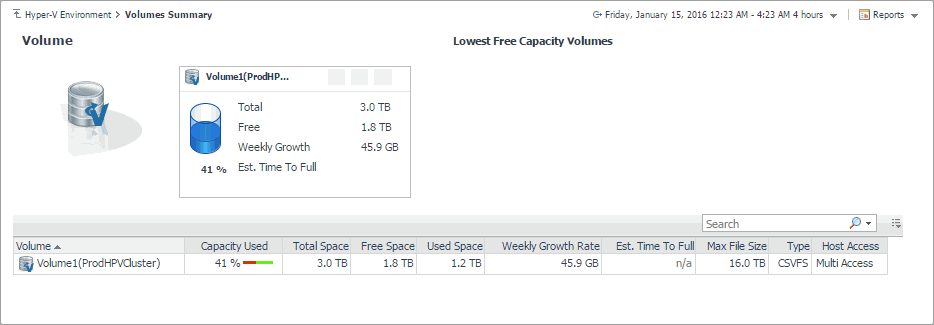
The Volumes Summary view displays complete details for all volumes in the selected service and identifies the ones that consume the lowest amounts of disk resources.