Submitting forms on the support site are temporary unavailable for schedule maintenance. If you need immediate assistance please contact technical support. We apologize for the inconvenience.
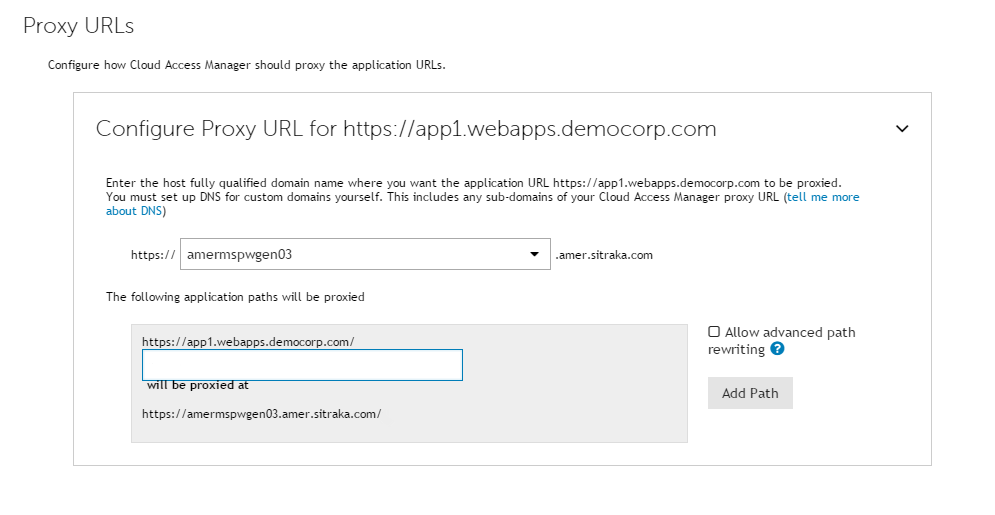
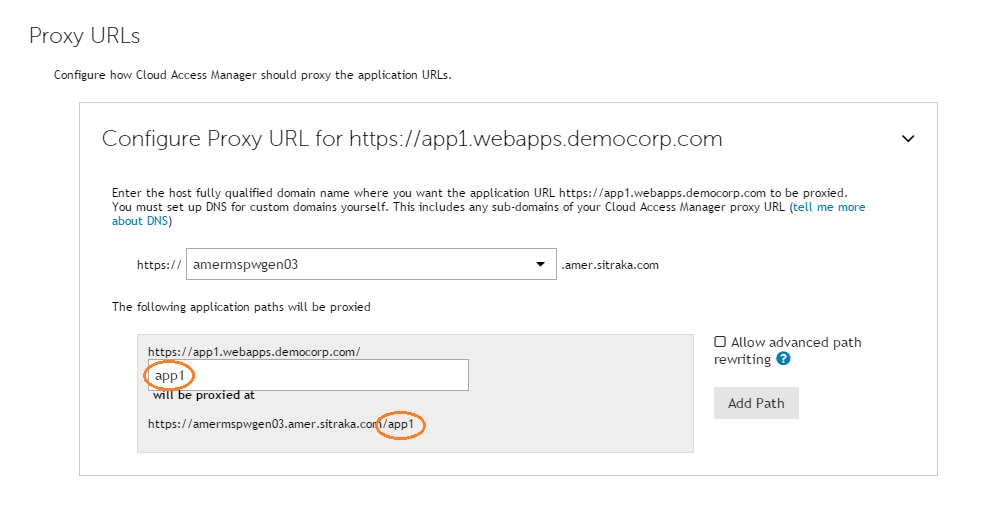
A root-to-rootmapping requires a dedicated DNS alias for the application. The DNS alias typically contains the name of the application, for example owa.webapps.democorp.com. This new fully qualified domain name (FQDN) must be within the wildcard DNS subdomain created during the Cloud Access Manager installation and which will resolve to the public IP address used by the proxy. For example, if you created the wildcard DNS subdomain *.webapps.democorp.com during installation, you could now use an FQDN of owa.webapps.democorp.com to proxy an Outlook Web Access application or sp2010.webapps.democorp.com to proxy a Microsoft® SharePoint® Server 2010 application. For further information on creating a wildcard subdomain, please refer to the Dell™ One Identity Cloud Access Manager Installation Guide and the Dell™ One Identity Cloud Access Manager Configuration Guide.
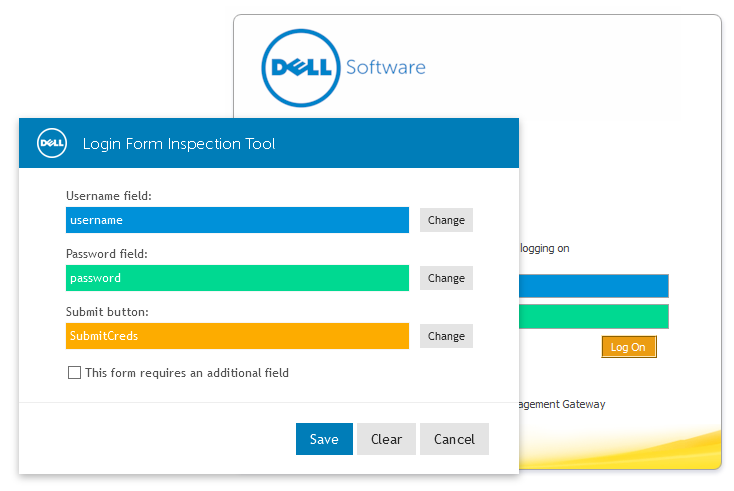
NOTE: If you are using LFIT in Internet Explorer, your Cloud Access Manager website will need to be in the Local intranet zone. For information on how to add the Cloud Access Manager proxy hostname to the intranet zone in Internet Explorer, please refer to the Form Fill Authentication section in the Dell™ One Identity Cloud Access Manager Configuration Guide.