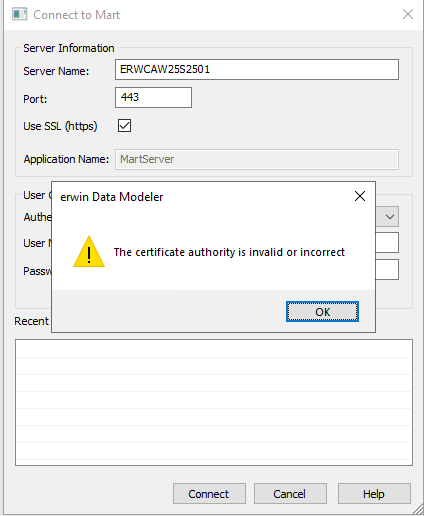
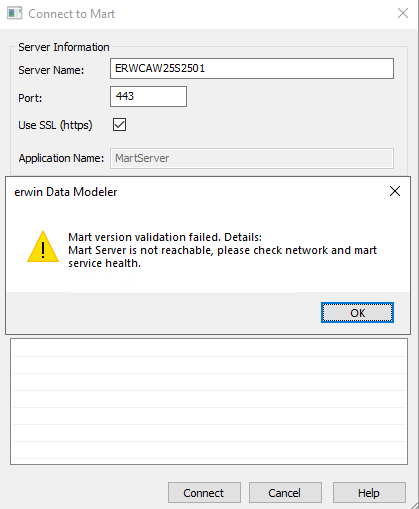
Connect to erwin Mart results in error "the certificate authority is invalid or incorrect" and "Mart version validation failed".
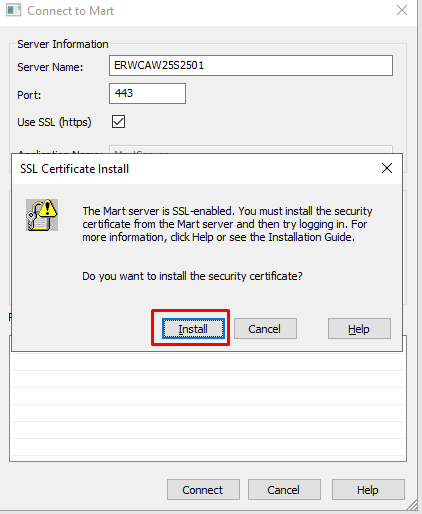
The SSL Certificate Install dialog pops up.
The system does not trust the Certificate Authority.
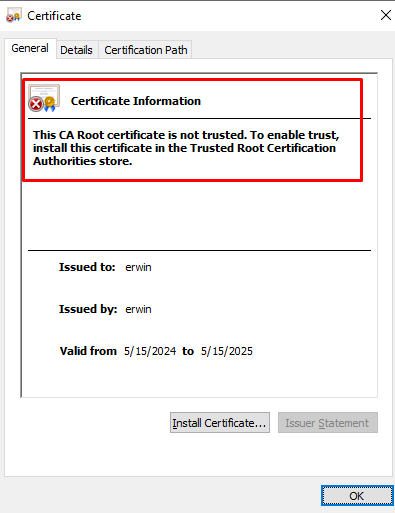
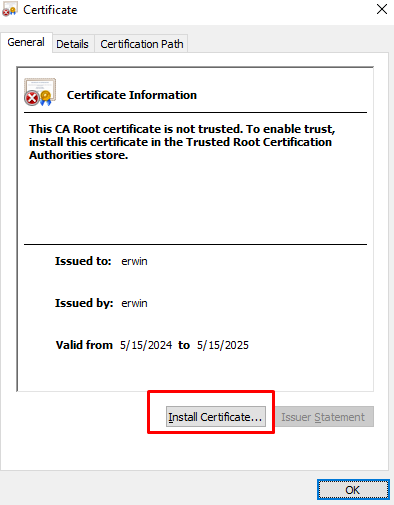
Click install to install the certificate in the Trusted Root Certification Authorities store.
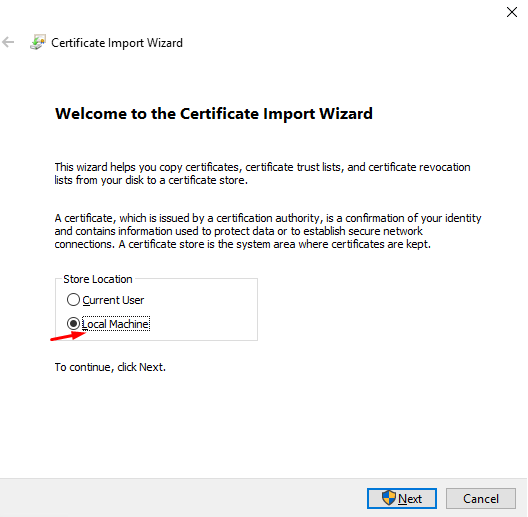
Select Local Machine.
Check "Place certificate in the following store".
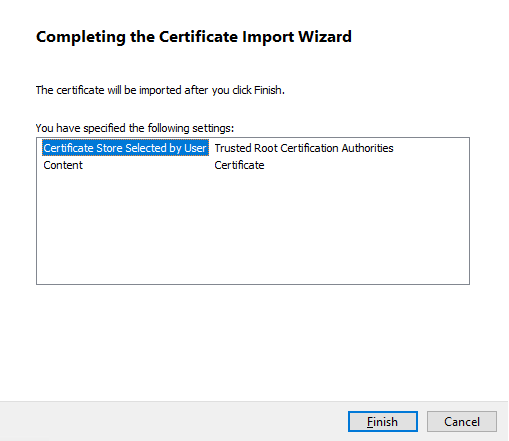
Select Trusted Root Certification Authorities and click OK
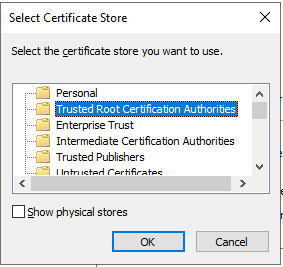
Click next and finish.
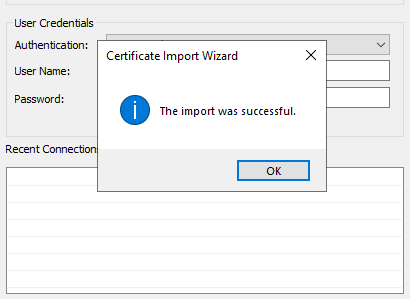
Import success message appears.