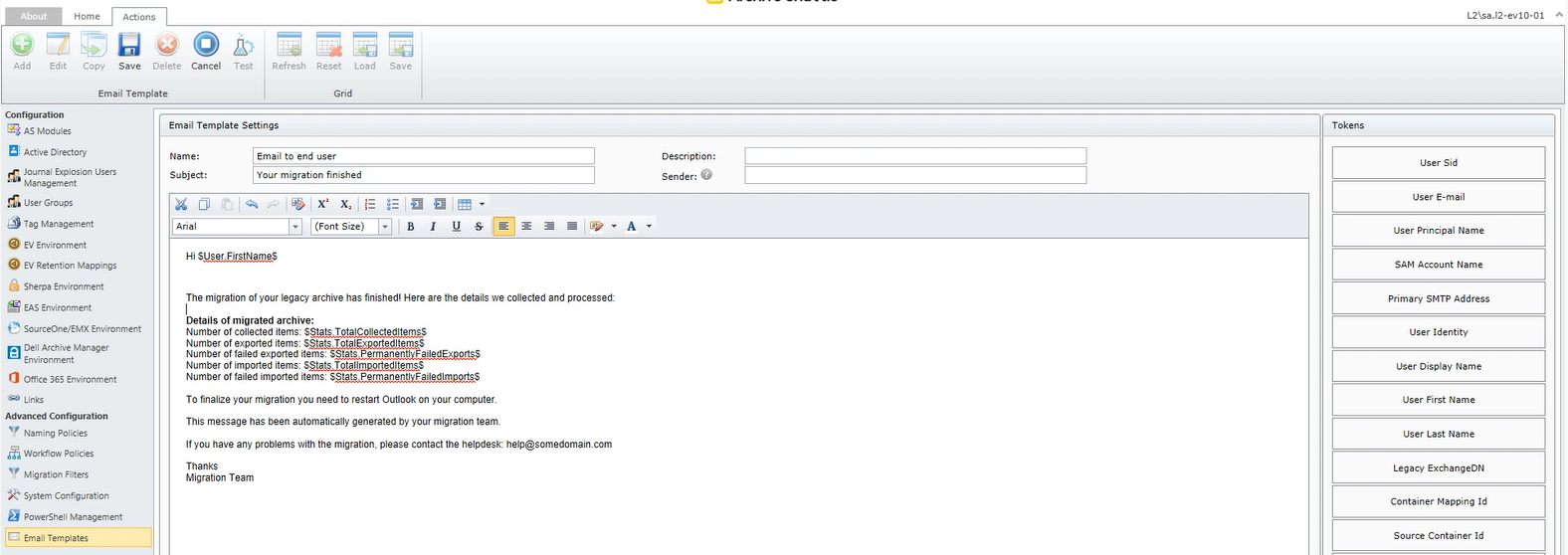
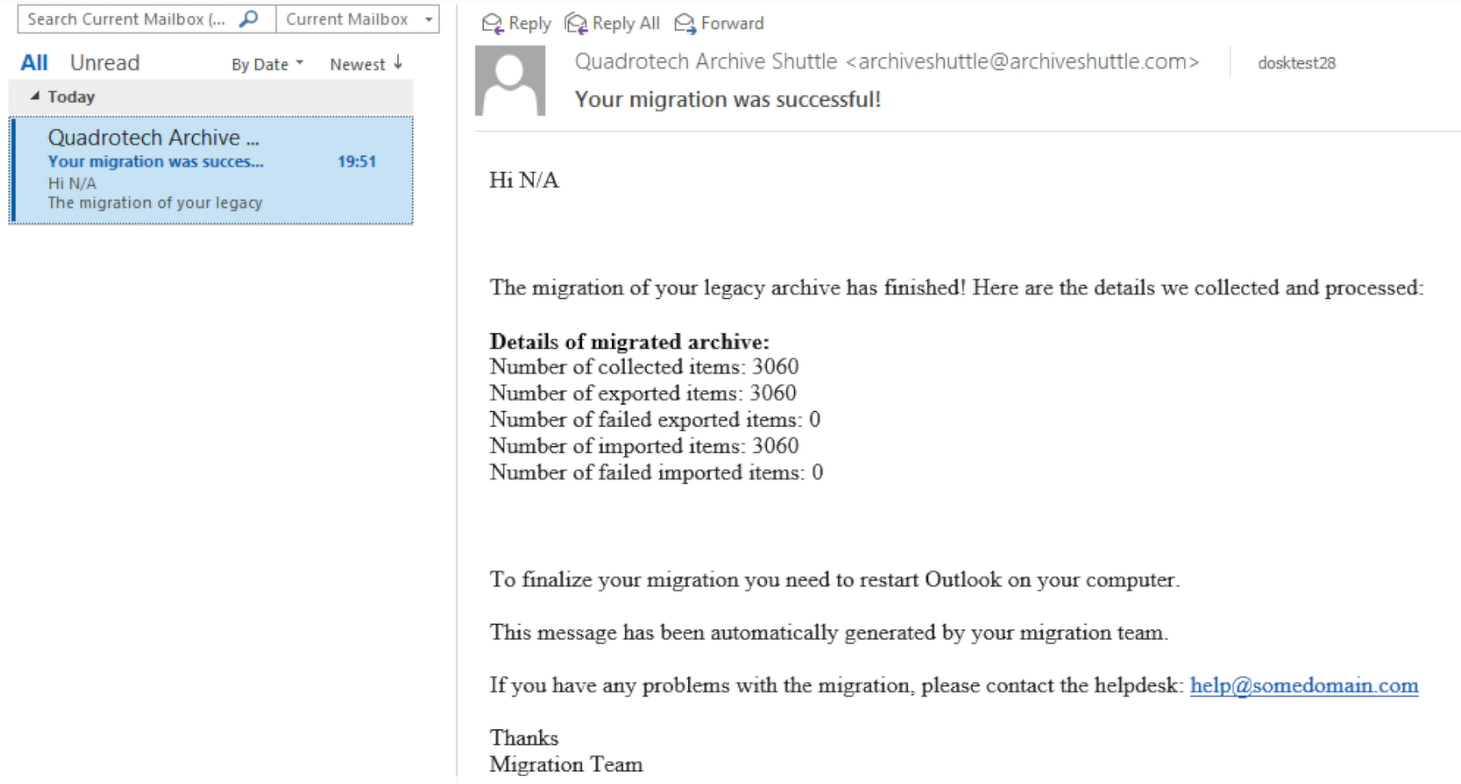
Next, ensure your email formatting, tokens, and SMTP settings are correct by generating a test email. To do this, follow these steps:
- On the Configuration > Email Templates page, select the check box next to the email template you’ll test.
- Click Test.
- Enter the email address where you want to send the test email.
- Select a container mapping.
- Click Send.
A notification displays in the top right corner of Archive Shuttle telling whether the test email was successfully sent.