Migration to Office 365 via command line/script fails with "Connection failed: the server sent HTTP status code 403: Forbidden" error.
When Copy Public Folder wizard is used to Generate Script, the trgtuser and trgtpass variables are not created in the script.
Claims(Browser) connection does not work for migration via command line.
403 error is received because command line generated by the wizard does not include user and password or they are incorrect.
In order for the trgtuser and trgtpass variables being generated by the job wizard, the Connect button should be used to connect to the site.
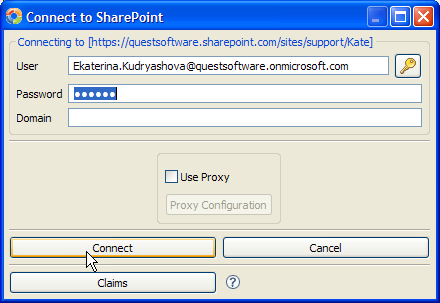
If you're not getting prompted to authenticate to the site, the following should be done:
1. Go to Help - Profile Manager - Global Variables and set Use Local System Credentials to False.
2. Restart the tool.
To make sure the correct user name is used in the script, connect to your SharePoint site via browser by providing the username and password right on the page:
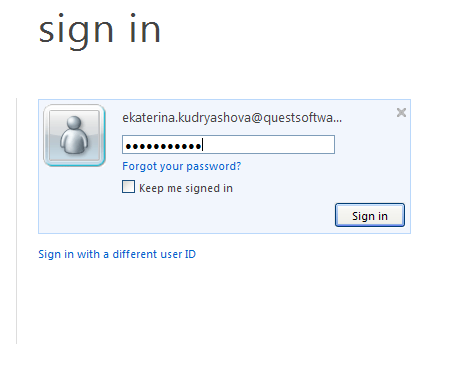
If you are connecting to SharePoint using ADFS (and getting a window to authenticate to AD), migration via command line with this user name and password won't work.
The general recommendation is to use Office 365 account with the right permissions to the Site Collection and Site. SPO user name looks as follows: username@domain.onmicrosoft.com
Refer to the following article for information about Connecting to SharePoint Online or ask additional questions: http://communities.quest.com/docs/DOC-11616

