Toad Data Studio with an offline license uses a license.dlv file, stored locally.
To activate a trial or a purchased commercial offline license:
1. Check email sent from Quest licensing team for your “license.dlv” file.
2. Open Toad and choose "Import Toad Data Studio License File"
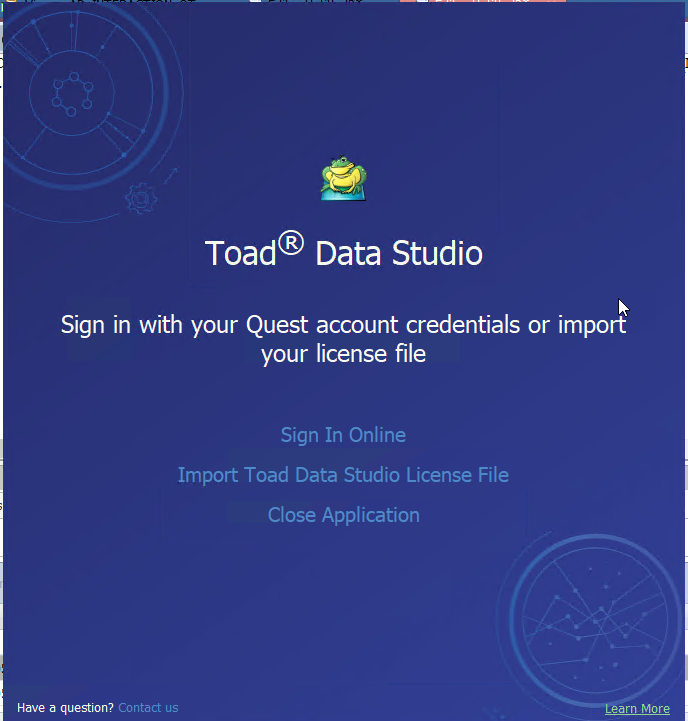
3. Point to your license file and click Import
4. Start Toad Data Studio
NOTE:
You can download the trial file from the trial download web page, accessed through the product page
You can view your licenses from within Toad by selecting Help | About

