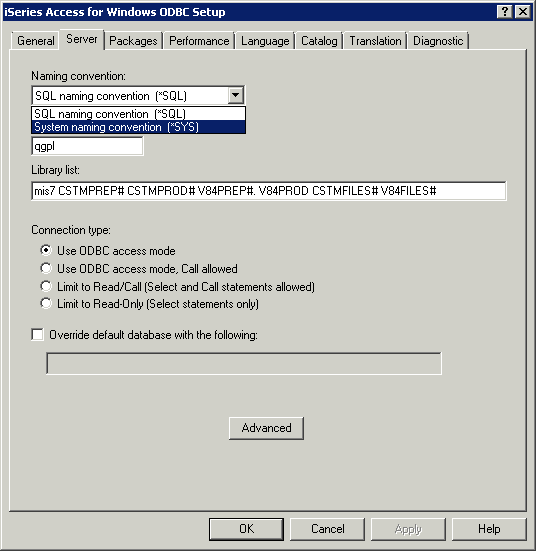
Use the ODBC Administrator to change your DSN to use the proper (*SQL or *SYS) naming convention. Always use *SQL unless your application design specifically expects *SYS.
SQL and system naming conventions
You can use either the system (*SYS) or the SQL (*SQL) naming convention in DB2® UDB for iSeries™ programming.
The naming convention used affects the method for qualifying file and table names and the terms used on the interactive SQL displays. The naming convention used is selected by a parameter on the SQL commands or, for REXX, selected through the SET OPTION statement. See Qualification of unqualified object names in the SQL Reference for more details.
This change is enforced at the ODBC Driver level on the ODBC Administrator panel for the DSN for the connection. Go to the Server tab and change the drop down box to show SQL. Reconnect the connection and this will now allow the user to access his objects correctly.