Chat now with support
Chat with Support

Foglight for Storage Management Shared 4.4.5 - Installation Guide

Getting Started Configuring Agents to Monitor Storage Devices
Brocade SAN Switches Cisco SAN Switches Dell Compellent Arrays Dell EqualLogic PS Series Array Groups EMC CLARiiON CX Series Arrays (CLI) EMC CLARiiON, VNX, or VMAX Storage Arrays (SMI-S) EMC Isilon Hitachi Data Systems AMS, USP, and VSP HP EVA Storage Arrays HP 3PAR Arrays NetApp Filers Collection Target Support Matrix Configuration Procedures
Managing Agents

Configuring the Hitachi Tuning Manager

4
Type the IP Address of the system on which HDS Tuning is installed. If left blank, then the IP address of the array or array manager is assumed.
5
Click Finish to complete the operation and return to the Storage Device Setup dialog.


Managing Agents

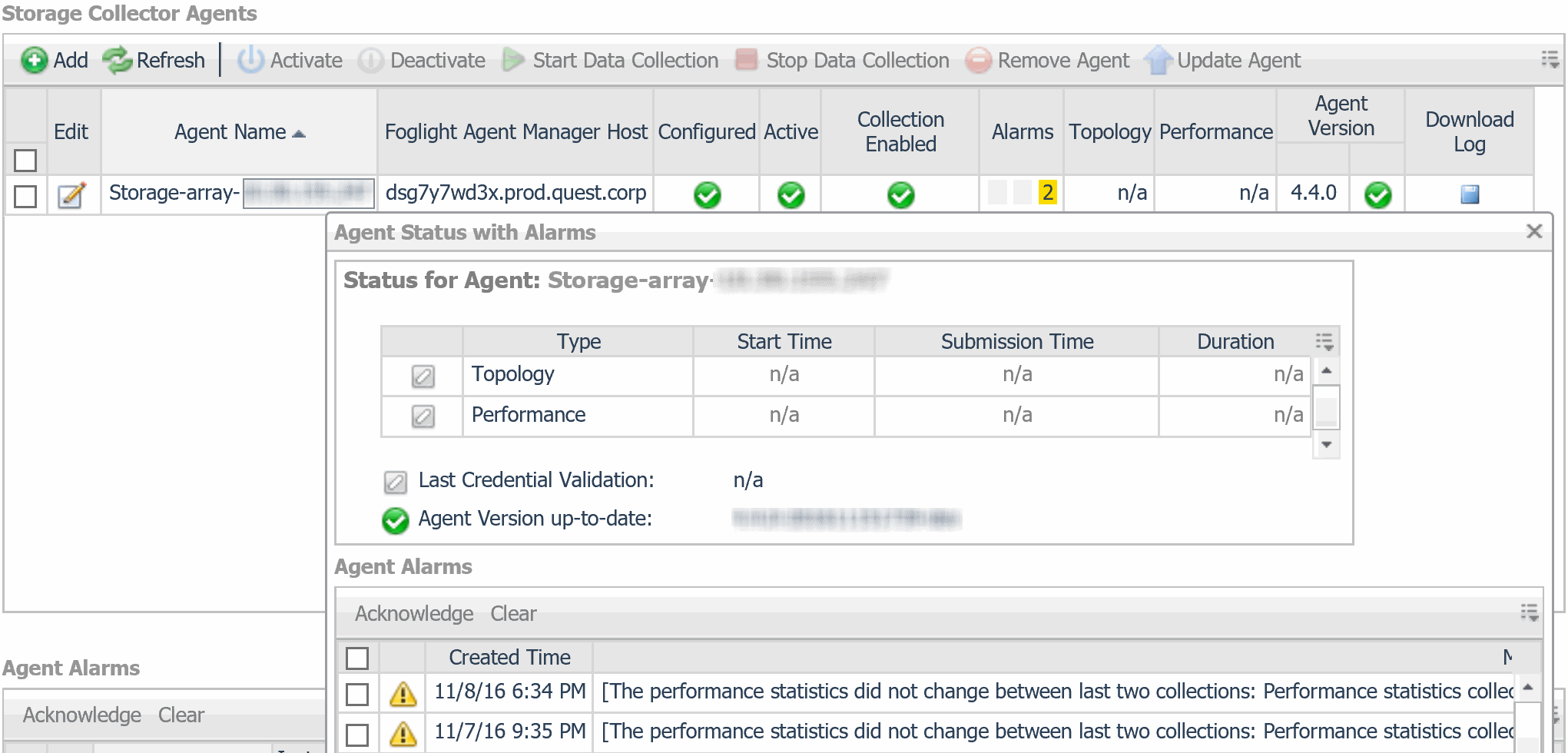
After you create agents, you can check their status and alarms. Over time, you may need to edit configured agents. You complete these tasks on the Storage Environment dashboard under the Administration tab.

This section covers the following tasks:

Reviewing the Status of Configured Storage Collector Agents

The Storage Collector Agents view displays all Storage Collector agents, their status, and current alarms on that agent.

If the Configured box is not checked, some aspect of the configuration is incorrect. The agent has not validated successfully and is unable to collect data. To correct the configuration, see Editing Configured Agents.

Reviewing Agent Alarms

The Agent Alarms view shows the alarms that have been triggered, but not cleared for the Storage Collector agents. Failure to fix a chronic problem may cause the agent to stop collecting data. Note the following:

From this table you can select an alarm to view the alarm details.

Related Documents

The document was helpful.

Select Rating

I easily found the information I needed.

Select Rating