|
2 |
If you want to use the Hitachi Tuning Manager for collecting additional metrics, check the Use HDS Tuning Manager checkbox. |
|
4 |
Type the IP Address of the system on which HDS Tuning is installed. If left blank, then the IP address of the array or array manager is assumed. |
|
5 |
Click Finish to complete the operation and return to the Storage Device Setup dialog. |
This section covers the following tasks:
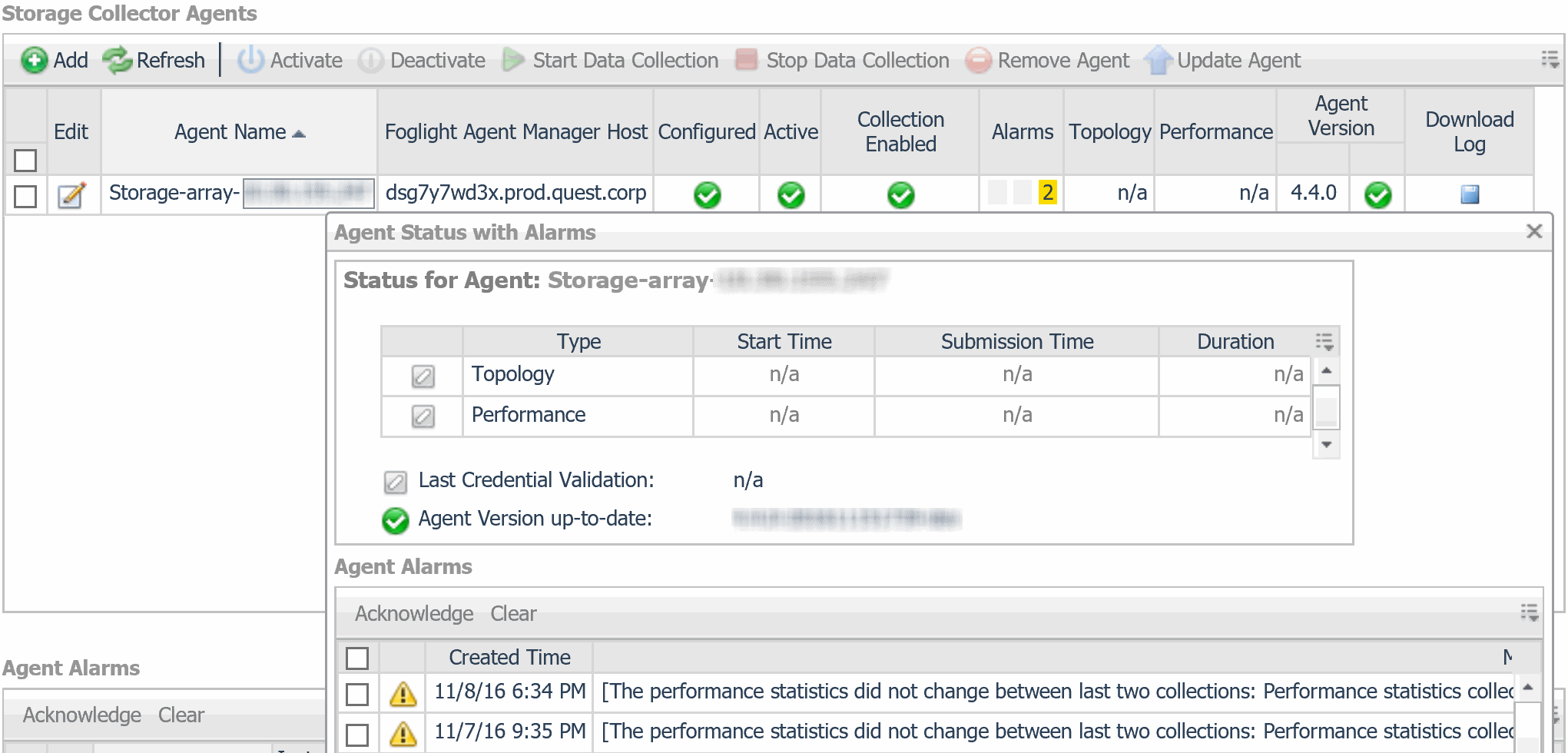
If the Configured box is not checked, some aspect of the configuration is incorrect. The agent has not validated successfully and is unable to collect data. To correct the configuration, see Editing Configured Agents.
From this table you can select an alarm to view the alarm details.