|
1 |
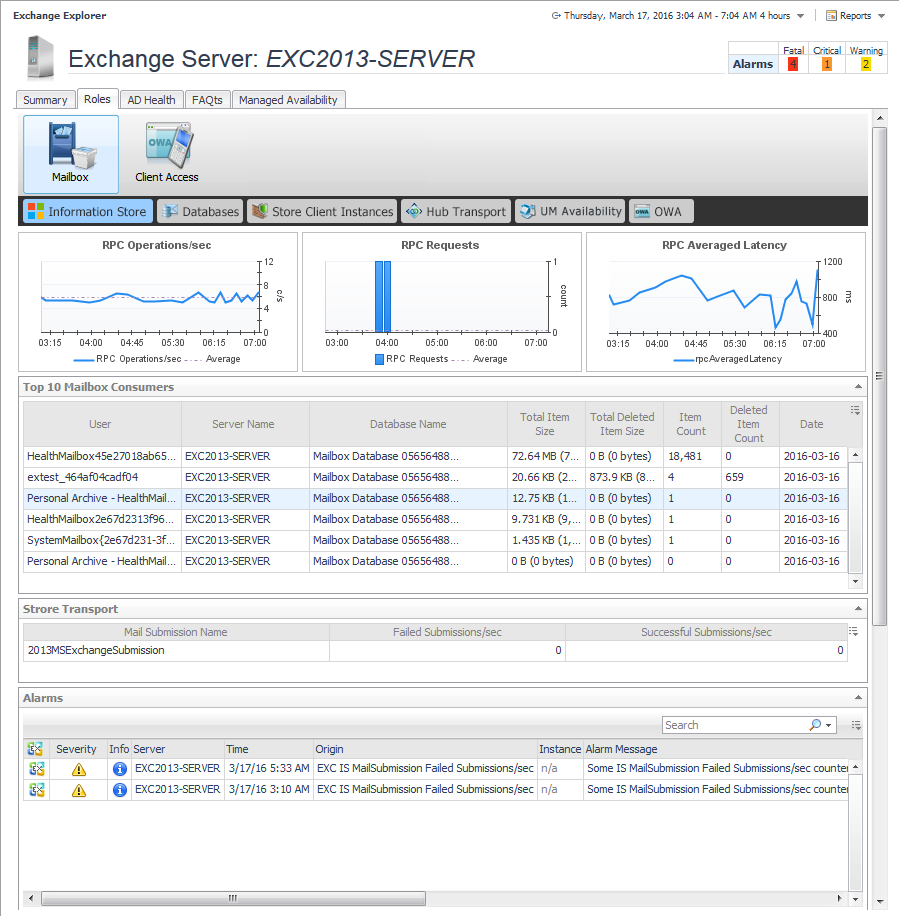
From the Foglight navigation panel, select Dashboards > Exchange > Exchange Explorer. |
|
3 |
Select the Roles navigation tab. |
| |||||||
| |||||||

|
1 |
From the Foglight navigation panel, select Dashboards > Exchange > Exchange Explorer. |
|
3 |
Select the AD Health navigation tab. |

|
1 |
From the Foglight navigation panel, select Dashboards > Exchange > Exchange Explorer. |
|
3 |
Select the Managed Availability navigation tab. |


