
|
1 |
On the VMware Environment dashboard, on the Monitoring tab, in the Virtual Environment Overview, select the tile representing the type of the object whose alarms you want to view. For example, to view alarms associated with a specific ESX host, select the ESX Hosts tile. |
|
2 |
In the Quick-View, in the left pane, expand the Summary node, and select the desired object. The Alarms view appears along the bottom of the Quick-View. |
| |||
| |||
| |||
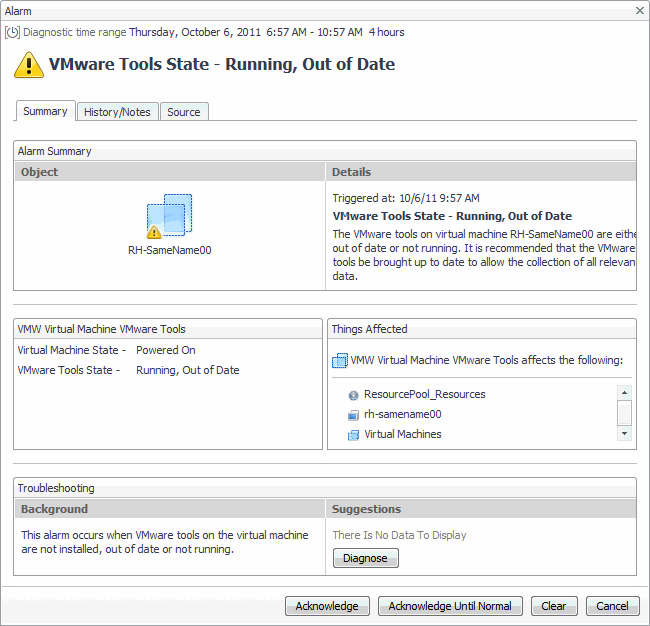
Figure 227. Alarm dialog box
 |
|
1 |
On the VMware Environment dashboard, on the Monitoring tab, in the Virtual Environment Overview, select the Clusters tile. |
|
2 |
|
• |
| |||
| |||
| |||
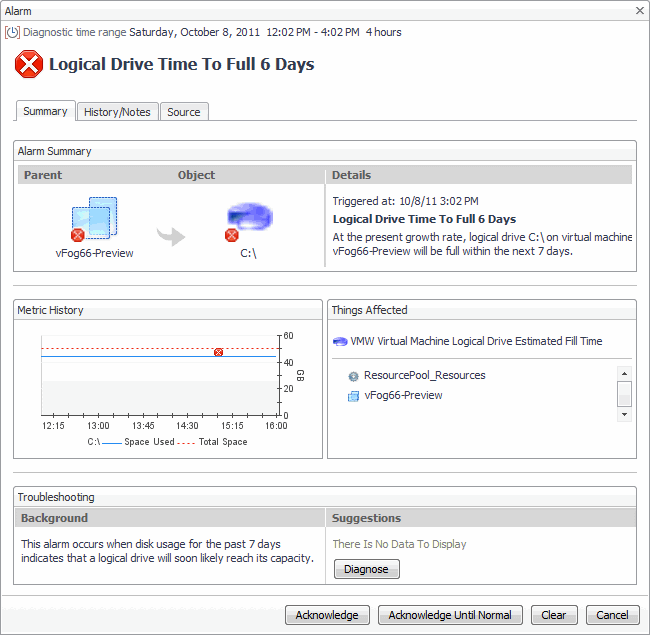
Figure 229. Alarm dialog box
 |
| |||
| |||
| |||
| |||
| |||
| |||
| |||
Figure 230. Alarms dialog box
 | |||
Figure 231. Clusters Inventory dwell
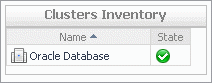 | |||
Figure 232. Datacenters Inventory dwell
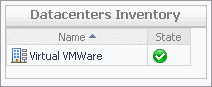 | |||
Figure 233. Datastores Inventory dwell
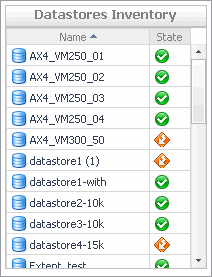 | |||
Figure 234. ESX Hosts Inventory dwell
 | |||
Figure 235. Resource Pools Inventory dwell
 | |||
Figure 236. Virtual Centers Inventory dwell
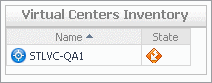 | |||
Figure 237. Virtual Machines Inventory dwell
 |
| |||
| |||
| |||
| |||
| |||
| |||
| |||
| |||
| |||
| |||
| |||
| |||
| |||
Figure 238. CPU Load dialog box
 | |||
Figure 239. CPU Utilization dialog box
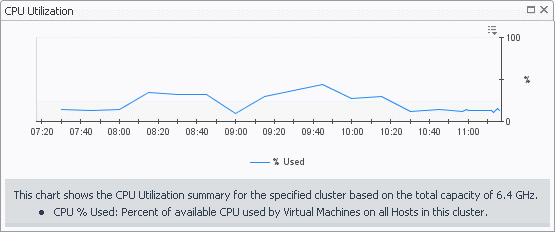 | |||
Figure 240. Disk I/O dialog box
 | |||
Figure 241. Disk Utilization dialog box
 | |||
Figure 242. Memory Utilization dialog box
 | |||
Figure 243. Network I/O dialog box
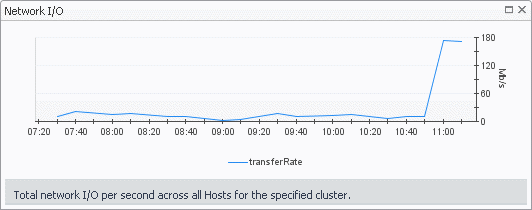 | |||
Figure 244. Network Utilization dialog box
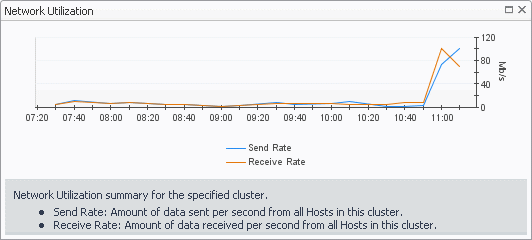 |
|
1 |
On the VMware Environment dashboard, on the Monitoring tab, in the Virtual Environment Overview, select the Clusters tile. |
|
2 |
|
• |
| |||
| |||
| |||
| |||
Figure 246. Alarm Created dialog box
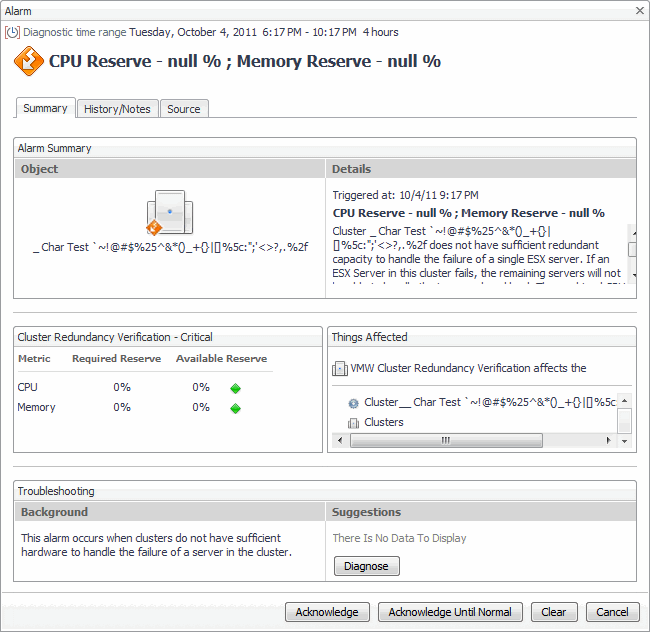 | |||
|
| |||
| |||
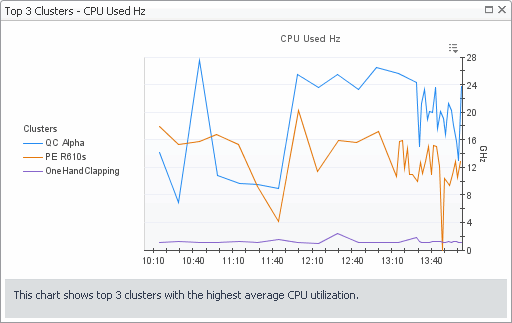
Figure 247. Top 3 Clusters-CPU Used Hz dialog box
 |
| |||
| |||
Figure 248. Transfer Rate dialog box
 |
| |||
| |||
Figure 249. Top 3 Clusters - Memory Consumed dialog box
 |
| |||
| |||
| |||
Figure 250. Top 3 Clusters - Network Transfer Rate dialog box
 |
|
• |
On the VMware Environment dashboard, on the Monitoring tab, in the Virtual Environment Overview, select the Clusters tile. |
| |||
| |||
| |||
| |||
|

