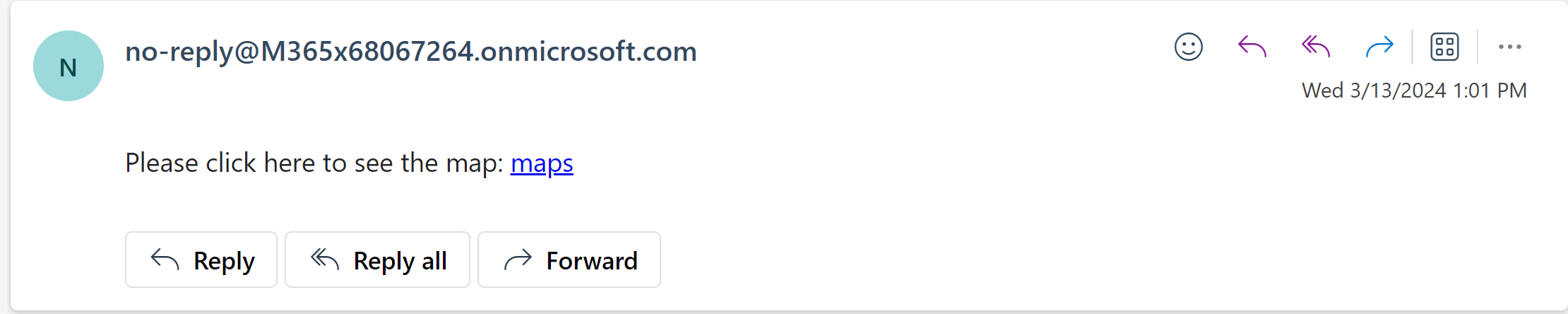
The following is the sample of the custom link and steps on how it can be added.
Objective:
To request customer to click on "maps" to link to google map when they receive notification email which look like follow:-
The steps by steps guide to achieve above objective
- Preparation
- google map url : https://www.google.sk/maps
- Instruction before the hyperlink text : Please click here to see the map:
- Hyperlink text : maps
- Add the custom link to message body
- Form the hyperlink syntax
Syntax: [a{url}custom link][/a]
Replace:
- url with https://www.google.sk/maps
- custom link with maps
Result: [a(https://www.google.sk/maps)maps][/a]
- Type the following in the message body
Please click here to see the map: [a(https://www.google.sk/maps)maps][/a]
Note: Allowed Message body Syntax only appear in New Customize User Notifications Task setting. User will not see this in their email.