How configure Expert Assist to send e-mail alerts when system and application events are written to the Windows event viewer of a specific workstation or server.
Login to a workstation or server that has Expert Assist installed. On the main console page for the workstation or server select the “Network” option under Preferences. In the SMTP Settings section enter the SMTP server address, username and password, next enter the Default sender address.
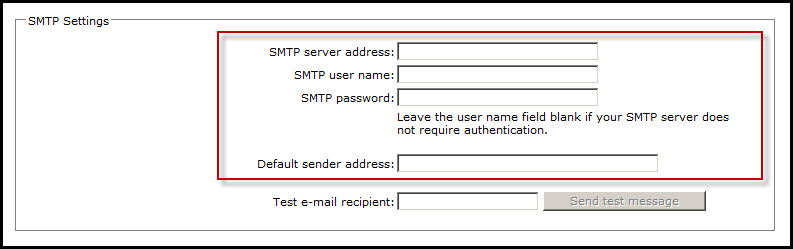
Upon entering the required information for this section, navigate to Scheduling & Alerts | Email Alerts in the main console page. Under the E-mail Alerts section, specify the Event Log Name, Event Type, Event Source, Event Category, Event ID, and E-mail address of the alert recipient. Once the settings have been modified click "Create" to complete the setup of the alert.


