Desktop Authority can be used to synchronize each client workstation time with a specified server.
Time Synchronization can only be set using the User Management Profile element.
From the Desktop Authority Management console:
1. Select Client Configuration | Profiles | User
2. Select the desired profile
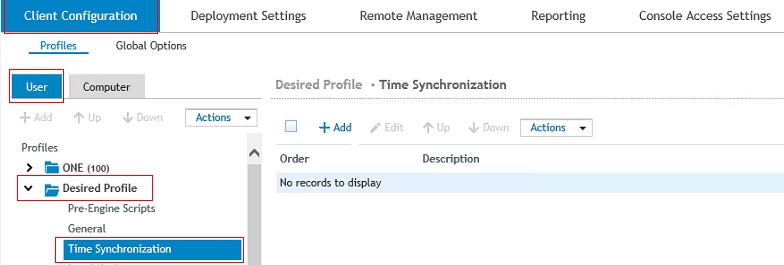
3. Select “Time Synchronization”
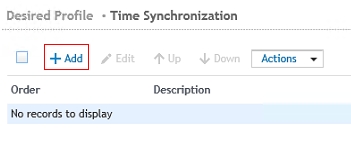
4. Select “Add”
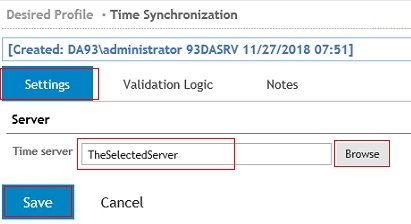
5. Select “Settings”
6. Browse to the “Time Server”
7. Click on “Save”
8. Click on “Replicate changed files (default)” in the lower left.

