RM_Cache_CF2BEBF5 database grows continuously. Recovery Manager does not clean cache for old databases when delete a database from the console.
Use the following to clean up cache:
1. Open command prompt and move to the recovery Manager folder. ("C:\Program Files (x86)\Quest Software\Recovery Manager for SharePoint" by default)
2. Execute the following command:
"%RMSP_INSTALLDIR%\bin\Python.exe" "%RMSP_INSTALLDIR%\bin\CommandProcessor.py" -x "%RMSP_INSTALLDIR%\XML\CacheCleenupRules.xml" -a MakeCleenup
You need to do the database shrink to clean the space on the disc drive.
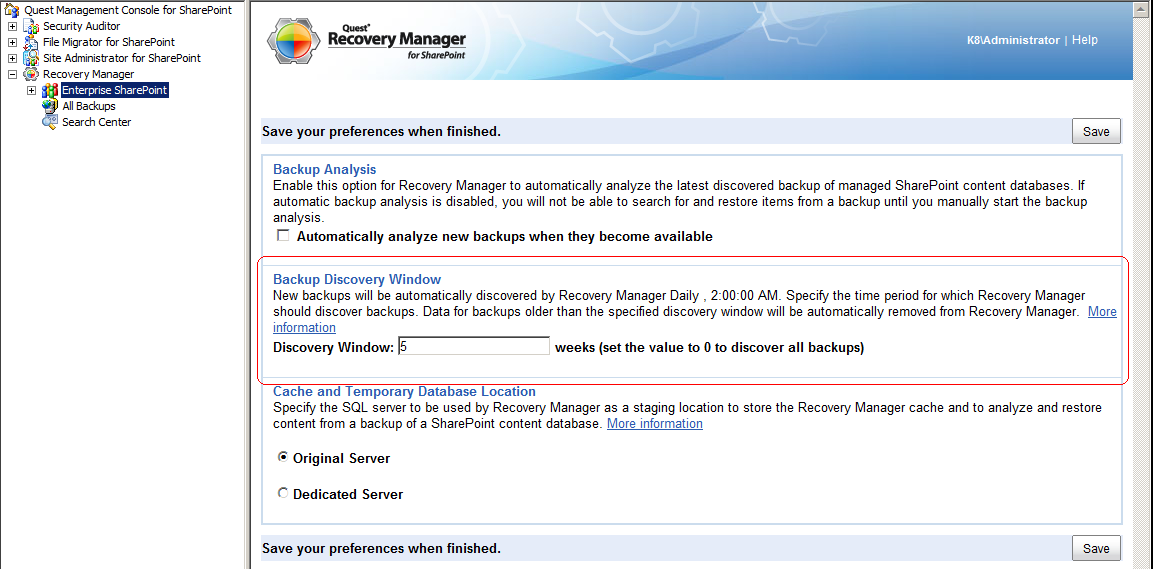 Recovery Manager cleans Cache database automatically for backups that are older than number of weeks specified in the discovery window.

