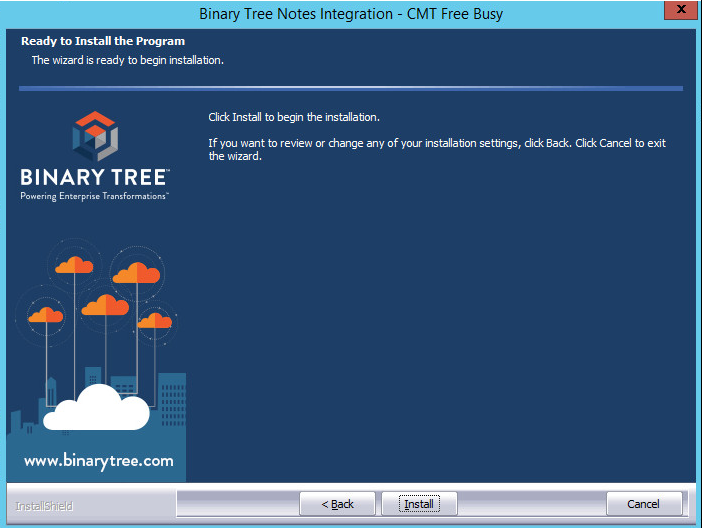
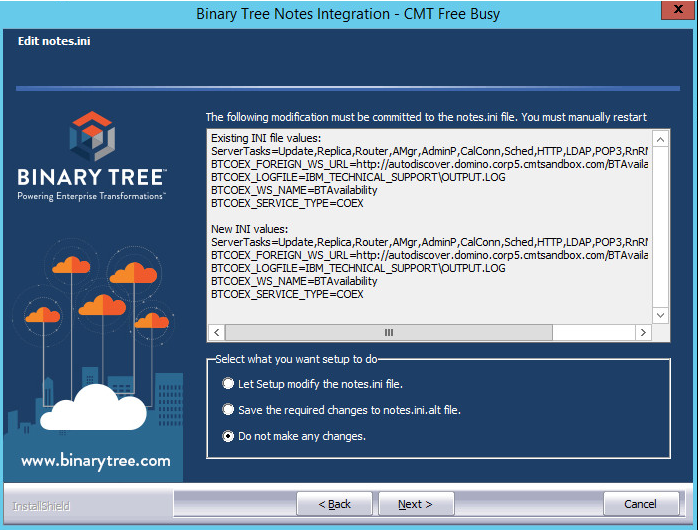
It is always Best Practice when upgrading to a new version of any software is to take a backup of the existing settings. This will allow you to restore the software back to a known state without doing a system restore. In addition you are able to document the settings for future reference.
The upgrade should not take very long and should preserve most settings using the connections.config and web.config files. Please keep in mind that the installation must also be running on the Domino COEX server. Although this part of the installation is not time critical it should be done as soon as possible after upgrading the IIS server.
Tasks to perform on the IIS server
Task to perform on the Domino server
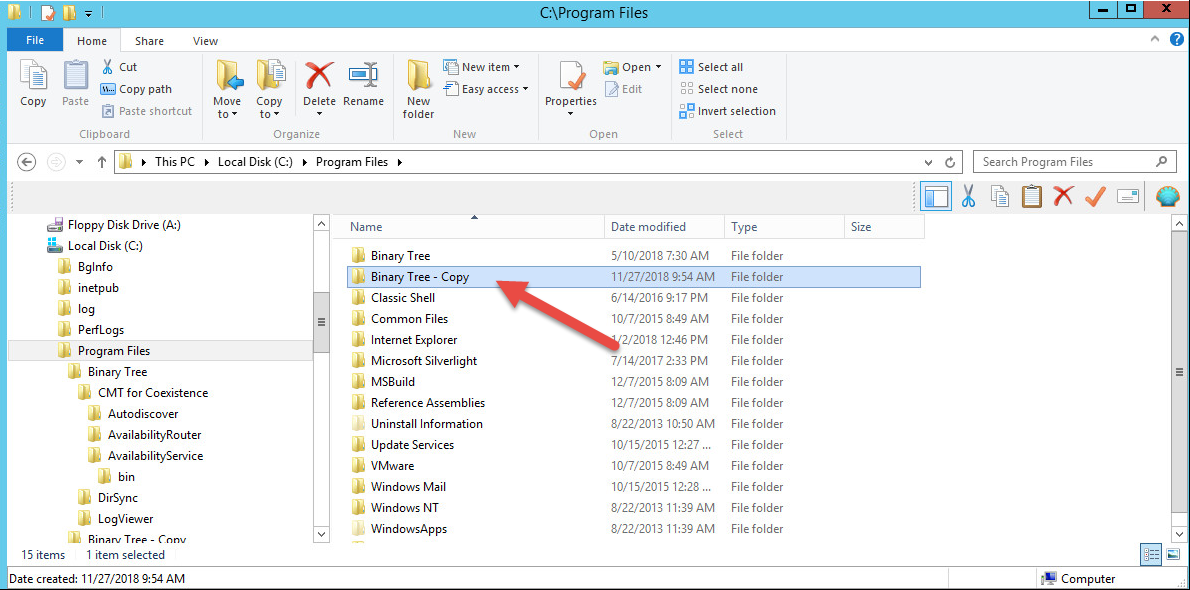
This is a simple File System copy.
The DefaultAppPool should always have Enable 32-Bit Applications set to true. 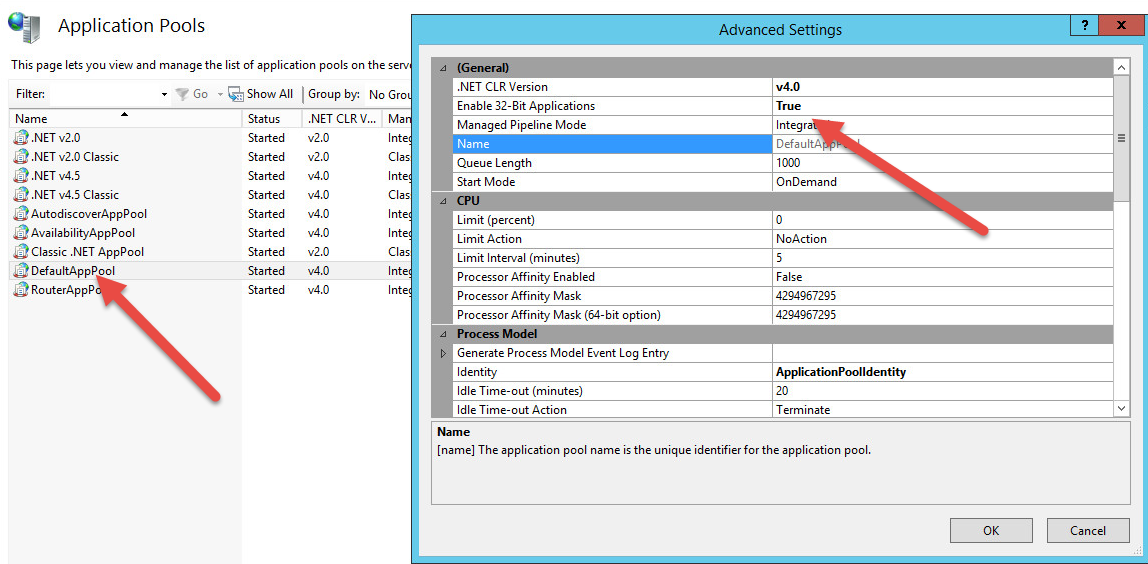
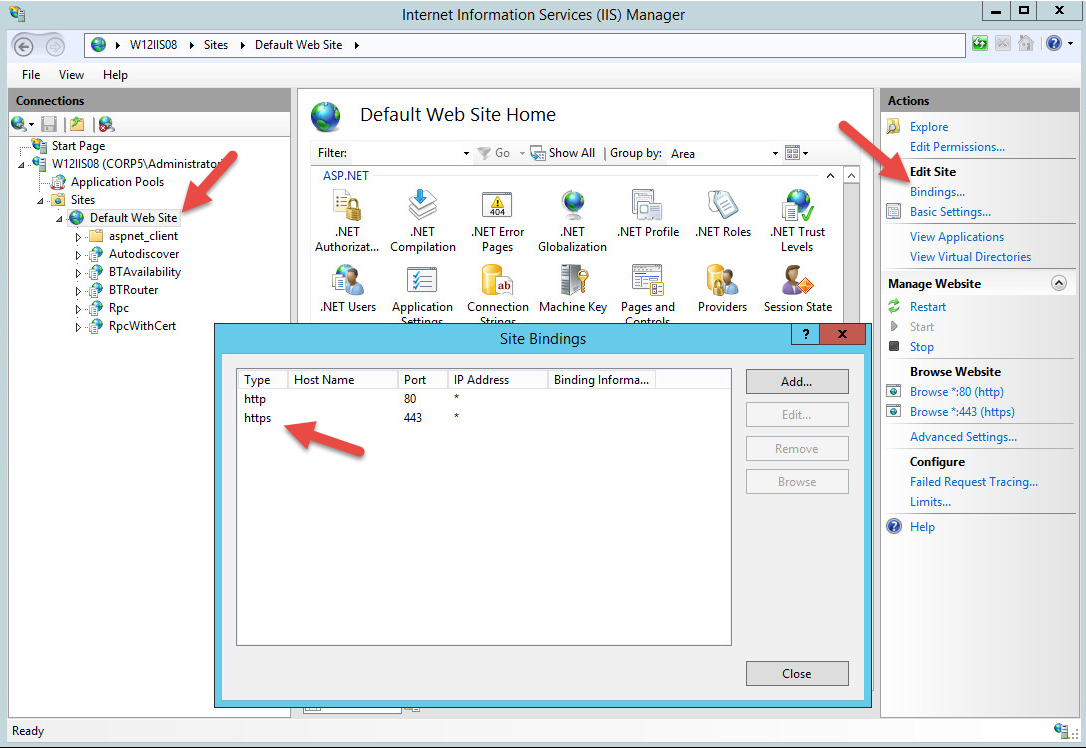
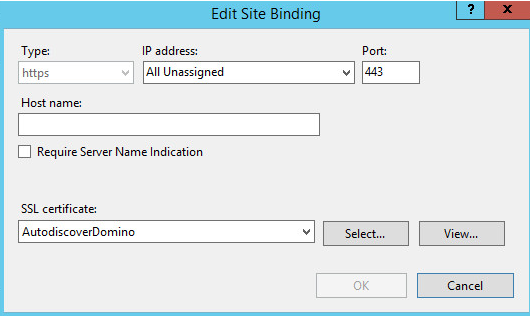
It is important that the site is bound to SSL as Microsoft Exchange and O365 requires a SSL connection.
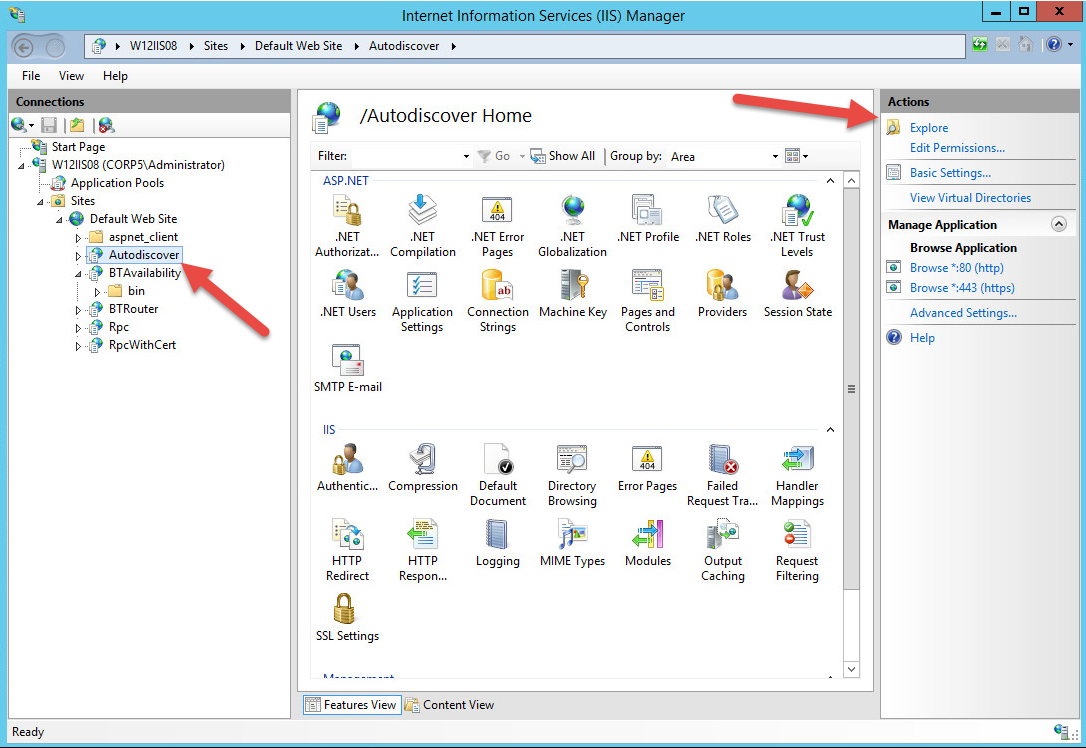
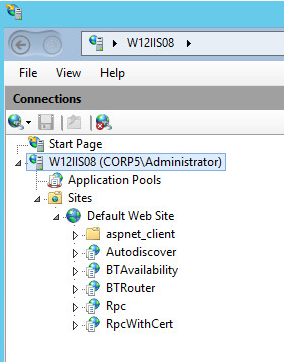
Autodiscover(BTAD) – Handles the initial request from Outlook and passes it to the BTRouter. 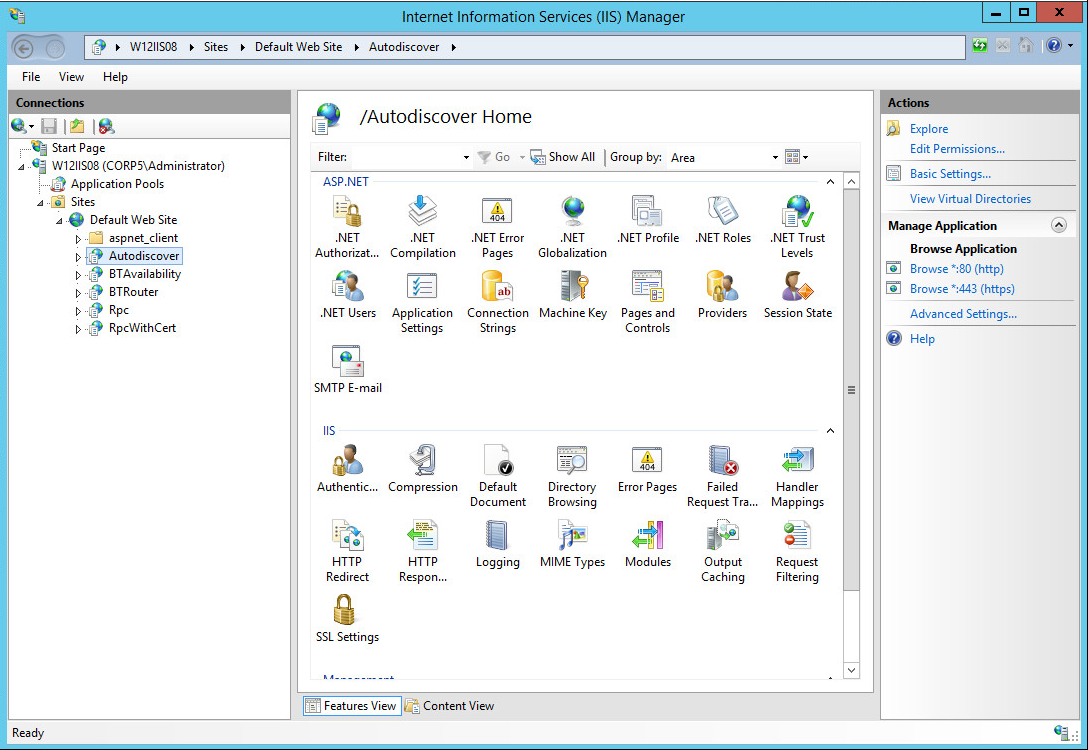
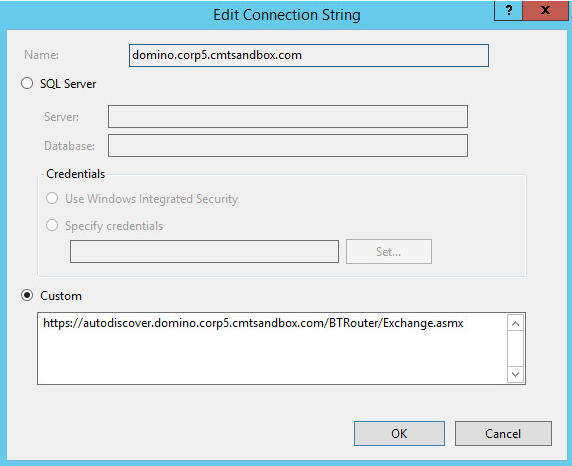
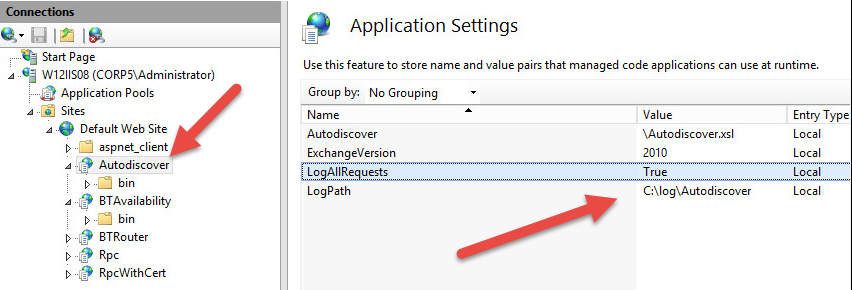
These are the typical settings for Autodiscover.
These are the typical settings for Autodiscover.
Best Practice is to create subdirectories under C:\Log for Autodiscover, BT Availability and BT Router. To ensue logs are created consider leaving LogAllRequests to True for a few days to ensure the logs are created.
The Autodiscover log will contain requests from Microsoft Exchange or O365.
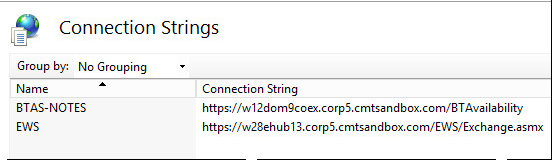
BTAvailability(BTAS) – Services the free/busy requests from Domino to Exchange. 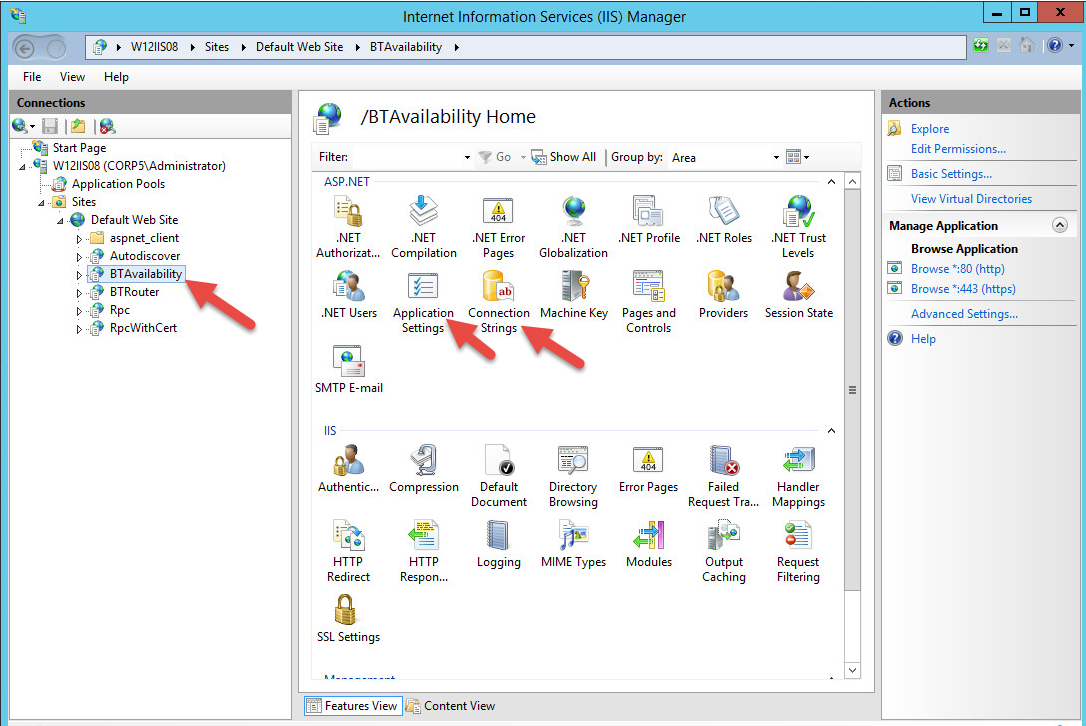
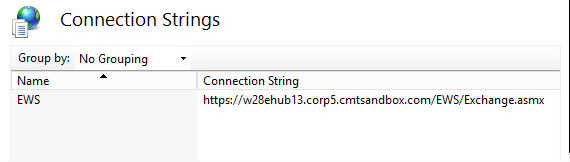
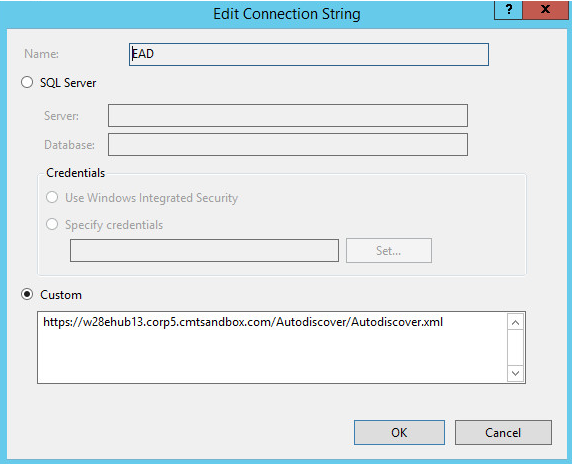
These are the typical settings for BTAvailability.
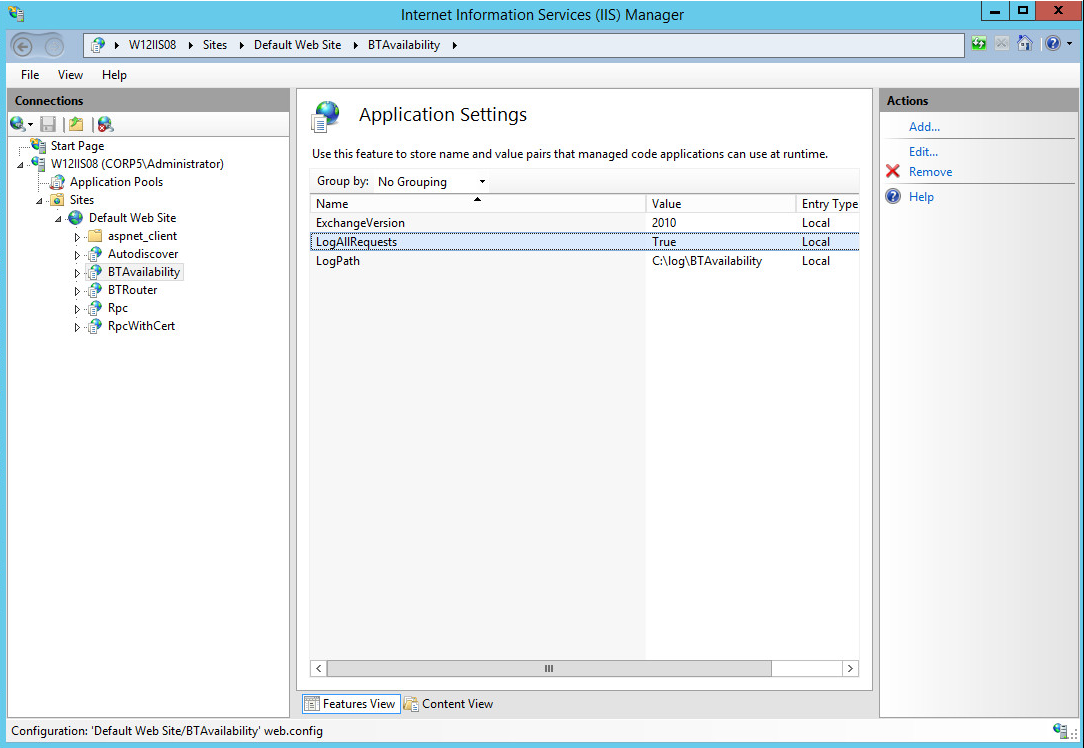
Best Practice is to create subdirectories under C:\Log for Autodiscover, BT Availability and BT Router. To ensue logs are created consider leaving LogAllRequests to True for a few days to ensure the logs are created.
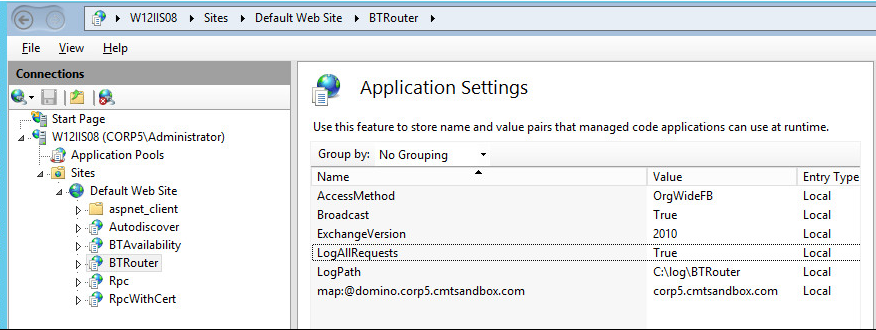
BTRouter(BTAR) – Services the freebusy requests from the Windows Coexistence server to Domino.
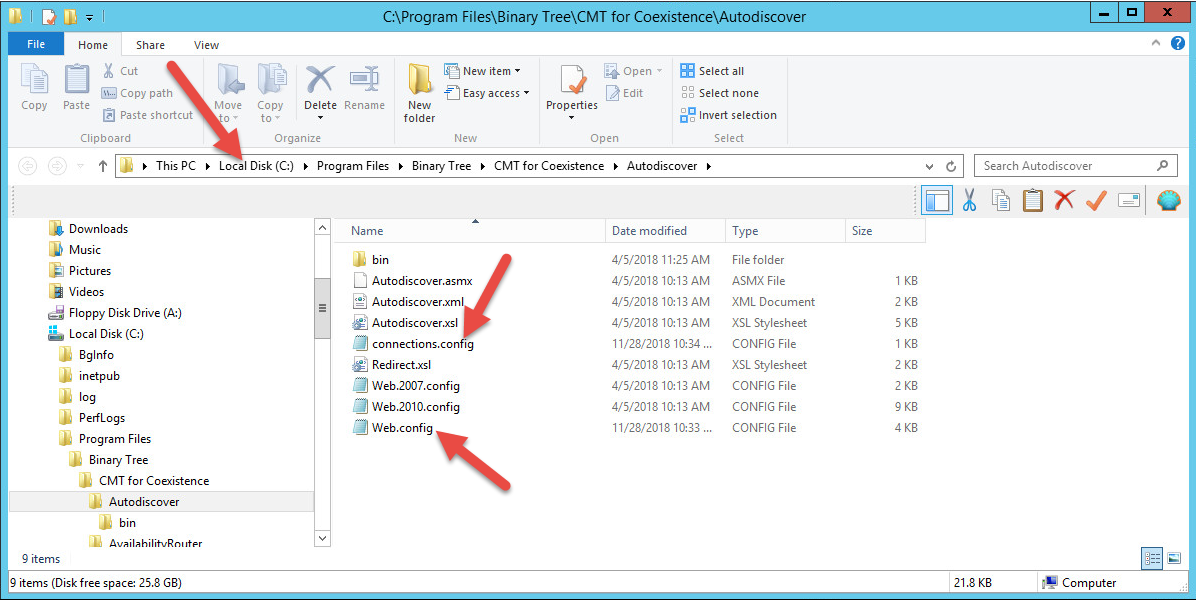
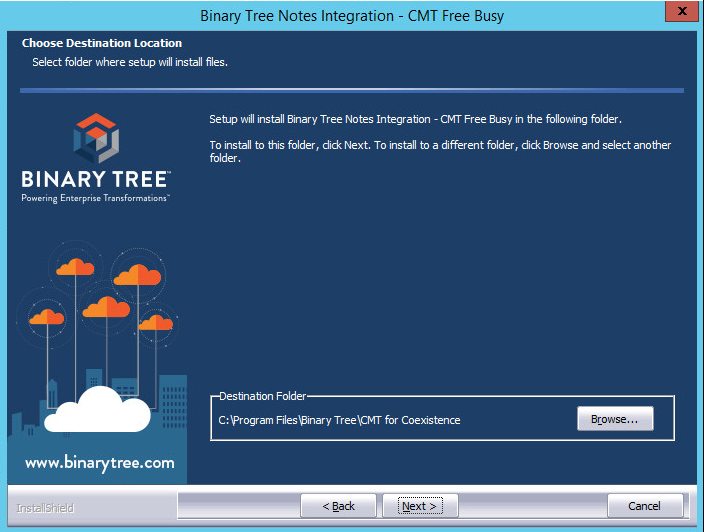
C:\Program Files\Binary Tree\CMT for Coexistence\Autodiscover
C:\Program Files\Binary Tree\CMT for Coexistence\AvailabilityService
C:\Program Files\Binary Tree\CMT for Coexistence\AvailabilityRouter
BTCOEX_DEFAULT_FB_ACCESS_ACCOUNT=tom.cruise@corp5.cmtsandbox.com
BTCOEX_FOREIGN_WS_URL=http://autodiscover.domino.corp5.cmtsandbox.com/BTAvailability/Availability.asmx
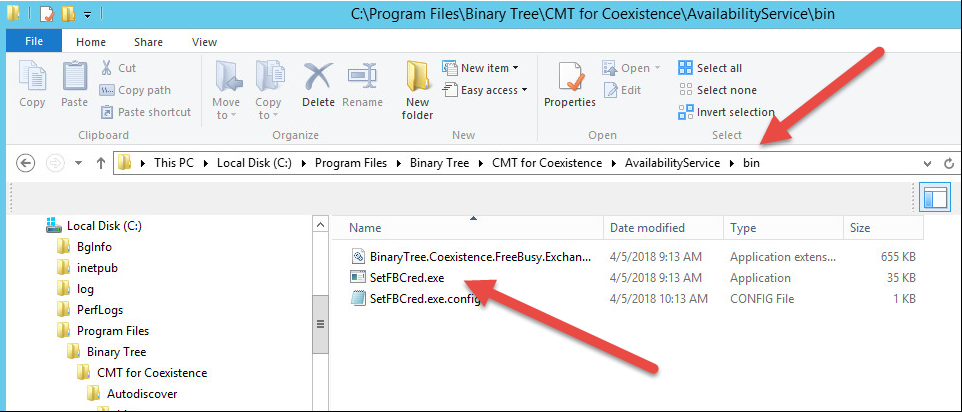
C:\Program Files\Binary Tree\CMT for Coexistence\AvailabilityService\bin
For Exchange environments.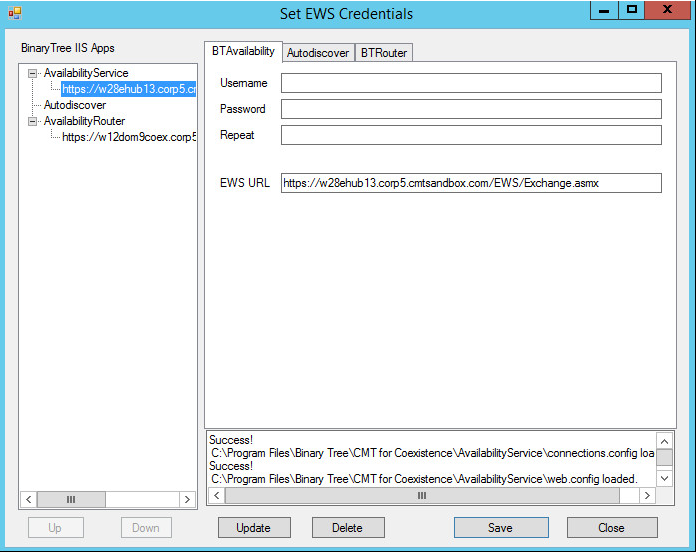
For O365 Environments.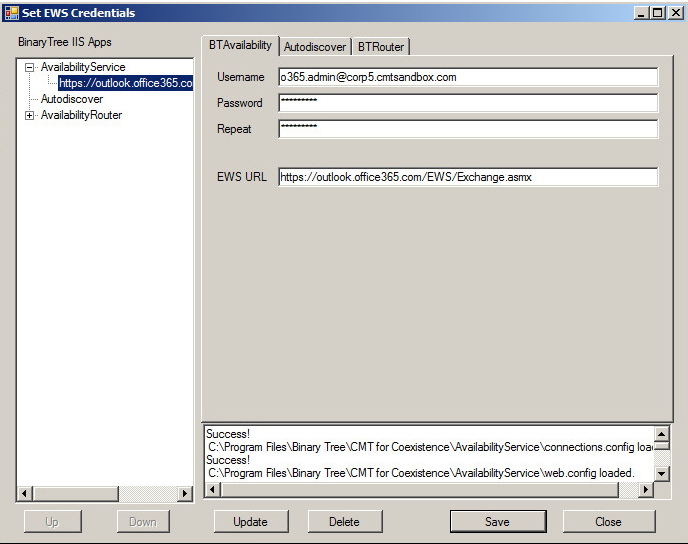
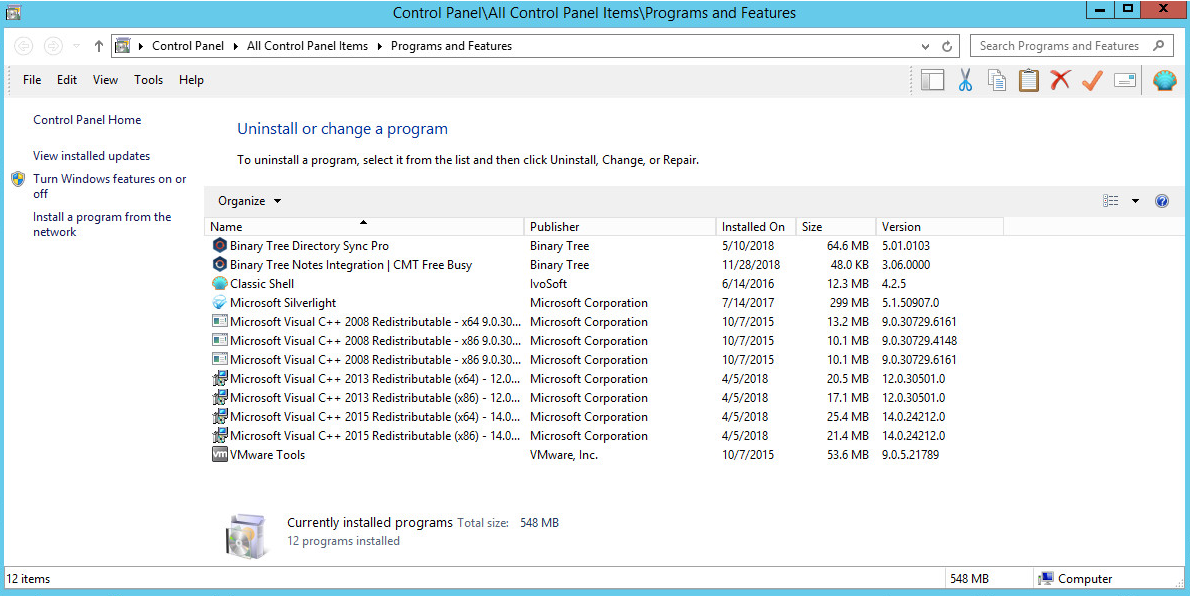
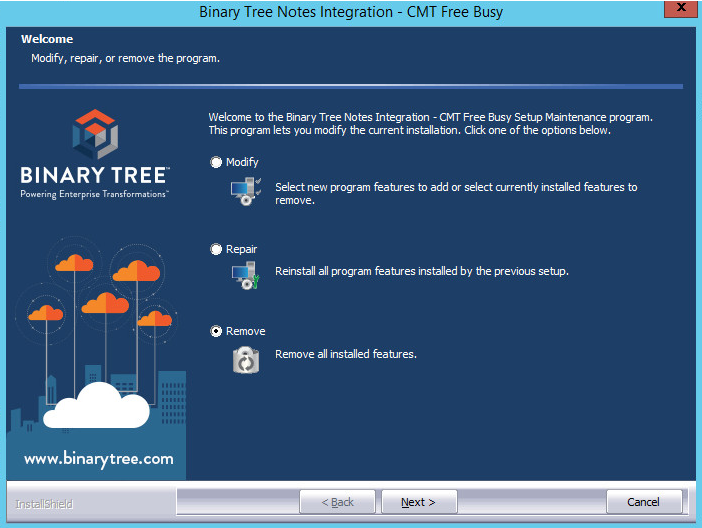
Uninstalling BT Freebusy 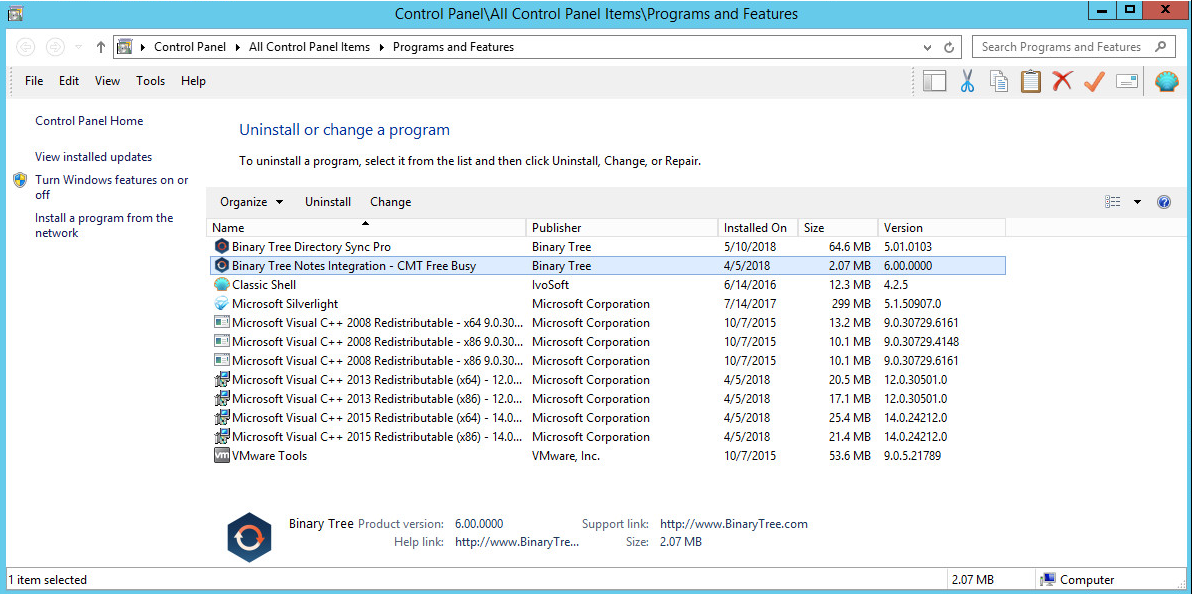
All websites are deleted. However, the IIS directories on the file system is not removed. 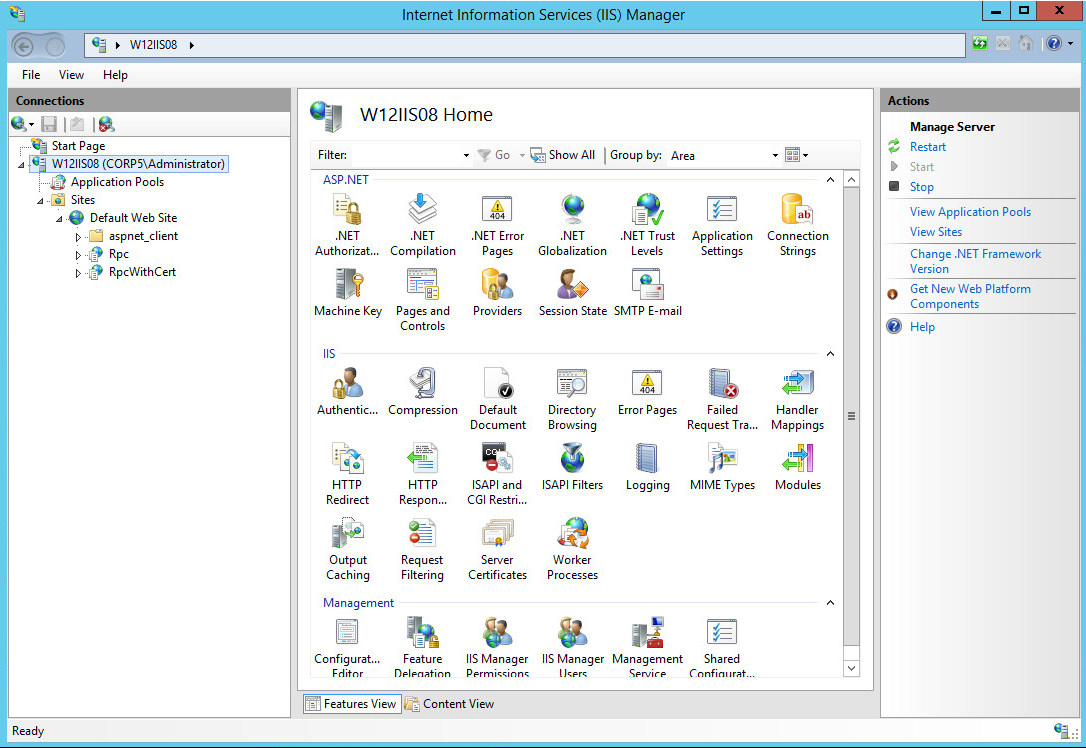
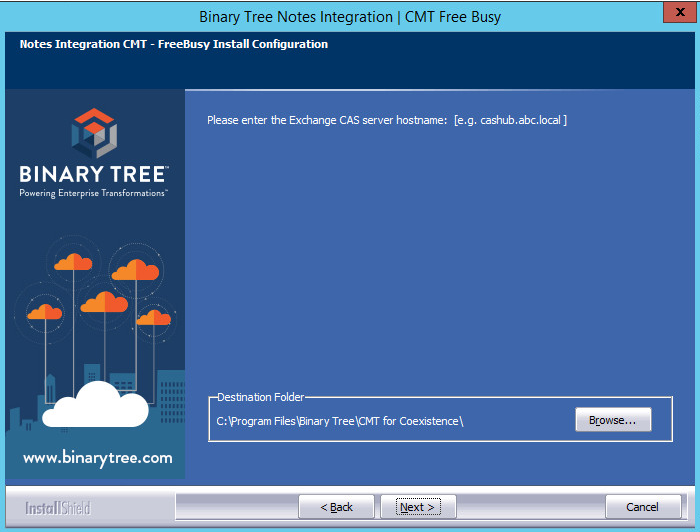
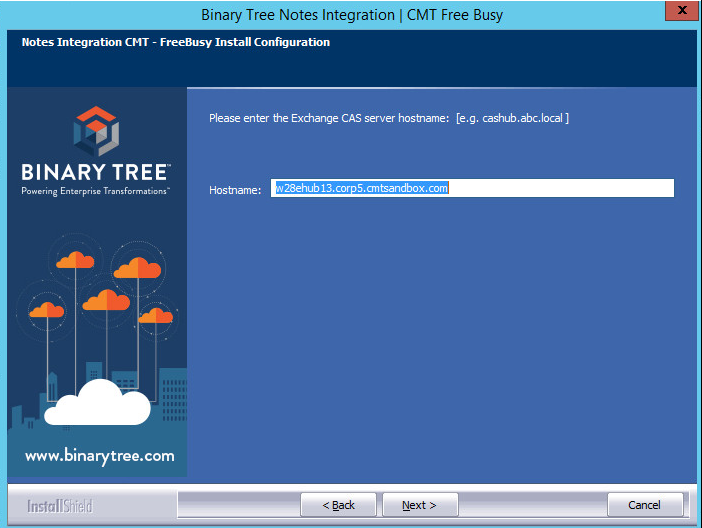
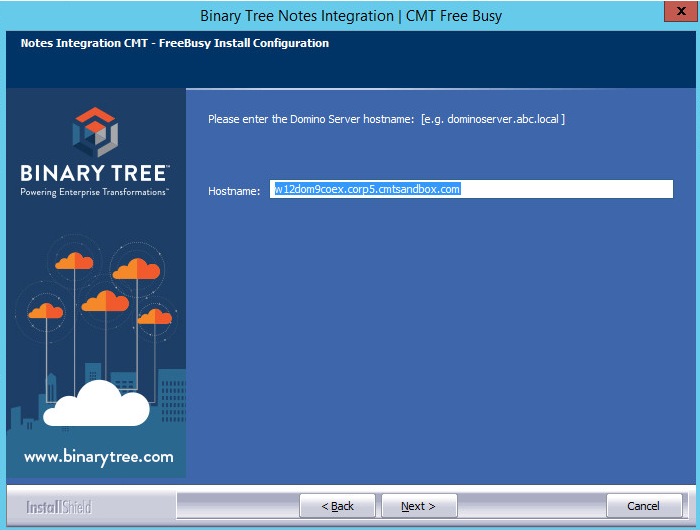
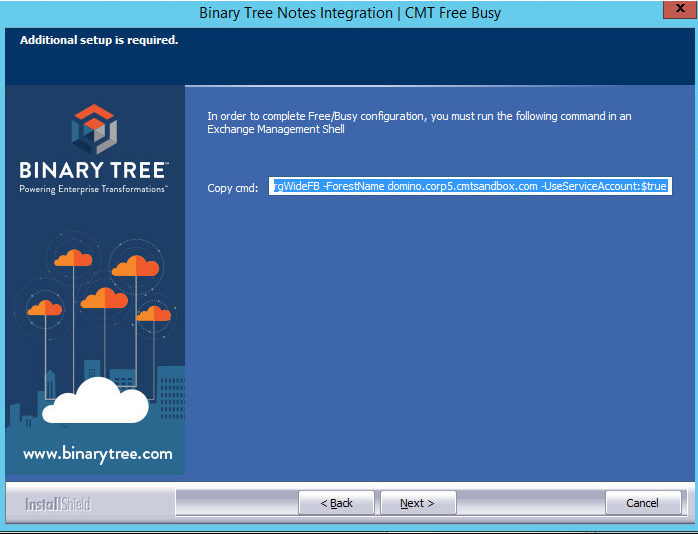
Add-AvailabilityAddressSpace -AccessMethod OrgWideFB -ForestName domino.corp5.cmtsandbox.com -UseServiceAccount:$true
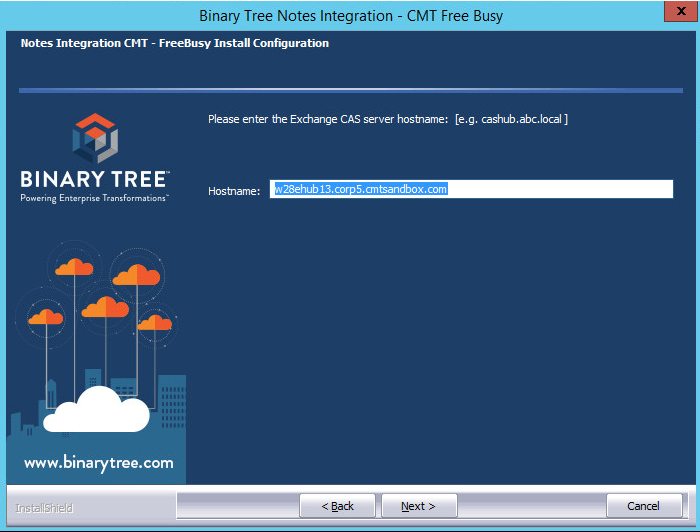
w28ehub13.corp5.cmtsandbox.com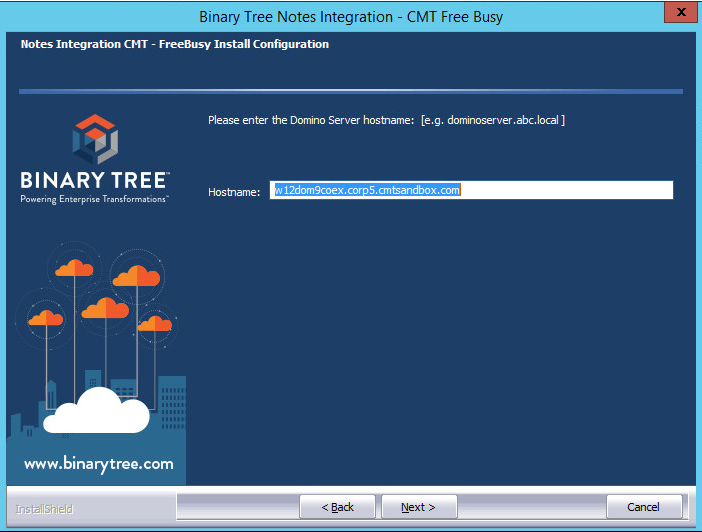
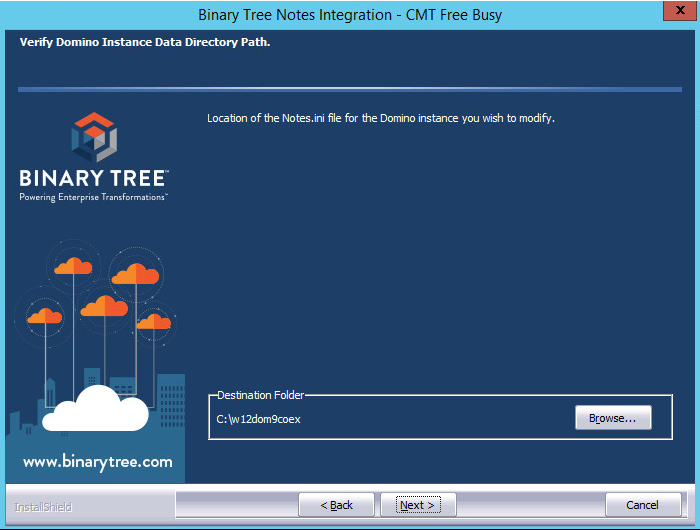
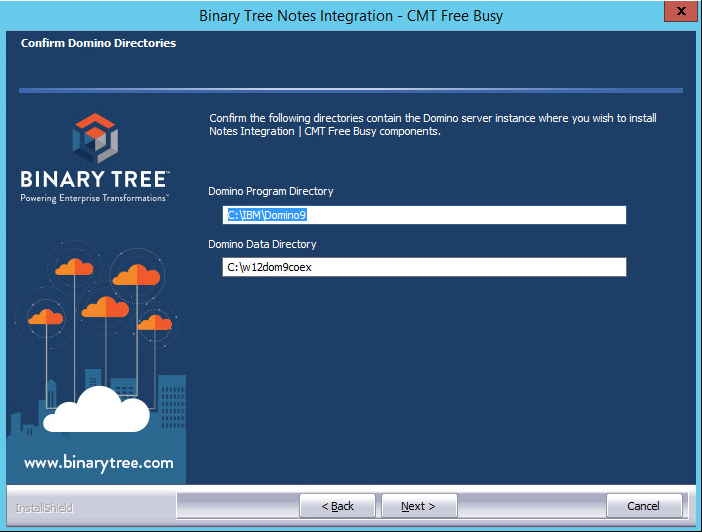
w12dom9coex.corp5.cmtsandbox.com 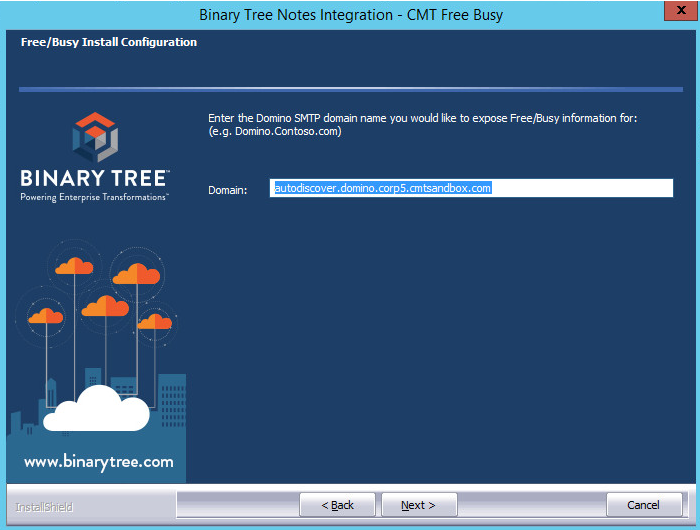
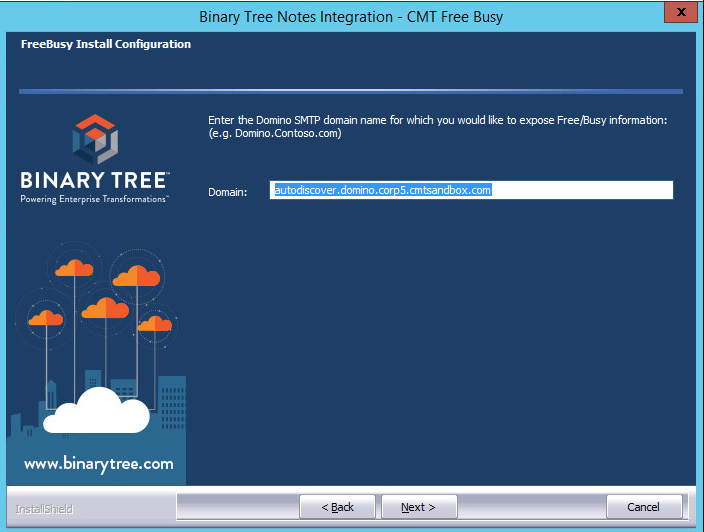
autodiscover.domino.corp5.cmtsandbox.com 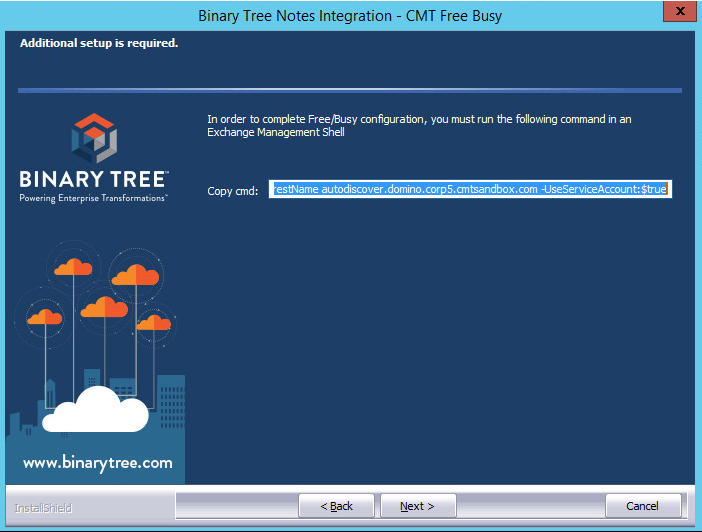
Add-AvailabilityAddressSpace -AccessMethod OrgWideFB -ForestName autodiscover.domino.corp5.cmtsandbox.com -UseServiceAccount:$true
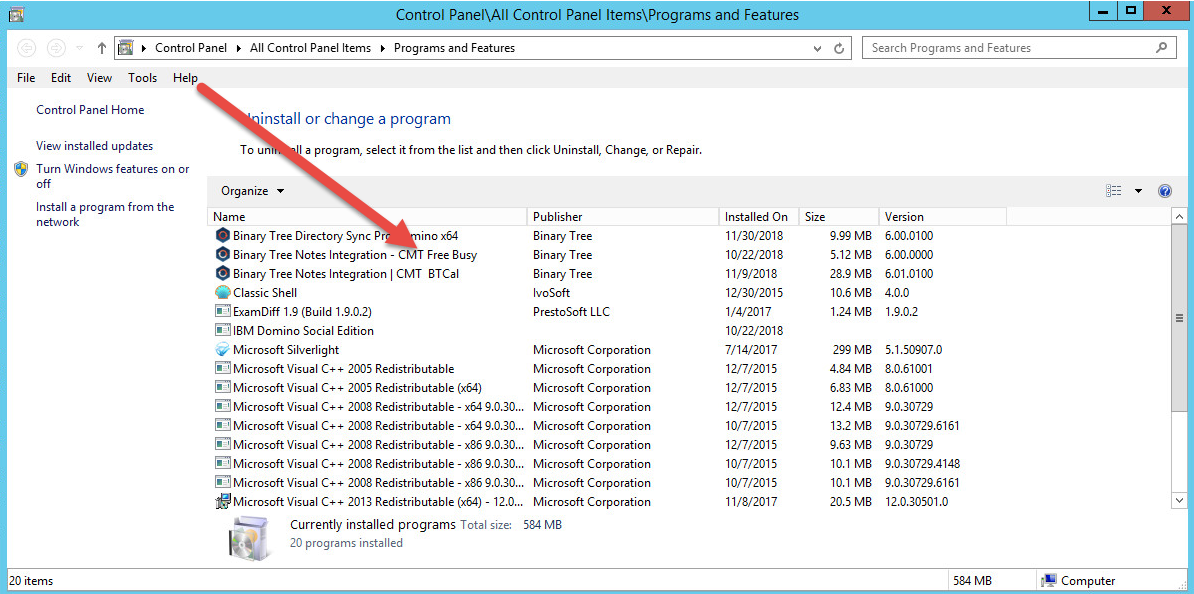
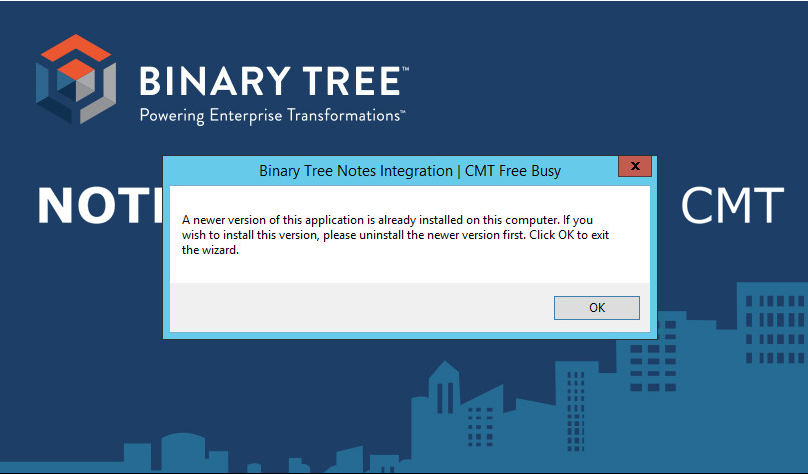
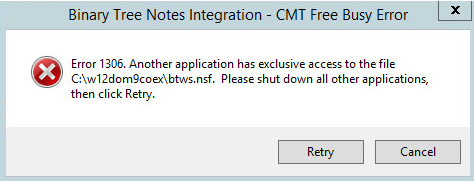
The error if Domino is still running
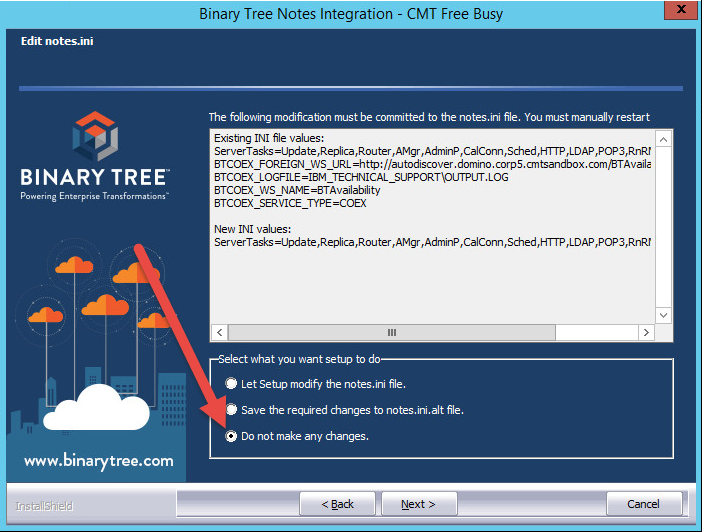
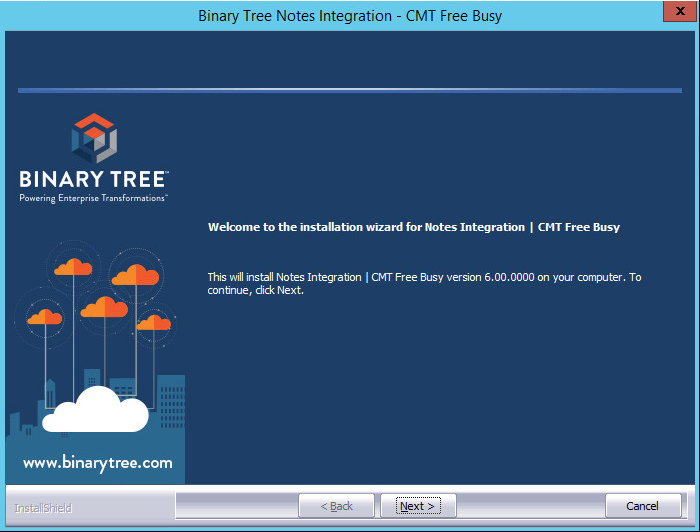
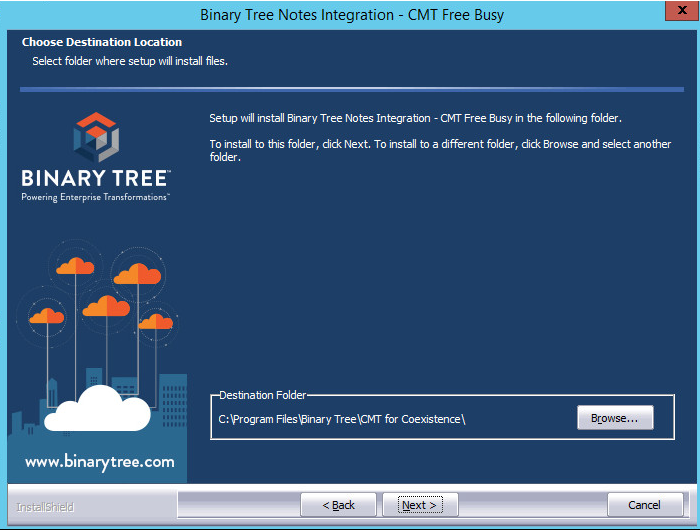
Reinstall BT Freebusy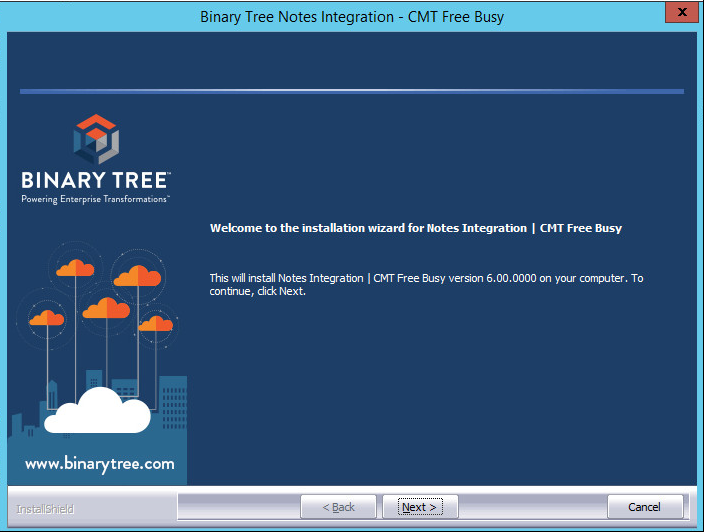
autodiscover.domino.corp5.cmtsandbox.com