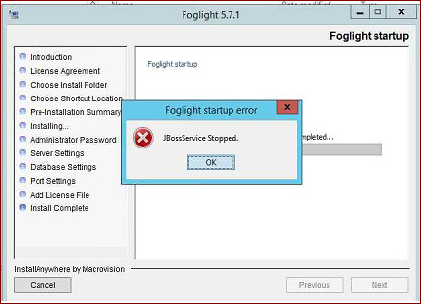
Follow this steps with DBA:
1) Delete from the SQL Database the "foglight" DB
2) Re-run the Fogligt installation Wizard as Administrator
3) In the Database information form enter the SQL Database information again and let the installer create and connect automatically (for DBA the foglight user in the DB create requires the dbcreator role) Foglight does not support DB with case insensitive collation. The database needs to use case sensitive collation.
4) Continue with the wizard until the application finish the installation
5) Potentially the username/password "foglight/foglight" got overwirtten and Web Console UI cannot be access stating: "user account is locked"
The foglight account name appears in lower case although the password appears to be non-clear text (encrypted). Set a new password by updating that table in the database
UPDATE sec_user SET password = 'Password1!'
Once you successfully change the password and login to Foglight with the resetted password called "Password1!", The system allows the change
Go to "Administration | Users & Security | Manage Users", then select user 'foglight' and click change password.
6) Logout and log back in to test the password