WARNING: Please use the below guide with your own discretion and liaise with your own IT administration team to assess any risks to your network or business before applying these changes.

Launch Windows firewall
Right-click inbound rules and choose New Rule

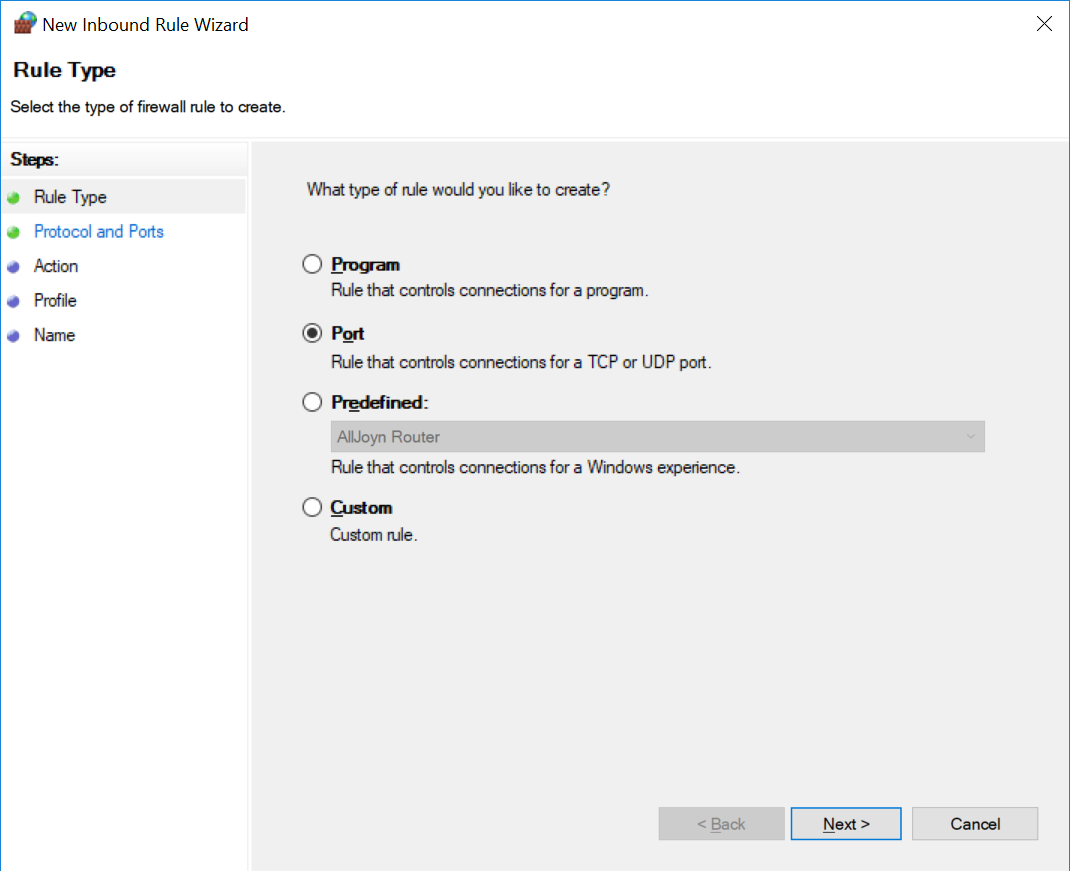
Choose Rule Type of Port
Choose TCP, Specific local ports and type the port number, in this case, we specify 19987 for erwin dm ODBC

Allow the connection

Check on all selections

Give the rule a descriptive name. In this example, we typed, 'Incoming 19987'. Press Finish.
The new rule appears in the Windows Firewall.

You will also need to create an Outbound Rule for the same port as above.

