Content Matrix Sharepoint Edition, Office 365 tenant option in Connection Type Dropdown is missing(drop down is not functioning)
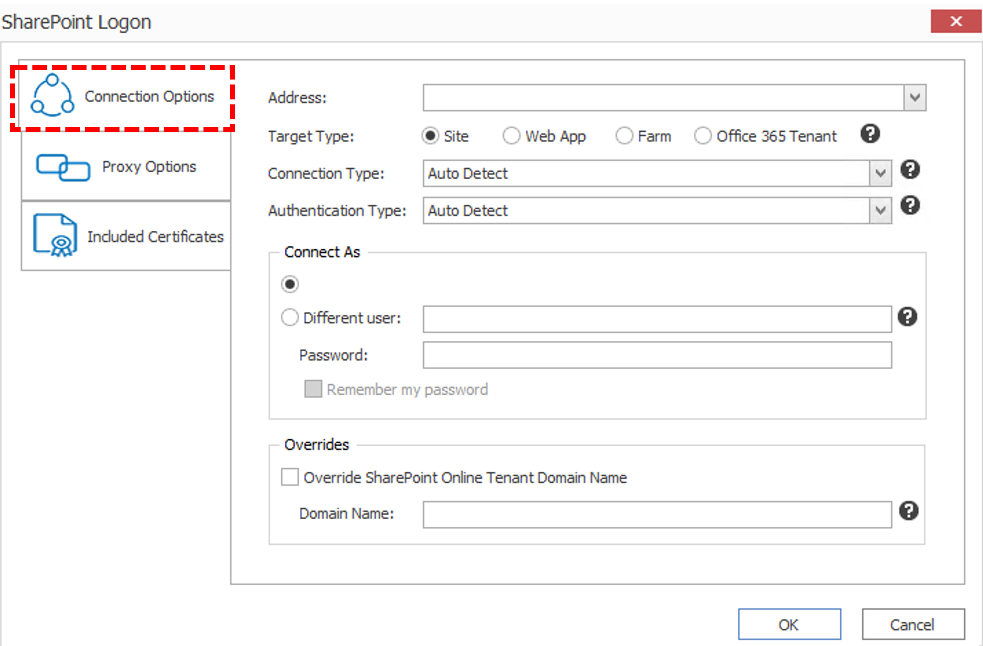
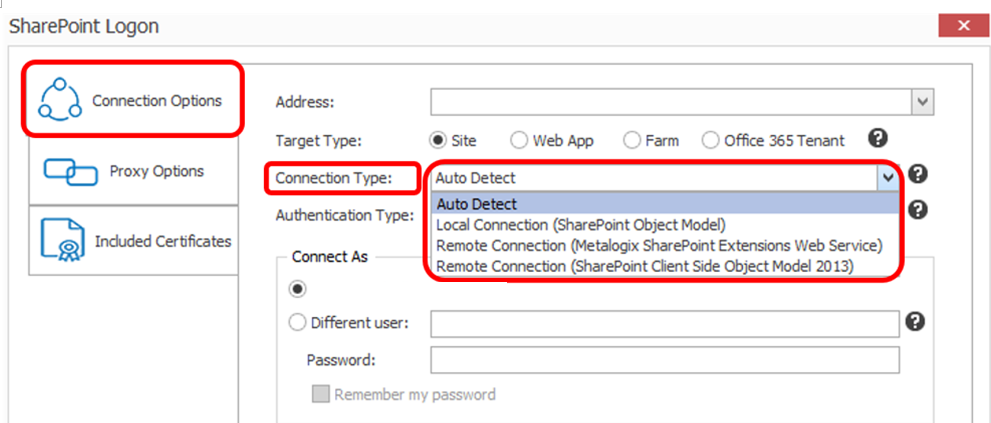
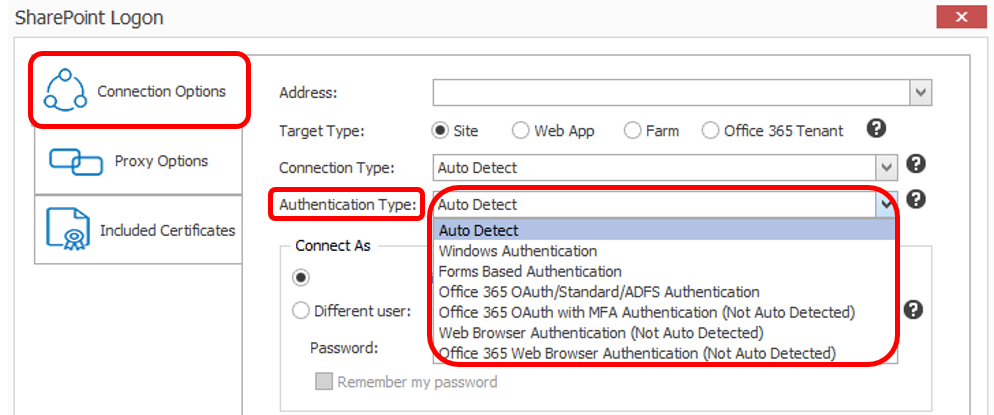
Content Matrix executable is not running from the installed location from the shortcut in the start button, possibly caused by environmental changes not under control by Control Matrix.
1) Confirm the installation location.
2) Navigate to the location right-click the "Content Matrix Console - Sharepoint Edition" run as Administrator.
** installation path on other drive letter is only known by owner, not by quest, path location should be similar to below.
- { |DriveLetter| :\Metalogix\Content Matrix Console\Sharepoint Edition\Content Matrix Console - SharePoint Edition}
3) Please create a shortcut on desktop or any preference from the correct location.

