Active Administrator provides a Search module to find Active Directory objects quickly and perform basic tasks.
NOTE: The user also has to option to perform a quick search on the Home page.
To facilitate searching, wild cards are enabled.
1. Click Search module
2. Change the selected domain controller if necessary.
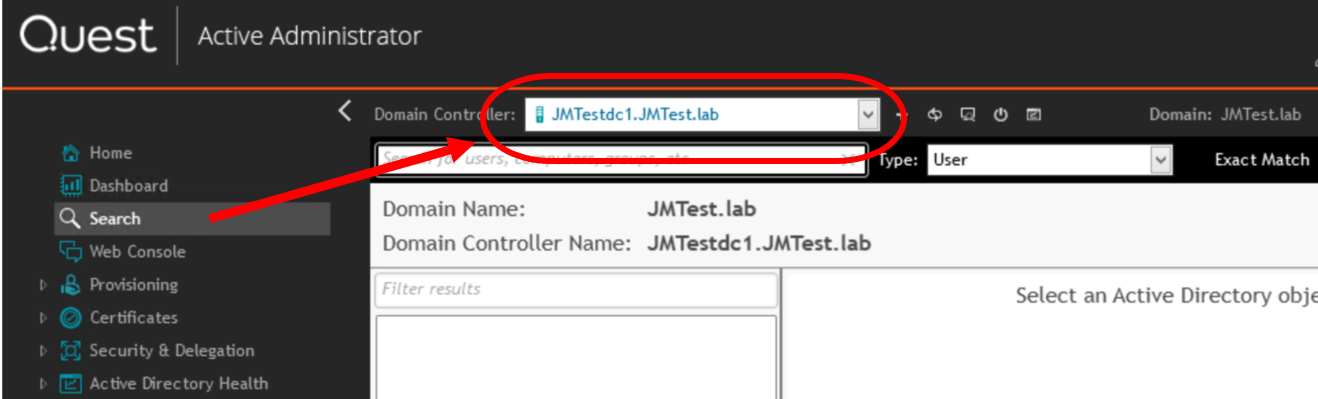
3. If looking for a specific object or part of the object name, type a string in the Search for users, computers, groups, etc. box.
James Edwards
• If "All" is selected, every object in the domain is returned.
5. If all characteristics of the search string must be matched, select "Exact Match"
The results of the search display in the left column. If no results are returned, alter the search string or deselect Exact Match.
7. Select an item to view the details in the right pane.

