Data Repository Migration Wizard
The Data Repository Migration Wizard allows you to migrate the Benchmark Factory testing repository from one database type to another. For example, from the default SQLite database to a Microsoft SQL Server database.
To use the Data Repository Migration Wizard
- To open the wizard from the Benchmark Factory application, select Tools | Repository Data Migration.
-
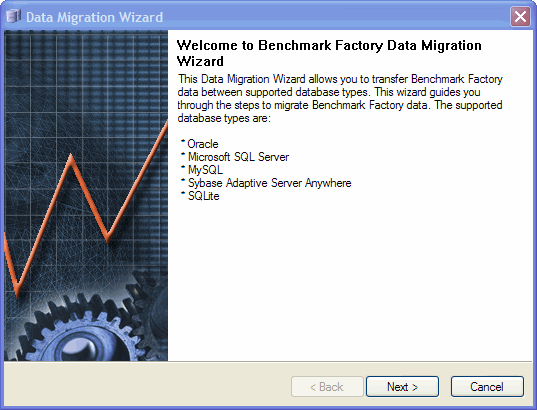
When the Data Migration Wizard opens, click Next.
- In the Choose a Data Source page, select the data source name for the database from which you want to migrate Benchmark Factory data.
-
To migrate data from the default SQLite database installed and used with any new installation of Benchmark Factory 7.2 or later, select Default SQLite.
Note: The option to use a default SQLite database was also available in Benchmark Factory 7.1.1 or earlier.
- Enter the user name and password, if necessary (for example, if migrating from a non-default database). Click Next.
- In the Choose a Destination page, select the data source name of the database to which you want to migrate the data.
- Click Next. The Data Migration Wizard completion dialog displays.
- Click Finish.

