The task has been running for a while, and I am not seeing any data being migrated. Is my task stuck? Should I stop it?
This article provides further insights into the enumeration and content analysis phase of migration tasks for OneDrive.
Content Analysis is a critical step initiated at the beginning of a OneDrive migration task. During this phase of the migration, On Demand Migration is conducting a comprehensive scan of both source and target OneDrive environments. This includes gathering detailed information on files, folders, sizes, last modified timestamps, file versions, and permissions.
The purpose of such analysis is to generate an accurate list of content that is eligible for migration, based on the configuration and scope defined in the migration task. Such configuration may include filters, versioning rules, and permission transfer options.
It is important to note that the duration of the content analysis process can vary depending on the volume and complexity of the scope and data involved – particularly the number of files, folders, and versions. Additionally, enabling options such as Permissions and Sharing Links can significantly increase the time required to complete this phase.
The default options are designed to provide the fastest migration path and are recommended for customers who have strict timelines to complete the migration. Adding additional options and configurations to the task will slow down the enumeration phase to varying degrees. For optimal performance, administrators are advised to consider these factors when configuring their migration tasks.
Example: consider excluding Sharing Links and/or Permissions when only the migration of content is needed. The initial content migration is a scenario where this could be applied. As for the final cutover phase of the migration, please allow sufficient time for the content analysis to be completed with Permissions and Sharing Links enabled.
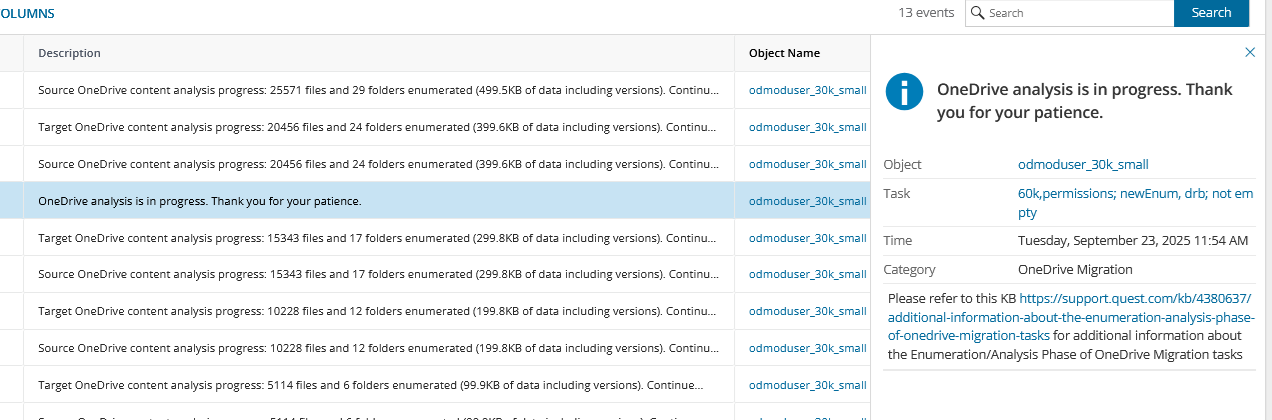
To provide better visibility to the migration user, On Demand Migration will log frequent updates to the task’s events. Examples of such updates:
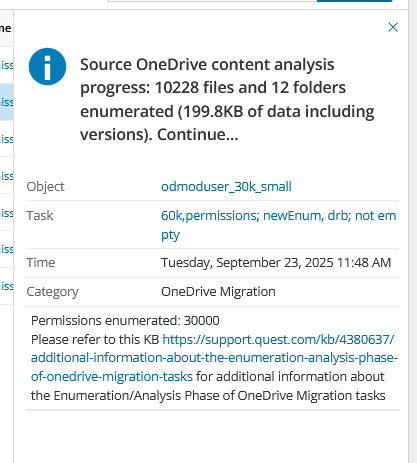
The event is first logged at 04:07pm: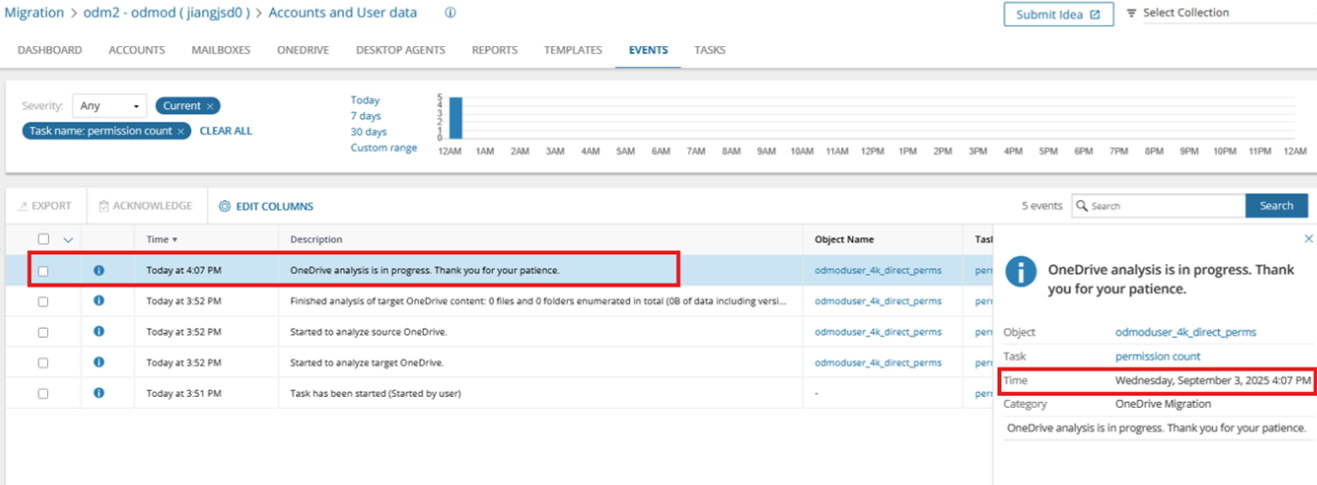 The event is updated at 04:22pm, whilst the task is still in progress.