Submitting forms on the support site are temporary unavailable for schedule maintenance. If you need immediate assistance please contact technical support. We apologize for the inconvenience.
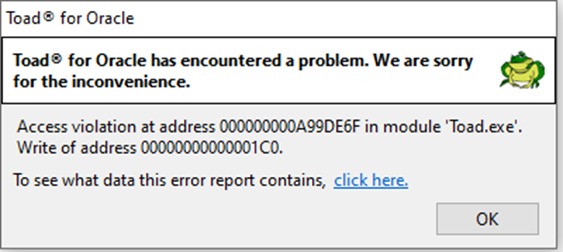
Getting Access Violation error when accessing Database Browser
설명
Getting error below when clicking on the "Database Browser" button
해결 방안
Reset the user's settings via Utilities | Copy User Settings | Reset to a clean set of user files from the base installation.
Please note that the settings as passwords, customized settings will disappear. If you want to try to keep them please contact Quest Technical Support.