Submitting forms on the support site are temporary unavailable for schedule maintenance. If you need immediate assistance please contact technical support. We apologize for the inconvenience.
How to remove a Diagnostic Server and its connections from Spotlight Essentials website?
설명
How to remove a Diagnostic Server and its connections from Spotlight Essentials website?
해결 방안
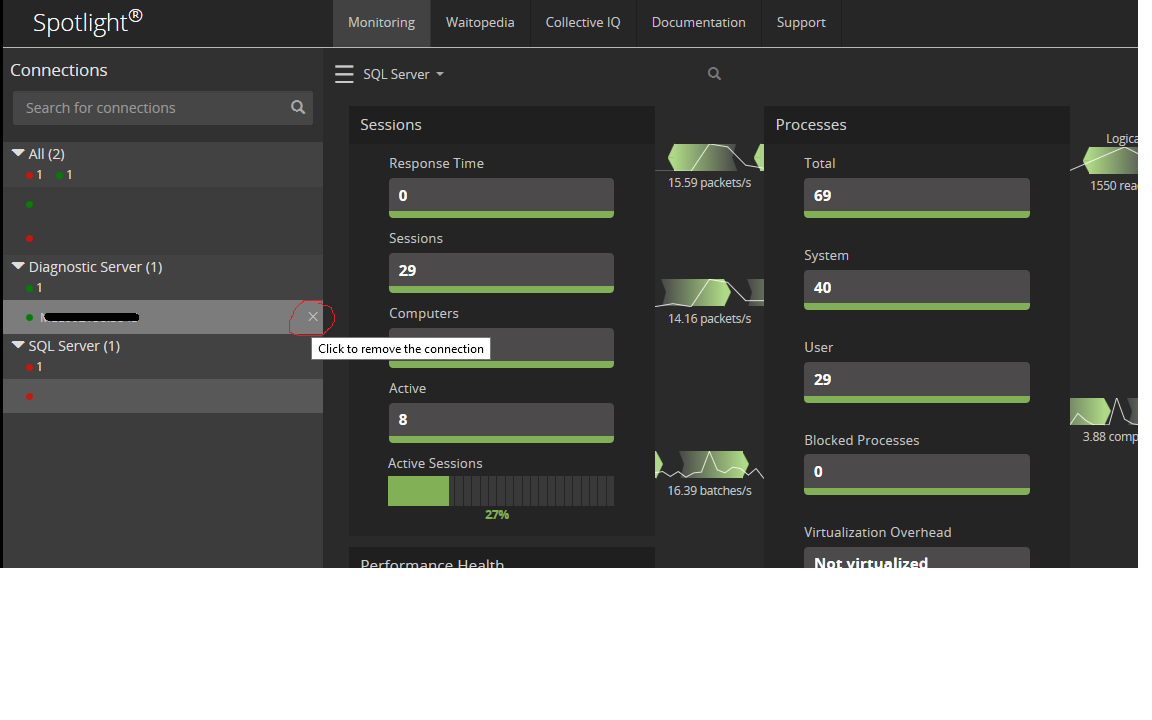
On the overview screen, you can “DELETE” a Diagnostic Server by clicking the 'X' on the right side of the Diagnostic Server name. Both the Diagnostic Server and its connections will be removed.