You may run a stored procedure that returns the database version.
The stored procedure is dbo.GetDatabaseVersion and the location is listed below. You must scroll down until you find it: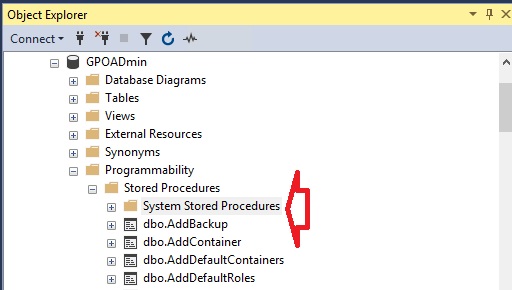
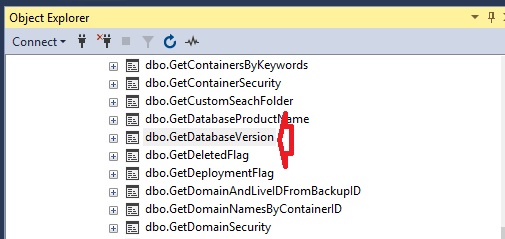
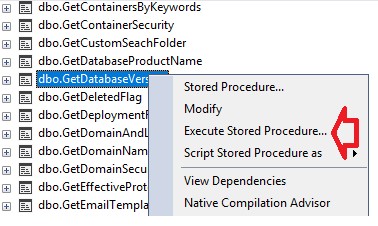
To run it simply right-click dbo.GetDatabaseVersion and click Execute Stored Procedure...
Or, just run the following query against the GPOADmin database:
USE [GPOADmin]
GO
DECLARE @return_value int
EXEC @return_value = [dbo].[GetDatabaseVersion]
SELECT 'Return Value' = @return_value
GO
The above query is the same one that runs when you run the above stored procedure.
IMPORTANT:
Please note: This script is provided as-is and without any support or warranty. USE AT YOUR OWN RISK!
Always backup your SQL database before running script.

