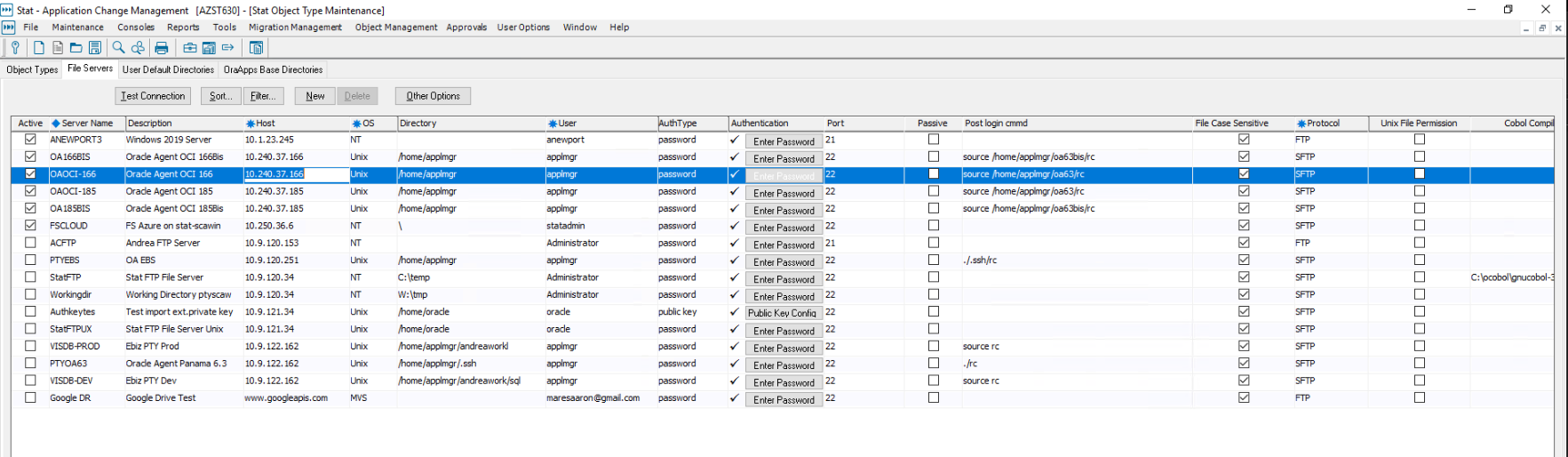
a. Go to Maintenance | General | Object types | File servers tab and configure an ssh server to the Oracle Ebiz instance. This entry must be defined with an SFTP protocol, and SSH must be running on the server running the Oracle Agent. Generally, the applmgr user should be used for the Username and Password or Key exchange authentication for logging into the Oracle Agent server.

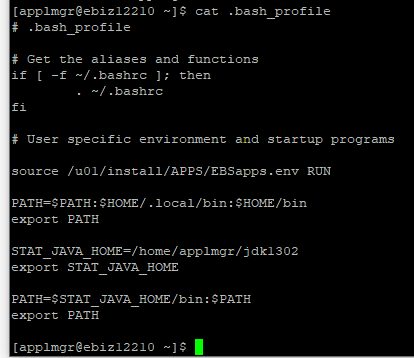
b. This is how our rc file look like: We made a copy of the .bash_profile that already source the ebiz environment as well as having the STAT_JAVA_HOME.
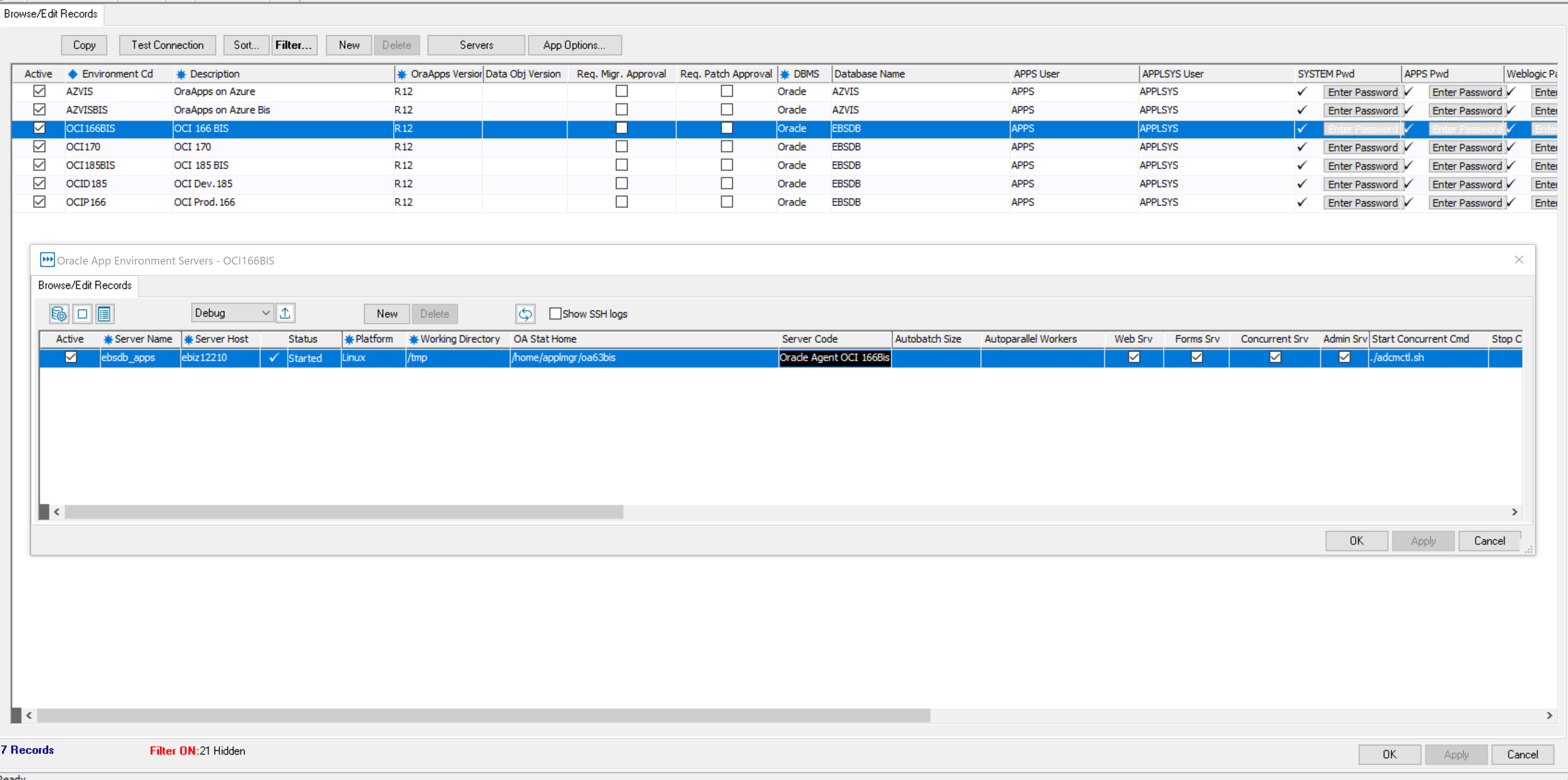
c. Go to Maintenance | General | Oracle apps connect and click on the Server button. Make sure to click on the server code drop down list. Select the OA server that you just defined. It is necessary to enter OA Stat Home otherwise you will get an error message. You can leave OA config file and and OA Stat Java home blank unless you want to override the default location.